
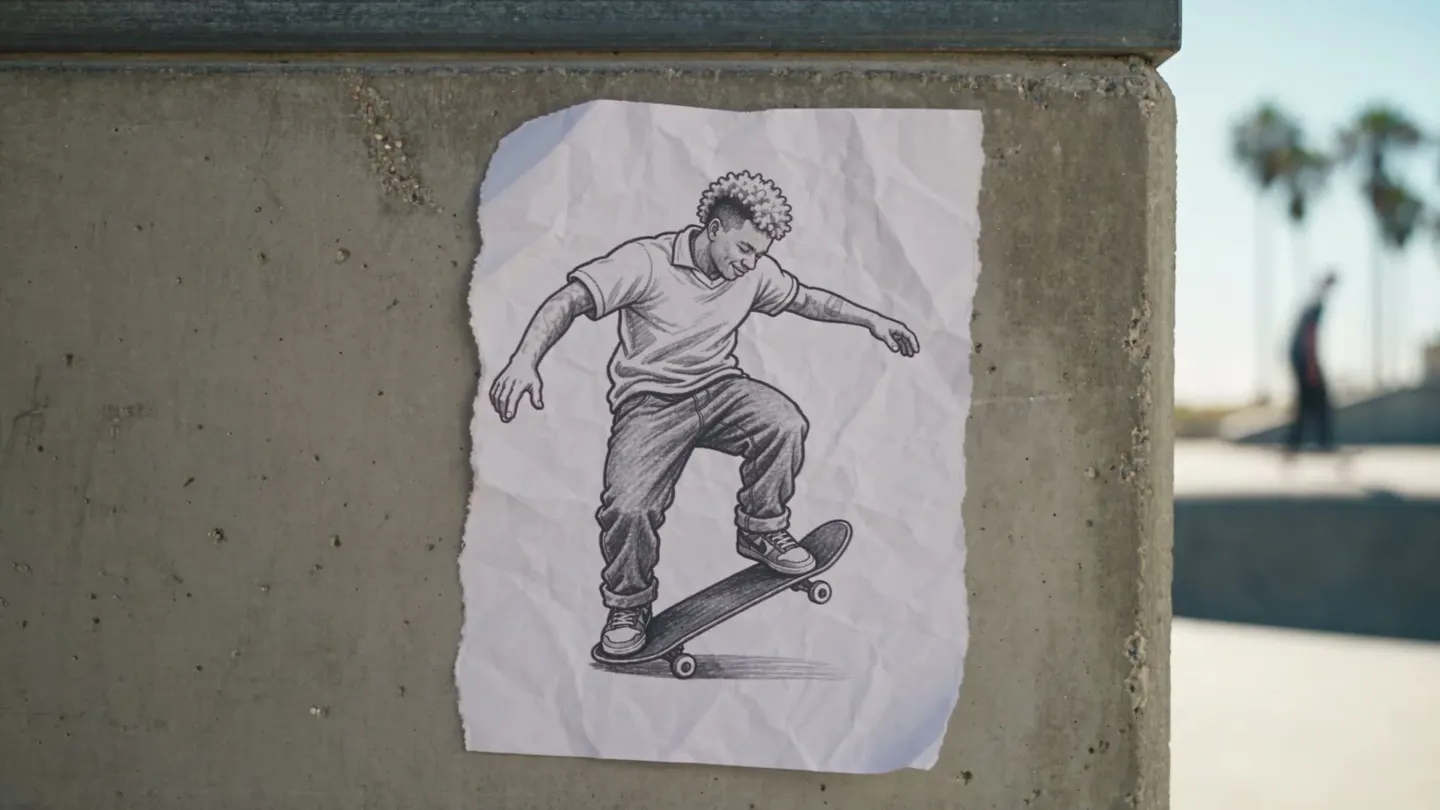
Free to start · Start from any image
AI Image to Image Generator
Start from a picture you have to get the picture you want. Mage is a free-to-start AI image to image generator: upload a photo, a sketch or a render, describe the change, and get a new image back. Unlimited on paid plans, right in your browser.
No installation. No credit card. Private by default.
- Millionsof creators trust Mage
- 160+AI models
- Up to 4KMax resolution
- $0Free to start
The basics
What is an AI image to image generator?
An AI image to image generator uses an image you already have as the starting point for a new one. You upload a photo, a sketch or an earlier generation, write what should change, and the model holds on to what you asked it to keep: the layout, the subject, the colors or the style.
Use it for variations of a shot you like, or to turn a rough drawing into a finished render. Because Mage does image and video on one platform, the result doesn't have to stay a still. Save a face as a character or an outfit as a reference, reuse it in the next image, then carry the same look into a video clip.
On Mage, image to image runs on the models that take an input image. Mango 3, Mage's flagship image model, edits an input image and combines up to 10 reference images in one result. Flux 2 works from up to 3 input images, and the Stable Diffusion models take an input image too.
A little more possibility
Why creators choose Mage for image to image
Any image as a starting point
Upload a photo or a sketch, or pick one of your past creations on Mage.
Unlimited re-rolls
Flux 2 and Stable Diffusion run unlimited from Basic and Mango 3 from Pro, so you can keep trying until the image lands.
Up to 10 references
Mango 3 pulls elements from up to 10 reference images into one scene, for when one picture isn't enough.
Keep a face or a product
Put a saved character or reference on a new background or in a new scene, and it looks the same in every result.
Switch models on one image
Run the same image through Mango 3, Flux 2 or Nano Banana 2 and keep the version that reads best.
Commercial license
All creations carry a commercial license.
From idea to creation
How do you generate an image from an image?
It takes three steps, and it is free to start.
Open the generator
Open Mage in your browser, with nothing to install, and pick a model that takes an input image, such as Mango 3.
Add your image & describe the change
Upload a photo or choose one of your creations, then write what should change and what should stay the same.
Generate & compare
Generate, compare and re-roll until it lands. Upscale the keeper with Image Enhancer, or turn it into a video clip.
Room to experiment
How Mage compares for image to image
Image to image is a back-and-forth job: you change one thing, look, and change it again. Most tools charge each of those passes against a monthly credit pool, and many tie you to one model's look. On Mage, image to image is unlimited on paid plans, and you can move the same image between models until one gets it right.
Mainstream tools
- Every variation spends a credit
- One model, one look
- Watermarked results on free tiers
- Local setups that need an install and a GPU
Mage
- Unlimited image to image on paid plans
- Mango 3, Flux 2, Stable Diffusion and more on one image
- No watermark on any plan
- In your browser, nothing to install
Follow your imagination
What can you do with image to image?
Variations of a shot
Keep the composition and change the light, the season or the outfit, then pick the best take.
Restyle a photo
Turn a photo into an illustrated or painted look while the subject stays recognizable.
Sketch to render
Start from a rough drawing or a blockout and get a finished image that follows its layout.
Product and brand shots
Save a product as a reference and place it in new scenes. It looks the same in every shot.
Start small. Dream big.
Is Mage's image to image generator free?
Mage is free to start, with a one-time 300-Gem bonus for new members to try any model. Unlimited image to image starts on Basic with Flux 2 and Stable Diffusion, and Mango 3 joins on Pro.
Free
$0
One-time 300 Gems for new members. No watermark.
Basic
$10/mo
Unlimited Flux 2 at 1K and the Stable Diffusion models, 2x speed, 500 monthly Gems.
Pro
$30/mo
Unlimited Mango 3 and Flux 2 at 2K, the Characters system, 1,500 monthly Gems.
A little more clarity
Frequently asked questions
What is the best AI image to image generator?
Is image to image unlimited on Mage?
How do you make an image from another image with AI?
Do I need to sign up?
Is there a watermark?
Can I use the images commercially?
What is not allowed?

Ready to start from an image?
Free to start, private by design. Have fun creating!
Start creating for freeRelated generators & guides
Mage is for adults, 18+ only. Nothing illegal is allowed; any content involving minors or non-consensual depictions of real people is strictly prohibited.