
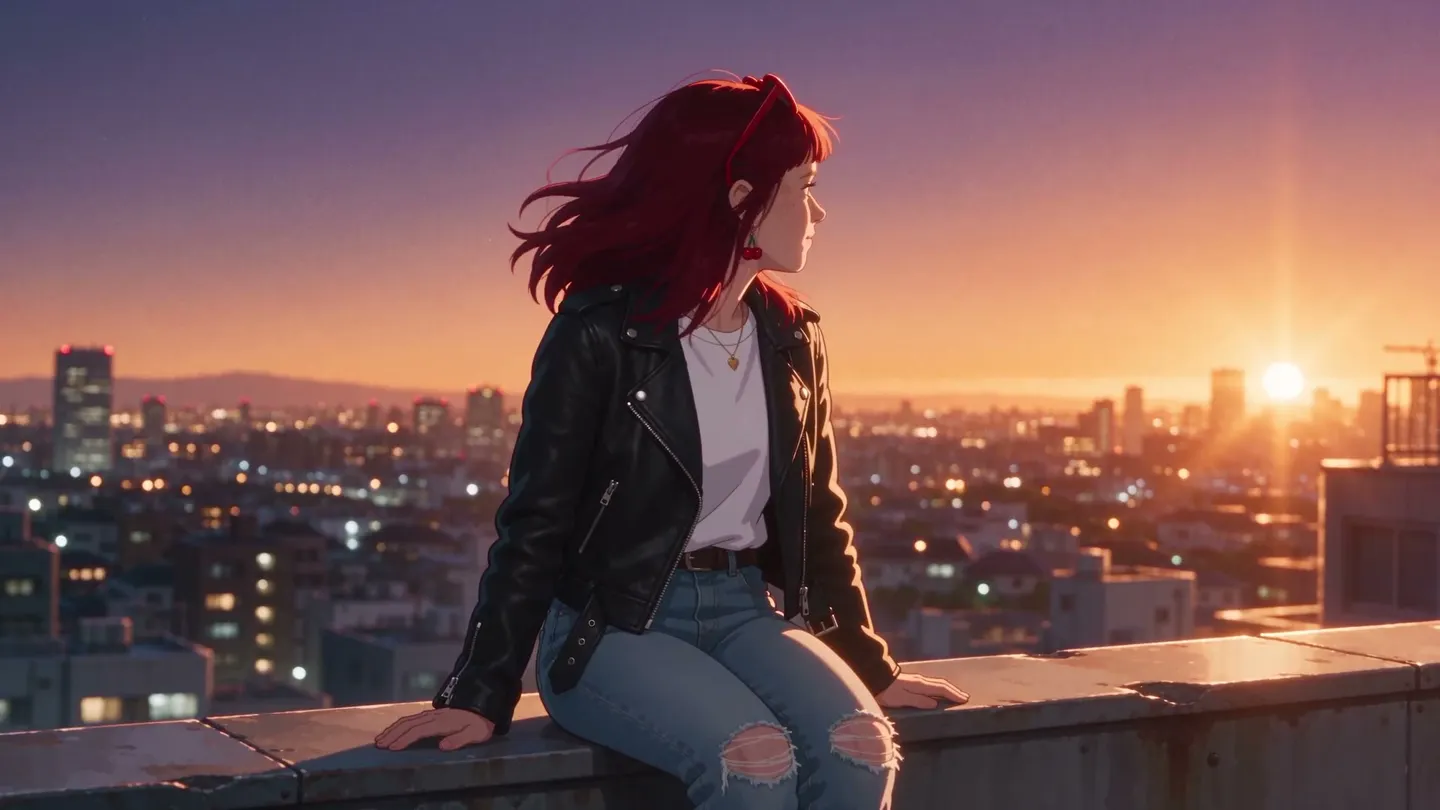
Free to start · Models built for anime
Anime Image Generator
Make anime images that actually look like anime. Mage runs Anima, the Pony and Illustrious families, and 160+ other AI models in your browser, with no install and no GPU to rent. Free to start.
No installation. No credit card. Private by default.
- Millionsof creators trust Mage
- 160+AI models
- Up to 4KMax resolution
- $0Free to start
The basics
What is an anime image generator?
An anime image generator is an AI tool that makes anime and manga-style images from a text prompt, using models trained on illustration. What matters is what the model was trained on. Ask a photo-first AI model for anime and you tend to get a glossy 3D approximation of it, with soft line work and faces that keep sliding back toward photorealism. An illustration model holds the flat cel shading and the line weight the style depends on.
Mage is a free-to-start AI anime image generator. Pick an anime model, describe the scene, and generate in your browser. Save a character once and you can put that same character in every image that follows.
A little more possibility
Why creators choose Mage for anime images
Dedicated anime models
Anima, an anime image model by Circlestone Labs, supports LoRAs, negative prompts and is unlimited on Mage from Pro up. Anime is what it was trained for, and it shows in the work.
The Pony and Illustrious families
Community anime and character fine-tunes, sitting in the model catalog and unlimited from Basic. Pro Plus and Max import your own checkpoints on top.
Characters that hold their face
Save a character from a single reference image, then change the pose or the scene while the face stays consistent. Generate the same character across models.
Runs in your browser
Nothing to install and no GPU to rent.
Creative freedom
Mage helps creators achieve their intended generation.
Commercial use allowed
Commercial use is allowed on every plan, including Free, with no revenue threshold. Imported models keep whatever license their author attached.
From idea to creation
How do you generate anime images?
It takes three steps, and it is free to start.
Open the generator
Open the Mage app from this page, which opens Anima, or filter the model list by the Anime tag. It runs in your browser.
Write your prompt and pick a model
Describe the character and the shot. Anime models tend to read short, concrete phrasing better than long paragraphs.
Generate, then refine
Generate in seconds and download. Or keep going with Refine and image-to-image to fix the one thing that came out wrong.
Tips and techniques
How to prompt anime models
Anime models read prompts differently from photo models. Anima understands Danbooru-style tags and prompt weighting, so a comma-separated list of concrete tags, the character, hair, outfit, pose, setting and shot type, often works better than a long sentence. Escape literal parentheses as \( and \), because parentheses are part of its weighting syntax.
Anima generates from text only, so it cannot take your photo or a saved character. When an existing character or picture has to appear in anime style, use a model that takes images: Mango 3 holds saved characters, and Mango 3, Nano Banana 2.1 and GPT Image 2.5 Flare can restyle a photo you upload.
Related guides: photo to anime for restyling your own pictures, the AI manga generator for black-and-white pages, the AI cartoon generator for Western styles, and the anime video generator to set your art in motion.
- Lead with the character, then hair, outfit and pose.
- Name the shot: close-up, cowboy shot, full body, from above.
- Keep a character's tags identical from prompt to prompt.
- Switch to Mango 3 when the same face has to appear across a set.
The right model for the job
The best models for anime images
Use Anima for anime from a prompt, and the image-input models when a character or photo has to carry over.
Anima
Built for anime and illustration: clean lines, flat color and Danbooru-style tags. Text only. Unlimited from Pro.
Mango 3
Holds a saved character across anime scenes and restyles uploaded art. Unlimited at 1K and 2K from Pro.
Nano Banana 2.1
Restyles a photo into anime and draws readable text for covers and title cards. Google's safety filter applies.
GPT Image 2.5 Flare
Comic and manga panels with speech bubbles and lettering, at a low price. OpenAI's safety filter applies.
Room to experiment
How Mage compares for anime images
Most mainstream tools ship anime as a preset bolted onto a photo-first model, so you get one vendor's idea of the style and no way around it. Mage runs illustration models, and the community fine-tunes people actually use are already in the catalog.
Mainstream tools
- Anime as a style preset on a photo-first model
- A new face every time you prompt
- One vendor's model, take it or leave it
Mage
- Models built for anime and illustration
- Consistent characters across the whole set
- 160+ models, plus your own imports on Pro Plus
Follow your imagination
What can you make with an anime image generator?
Anime artists and illustrators
Work up character designs and concept sheets, then carry the best character straight into the next round.
Manga and webtoon creators
Generate panel art and character references in one consistent style. Mage makes the images; you lay out the page.
Game and VTuber designers
Design a whole cast, hold each character's look across expressions and outfits, then carry them into video.
AI content creators
Build an anime catalog you can actually publish. Post character sets on DeviantArt, run a Patreon tier, or sell prints and stickers.
Start small. Dream big.
Is the anime image generator free?
Mage is free to start. Unlimited generation begins on Basic at $10 a month, which is where the Pony and Illustrious families live. Anima and the Characters system start on Pro.
Free
$0
One-time 300 Gems for new members. No watermark.
Basic
$10/mo
Unlimited generation on the SDXL catalog, including the Pony and Illustrious families. 500 monthly Gems.
Pro
$30/mo
Adds unlimited Anima, Mango and Guava, unlimited character creation, and anime video with Melon. 1,500 monthly Gems.
A little more clarity
Frequently asked questions
What is the best anime image generator?
What is the best AI anime generator?
What AI tool is best for consistent anime characters?
What is the best AI manga generator?
What is the best AI illustration generator?
Can I make chibi and cartoon styles too?
Do I need to install anything?
Are my creations private?
Can I use the anime art I generate commercially?
Does Mage also do anime video?
What is not allowed?

Ready to make some anime?
Free to start, private by design. Have fun creating!
Generate anime with AnimaRelated generators & guides
- Best AI Anime Art Generators 2026 (guide)
- Best AI Anime Video Generators 2026 (guide)
- AI character generator', href: '/ai-character-generator' }, { label: 'AI video generator', href: '/ai-video-generator' }, { label: 'AI image editor', href: '/ai-image-editor' }, { label: 'Anima model (docs)
- AI photo to anime
- AI manga generator
- AI cartoon generator
- Anime video generator
- AI character generator
Mage is for adults, 18+ only. Nothing illegal is allowed; any content involving minors or non-consensual depictions of real people is strictly prohibited.