
Free to start · Text & image to anime video
Anime Video Generator
Write a scene, or bring a still to life. Mage is an AI anime video generator with anime-first video models, characters that stay the same shot to shot, and unlimited generation. Free to start.
No installation. No credit card. Private by default.
- Millionsof creators trust Mage
- 160+AI models
- Up to 1080pHD video on Max
- $0Free to start
The basics
What is an anime video generator?
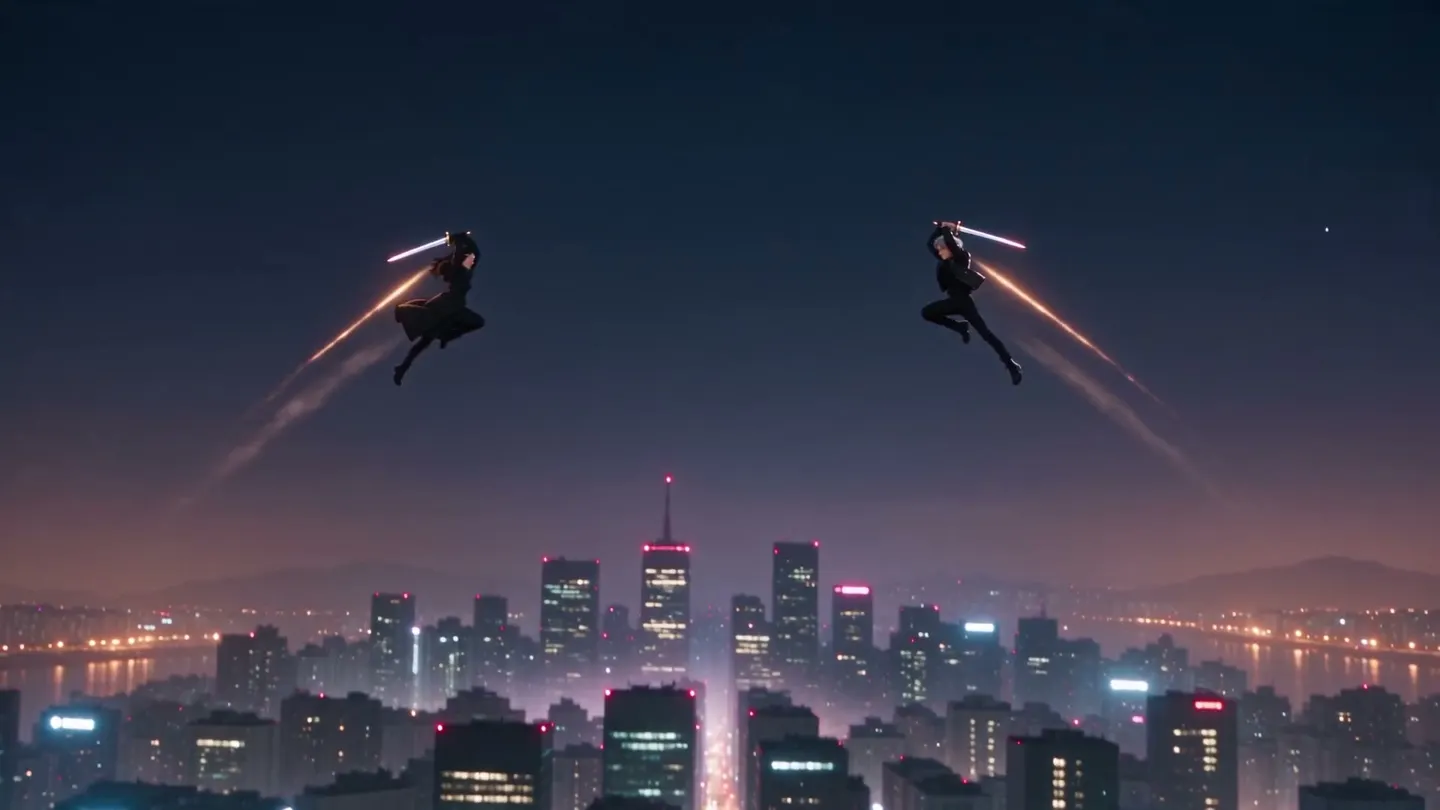
An anime video generator is an AI tool that turns a written prompt or a still image into animated footage in an anime style, without drawing a frame. Text-to-video turns a prompt into a clip; image-to-video sets a picture you upload into motion.
Mage does both in your browser, with video models tuned for anime rather than a general model pushed at an anime prompt. Melon is Mage's anime-first model, and short clips are unlimited from Pro, so you can keep trying a shot until the motion reads right.
A little more possibility
Why creators choose Mage for anime video
Anime-first video models
Melon is designed for anime video, and short clips are unlimited from Pro alongside Lemon.
Character consistency
Save a character once and carry it across shots, so your lead looks the same in scene 12 as in scene 1.
Genuinely unlimited
Melon is unlimited from Pro at the lengths and resolutions each plan covers, and everything also runs on Gems.
Text-to-video and image-to-video
Start from a written scene, or upload art and animate it with image-to-video.
Runs in your browser
No install, no GPU to rent. Generation runs 2x faster on Basic, 4x faster on Pro and above.
Commercial license
Included on every paid plan, so what you make here can go straight onto a channel you monetize.
From idea to creation
How do you generate AI anime videos?
It takes three steps, and it is free to start.
Open the generator
Open the Mage app from this page. It runs in your browser, nothing to install.
Describe the scene or upload art
Write the shot in plain language, or upload a still you want moving. Then pick a model such as Melon.
Generate, then keep going
Generate your clip and download it. Reuse the character on the next shot, then stitch the clips together with Storyboard.
Tips and techniques
How to direct an anime shot
Write the shot the way a storyboard artist would: who is in frame, what they do, and what the camera does. 'She draws her sword as cherry petals whip past, the camera circling low around her' gives Melon an action, a setting and a camera move. Keep each clip to one beat; anime scenes are built from many short cuts, not one long take.
Hold the cast steady with saved characters, so your lead has the same face in every cut. Melon can generate audio with the clip, and turning audio off lowers the price, so more clip length fits inside your plan's unlimited lane.
Then assemble the scene. Storyboard joins up to six clips into one video, and Story Studio films a whole sequence from one story prompt. See the AI animation generator for other styles, the AI movie generator for multi-scene stories, the AI manga generator for panel art to animate, and the AI music video generator for performances.
- One action per clip, then cut.
- Name the camera: circling, low angle, push in, whip pan.
- Animate your own art with image to video to keep your style.
- Turn audio off when you only need the picture.
The right model for the job
The best models for anime video
Melon is built for anime; the others add frame control and final-quality polish.
Melon
Mage's anime video model, as Melon and Melon Pro: 3 to 16 seconds at 540p, 720p or 1080p, with optional audio.
Lemon
A first and a last frame for controlled anime motion, 2 to 30 seconds, with generated audio.
Cherry 2 Pro
Final-quality anime clips from up to 29 reference images, up to 30 seconds at 1080p.
Anima
Draw the stills first: anime key art from a prompt, ready to animate with image to video.
Room to experiment
How Mage compares for anime video
Anime punishes metered pricing hardest. A single scene is a dozen shots, most of them discarded, and tools that charge per clip make you cut the story down to what you can afford. Mage prices video by the month, with Melon unlimited from Pro at $30, so you can keep shooting until the scene works.
Mainstream tools
- Metered by credits that run out mid-scene
- Anime as a style preset on a general model
- Characters drift between shots
Mage
- Unlimited Melon video from Pro
- Video models built for anime
- Characters and References hold a face across shots
Follow your imagination
What can you make with an anime video generator?
Original series and shorts
Build a cast, then shoot scene by scene with the same characters.
Content creators
Publish your character content on DeviantArt, Patreon or YouTube.
Art brought to life
Upload an illustration or a character sheet and animate it, keeping the look you already drew.
Shorts and social clips
Vertical clips for TikTok, Reels and Shorts, generated from a prompt or an image you upload.
Start small. Dream big.
Is there a free AI anime video generator?
Mage is free to start, with no watermark on what you make. Unlimited video generation begins on Pro.
Free
$0
One-time 300 Gems for new members. No watermark.
Pro
$30/mo
Unlimited Melon, Wan and short Lemon clips, the Characters system, 1,500 monthly Gems.
Pro Plus
$60/mo
Premium video models including Cherry and Berry, 3,500 monthly Gems.
A little more clarity
Frequently asked questions
What is the best AI video generator for anime?
Is there a free AI anime video generator?
Can I make anime videos from just text?
Can I try it without signing up for a plan?
How do you get character consistency in AI anime videos?
Can I turn manga art or a photo into an anime video?
How long can the clips be, and at what resolution?
Do I need to install anything?
Is there a watermark, and can I use the videos commercially?
What kinds of anime scenes can I make?
What is not allowed?

Ready to make your first anime scene?
Free to start, private by design. Have fun creating!
Animate with MelonRelated generators & guides
- Best AI Anime Video Generators 2026 (guide)
- AI video generator', href: '/ai-video-generator' }, { label: 'AI image to video generator', href: '/ai-image-to-video-generator', }, { label: 'AI character generator', href: '/ai-character-generator' }, { label: 'AI influencer generator', href: '/ai-influencer-generator' }, { label: "Melon, Mage's anime video model (docs)
- AI animation generator
- AI manga generator
- AI movie generator
- Anime image generator
- AI image to video generator
- AI character generator
Mage is for adults, 18+ only. Nothing illegal is allowed; any content involving minors or non-consensual depictions of real people is strictly prohibited.