
Free to start · Two photos, one hug
AI Hug Video Generator
Bring two people together in a short, moving clip. Add a photo of each, describe the moment, and Mage films them meeting in a warm hug, right in your browser.
No installation. No credit card. Private by default.
- 2People in one scene
- 5Video models in Scene Builder
- MP4Clean download, no watermark
- $0Free to start
The basics
What is an AI hug video generator?
An AI hug video generator takes still photos of two people and makes a short clip of them embracing. It has become a popular way to send something heartfelt: siblings who live on different continents, old friends who have not seen each other in years, or a reunion that could not happen in person.
On Mage the simplest route is Scene Builder, which is made for two-character scenes. Add an image of each person or a saved character, write the direction or start from a preset, and choose a video model. Describe the hug the way you would direct it: where they are, who moves first, how the camera sees it. You can also type a short idea and let Scene Builder write the full scene prompt for you.
If you already have one photo with both people in it, image to video can bring that exact picture to life instead. Either way, keep it kind and consensual: use photos of people who would be glad to see the result, and never use a hug clip to suggest something happened that did not.
A little more possibility
Why make a hug video on Mage
Built for two
Scene Builder takes one image or saved character per person and stages them together.
Direct the moment
Write the setting, the pace and the camera, or start from a short idea and let it write the prompt.
Five video models
Cherry, Cherry Pro, Cherry 2 Pro, Raspberry and Lemon, all inside Scene Builder.
Or animate one photo
A picture of two people together can be brought to life with image to video.
Private by default
Your clip is yours alone until you send it or post it.
No watermark
A clean MP4, ready to share with the people in it.
From idea to creation
How do you make an AI hug video?
It takes three steps, and it is free to start.
Add both people
Open Scene Builder and add a clear photo of each person, or pick two saved characters.
Describe the hug
Write the scene, or type a short idea and let Scene Builder expand it: where they are, who reaches out first, how close the camera is.
Pick a model and generate
Choose Cherry, Cherry Pro, Cherry 2 Pro, Raspberry or Lemon, set the length and the aspect ratio, and generate.
Send it
Download the MP4 and share it, or keep it private in your account.
Tips and techniques
Choosing photos for a natural hug
Pick photos where each face is clear, well lit and turned roughly toward the camera, ideally from the waist up, so the model has arms and shoulders to work with. Photos with similar lighting and a similar distance from the camera blend more naturally than a bright outdoor snapshot paired with a dim indoor one. If one photo is old or blurry, sharpen it first with the AI image upscaler or repair it with AI photo restoration.
Height and build come from the photos, so two people keep their real proportions. If you want them in matching clothes or in a particular place, say so in the prompt rather than editing the photos first.
- One clear, front-facing photo per person
- Waist-up framing beats a tight face crop
- Similar lighting in both photos
- Name the place and the mood in the prompt
- Keep the clip short: the hug is the moment
Tips and techniques
Writing the prompt
A good hug prompt reads like a shot description. "They spot each other across a sunlit train platform, walk faster, and wrap each other in a long hug while the camera slowly circles" tells the model the setting, the action and the camera. A clip of five to eight seconds keeps the focus on the embrace instead of a long walk-up.
For one photo that already shows both people, use the AI image to video generator with a first-frame model such as Lemon or Raspberry, so the clip starts from your exact picture. Cherry 2 Pro treats photos as references and films a new shot of the same people, which suits a hug in a new place.
Tips and techniques
Keeping it kind
Hug videos are personal. Make them with photos of people who would welcome them, say the clip is AI-made when you share it, and do not put real people in situations they did not agree to. Mage forbids harmful deepfakes and non-consensual depictions of real people, and nothing involving minors is allowed.
The same scene tools tell other warm stories, too. Two saved characters can share a reunion in a series made with the AI movie generator, or celebrate together in a short clip from the AI dance video generator.
The right model for the job
Which models make the best hug videos?
Scene Builder offers five video models, and image to video adds first-frame models for a single photo.
Cherry 2 Pro
Mage's flagship, for the most cinematic result. Inside Scene Builder it renders at 480p or 720p.
Lemon
Quality and price balanced, and a first-frame model when you animate one shared photo with image to video.
Raspberry
A character video model that starts from a first frame plus reference images, at 720p or 1080p.
Try these prompts
Hug prompts to try
Each one names the place, the action and the camera.
Train platform reunion
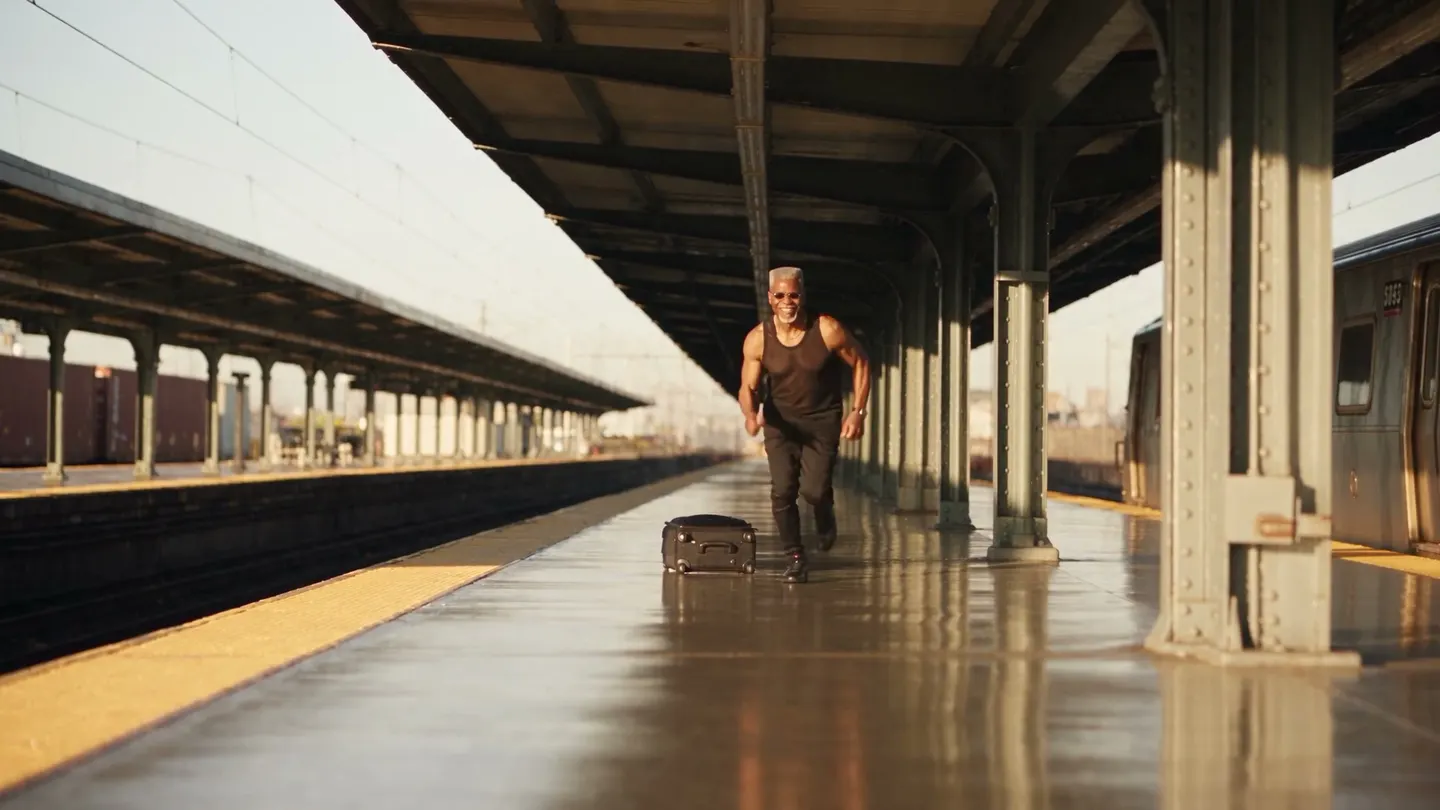
They spot each other across a sunlit train platform, hurry over and share a long hug while the camera slowly circles.
Front door surprise
One opens the front door, freezes, then pulls the other into a big laughing hug, warm hallway light.
Graduation day
On a sunny campus lawn in graduation gowns, two old friends turn and hug as confetti drifts past.
Airport arrivals
At an airport arrivals gate, a mother drops her bag and hugs her grown son, the crowd softly blurred behind.
Room to experiment
How Mage compares for AI hug videos
Hug video apps often run one template motion on every pair of photos. Mage lets you direct the scene and choose the model, so a reunion on a train platform and a hug at a front door look like two different moments.
Mainstream tools
- One template motion for every photo pair
- No say over the setting or the camera
- A single model and resolution
Mage
- Write the scene, or start from a short idea
- Five video models in Scene Builder
- First-frame models for one shared photo
- Private by default, with no watermark
Follow your imagination
Who makes AI hug videos?
Long-distance family
A hug between relatives who live far apart, made from two photos.
Old friends
A reunion clip for a friend's birthday or a group chat.
Milestones
A warm moment for an anniversary, a retirement or a graduation video.
Storytellers
A reunion scene between two characters in a series.
Start small. Dream big.
Is the AI hug video generator free?
New members get 300 Gems, and every model in Scene Builder runs on Gems. Unlimited video depends on the model, length and resolution: it starts with short Lemon clips on Pro, and Pro Plus covers more of the premium models.
Free
$0
One-time 300 Gems for new members. No watermark.
Pro Plus
$60/mo
Premium video models unlimited at their listed settings, including Cherry, Raspberry at 4 s and 720p, and Lemon at 7 s and 480p. 3,500 monthly Gems.
Max
$200/mo
Longer and HD unlimited clips, including Cherry 2 Pro at 480p and Lemon up to 1080p. 15,000 monthly Gems.
A little more clarity
Frequently asked questions
How do I make an AI hug video from two photos?
Can I animate a single photo of two people hugging?
Which model should I use?
Whose photos can I use?
How long should a hug video be?
Is it free?
Is there a watermark?

Ready to bring two people together?
Free to start, private by design. Have fun creating!
Open Scene BuilderRelated generators & guides
Mage is for adults, 18+ only. Nothing illegal is allowed; any content involving minors or non-consensual depictions of real people is strictly prohibited.