
Free to start · Motion from any 3 to 30 second clip
AI Dance Video Generator
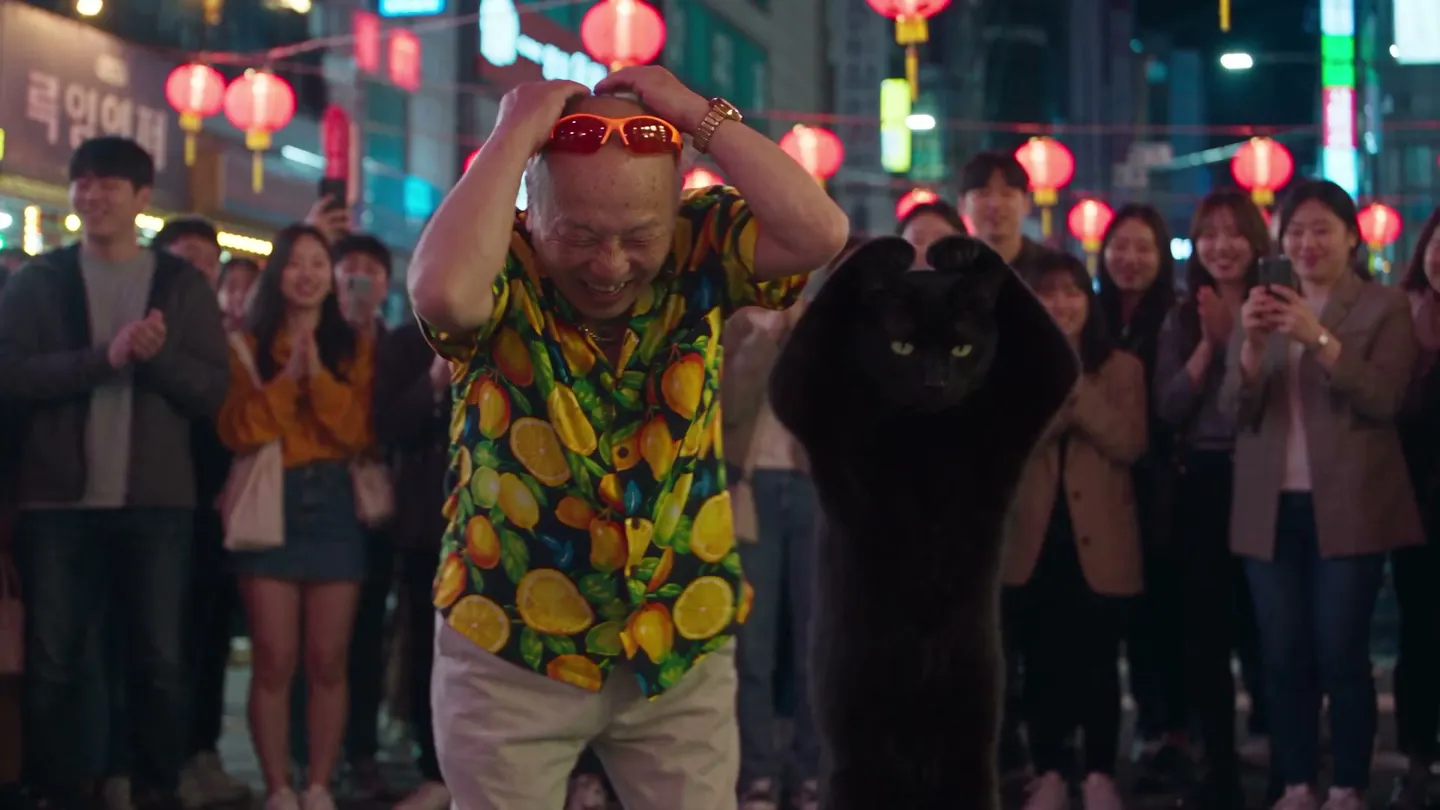
Make anyone you design dance. Hand Mage a dance clip and a character, and Motion Control copies the moves onto them, step for step. Or give your characters a track and film them dancing to it.
No installation. No credit card. Private by default.
- 3–30 sMotion clip length
- 2Inputs: a dance and a dancer
- MaxUnlimited short clips
- $0Free to start
The basics
What is an AI dance video generator?
An AI dance video generator makes a person or a character dance without filming them. The hard part is choreography: a prompt that just says "dancing" tends to give you generic swaying, while a real routine has timing, footwork and arms that hit the beat. The reliable way to get real moves is to copy them from a clip of someone dancing.
That is what Mage's Motion Control does. Add a motion video of 3 to 30 seconds, from the Motion Library or your own upload in MP4, MOV or WebM, then add your dancer as an image with the face and body visible, or pick a saved character. Motion Control applies the movement to your character, so they perform the routine while keeping their own look.
For dancing to music rather than copying a routine, the Music Video app films one to three saved characters singing and dancing in sync with a track, and Scene Builder has a Dance Battle preset for two characters. Use Motion Control when the exact steps matter, and Music Video when the song does.
A little more possibility
Why creators choose Mage for dance videos
Copy real choreography
Motion comes from a reference clip, so the moves, the timing and the footwork are a real routine.
Motion Library or your own clip
Start from a library clip, or upload a dance in MP4, MOV or WebM.
Your character, their moves
Use an image with the face and body visible, or one of your saved characters.
Up to 30 seconds of motion
Reference clips can run anywhere from 3 to 30 seconds.
Dance to a track
Music Video films up to three saved characters dancing and singing to your audio.
Unlimited on Max
Motion Control is unlimited on Max for clips of 8 seconds or less, and runs on Gems on every plan.
From idea to creation
How do you make an AI dance video?
It takes three steps, and it is free to start.
Choose the dance
Open Motion Control and pick a clip from the Motion Library, or upload a dance video of 3 to 30 seconds.
Add your dancer
Upload an image that shows the face and body, or choose one of your saved characters.
Generate
Motion Control applies the moves to your character. Run it again, or swap the dancer, to compare.
Post or keep it
Download the MP4, or post it to Mage when you are ready. It stays private until then.
Tips and techniques
Picking a motion clip that transfers well
The motion clip is the choreography, so choose it the way a dancer would. One performer, fully in frame from head to feet, against a plain background, on a camera that barely moves, gives the cleanest transfer. Crowded dance floors, people crossing in front of the dancer and fast camera spins make it harder to read who is moving and how.
Length matters for both price and plan. Clips can run from 3 to 30 seconds, and Max members get unlimited Motion Control for clips of 8 seconds or less; anything longer, and every clip on other plans, runs on Gems. A strong 6 to 8 second hook is often better for a feed than a full routine anyway.
- One dancer, head to feet in frame
- A steady camera and a plain background
- Trim to the strongest 6 to 8 seconds
- Match the framing of your character image to the clip
- Use your own footage, or clips you have the right to use
Tips and techniques
Preparing your dancer
The character image should show the whole body if the dance uses the whole body; a head-and-shoulders portrait gives Motion Control nothing to put the legs on. Simple, fitted outfits read better in motion than long coats or capes, and a neutral standing pose is a better starting point than one already caught mid-move.
Saved characters keep the dancer consistent across several clips. Build one with the AI character generator, or change what they wear first with the AI outfit generator, then bring them to Motion Control.
Tips and techniques
Dancing to music with Music Video
When you want your characters to dance to a specific song, use the AI music video generator. It takes one to three saved characters and up to 15 seconds of audio and films them performing in sync with the track, with camera work included. The moves are generated rather than copied, so it suits a performance more than an exact routine.
For two characters facing off, Scene Builder has a Dance Battle preset: add an image of each dancer, pick the preset or write your own direction, and choose a video model. It is a quick way to stage a duel on a neon floor or a friendly showdown at a party.
The right model for the job
Which models power AI dance videos?
Motion Control runs on Pear, Mage's motion model. For dancing to a track, Music Video offers these models, among others.
Plum Max
Music Video's faster Plum, at 480P or 768P, for drafting a dance section quickly.
Lemon
Quality and price balanced from 480p to 1080p, available in Music Video and Scene Builder.
Cherry 2 Pro
Mage's flagship video model, for final-quality performance clips up to 1080p.
Try these prompts
Dance prompts for Music Video
When the moves come from the music instead of a clip, set the floor with a line like these.
Street crew
Three dancers on a sunny basketball court, hitting the beat together, low camera tracking along the line.
Ballroom
An elegant ballroom with chandeliers, a slow waltz, the camera gliding around the dancers.
Studio rehearsal
A mirrored dance studio in morning light, the dancer runs the routine while the camera holds wide.
Room to experiment
How Mage compares for AI dance videos
A common approach to AI dance videos is a menu of template dances applied to your photo. Mage takes the movement from a clip you choose, so the dance can be any routine you can find or film, performed by a character you designed.
Mainstream tools
- A fixed menu of template dances
- A photo pasted onto a stock routine
- A new dancer every time
Mage
- Motion copied from any 3 to 30 second clip
- Your own uploads or the Motion Library
- Saved characters as recurring dancers
- Music Video for dancing to a track
Follow your imagination
Who makes AI dance videos?
Dance trends
Put your character in a trending routine you filmed yourself.
Choreographers
Preview a routine on different dancers before rehearsal.
Virtual influencers
Give a persona a signature move they can repeat across posts.
Musicians
A dance clip to go with a single, made with Music Video.
Start small. Dream big.
Is the AI dance video generator free?
New members get 300 Gems, and Motion Control runs on Gems on every plan. Max makes it unlimited for motion clips of 8 seconds or less.
Free
$0
One-time 300 Gems for new members. No watermark.
Pro Plus
$60/mo
Premium video models for Music Video and Scene Builder, unlimited at their listed settings, plus 4K enhance. 3,500 monthly Gems.
Max
$200/mo
Unlimited Motion Control for clips of 8 seconds or less, plus HD and longer premium video. 15,000 monthly Gems.
A little more clarity
Frequently asked questions
How do I make an AI dance video?
Can I use any dance video as the motion?
Can I make my own photo dance?
What is the difference between Motion Control and Music Video?
Is Motion Control unlimited?
Can two characters dance together?
Is there a watermark?

Ready to get your character dancing?
Free to start, private by design. Have fun creating!
Open Motion ControlRelated generators & guides
Mage is for adults, 18+ only. Nothing illegal is allowed; any content involving minors or non-consensual depictions of real people is strictly prohibited.