
Free to start · From a prompt or a photo
AI Cartoon Generator
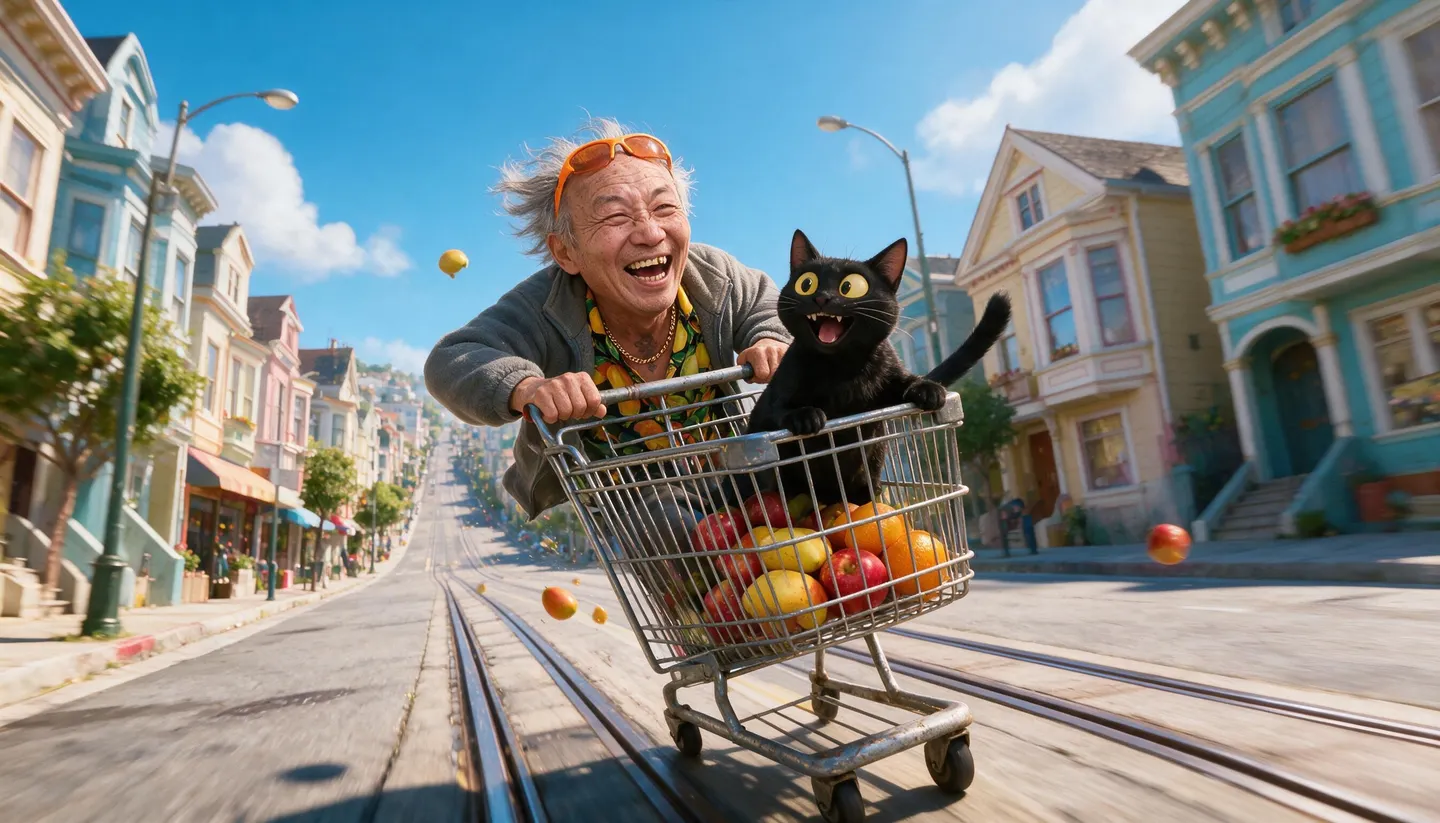
From bouncy 3D animated-film looks to flat Saturday-morning 2D. Describe a scene or upload a photo, and Mage turns it into a cartoon, with characters that stay on model across a whole series.
No installation. No credit card. Private by default.
- 2Ways in: a prompt or a photo
- 10Reference images on Mango 3
- Up to 4KOutput resolution
- $0Free to start
The basics
What is an AI cartoon generator?
An AI cartoon generator creates cartoon-style images: simplified shapes, bold outlines or soft 3D, expressive faces and bright color. You can start from a description, "a grumpy cat in a tiny raincoat", or from a photo you want cartoonified, such as a family portrait or a pet.
On Mage, Mango 3 is the most versatile cartoon model: it follows style instructions closely and, with a photo as a reference, keeps the likeness while changing the style. Anima is built for anime-style illustration with clean lines and flat color, and GPT Image 2.5 Flare is the pick when your cartoon needs speech bubbles or captions with readable text.
Cartoons often come in series: a mascot, a comic strip, a sticker pack. Save a cartoon character once and reuse it by @handle so it stays on model, then turn your favorite frames into short animations.
A little more possibility
Why make cartoons on Mage
Many cartoon styles
3D animated-film, flat 2D, retro rubber-hose, comic ink or chibi: describe it and it renders.
Photo to cartoon
Upload a photo as a reference and keep the likeness while the style changes completely.
Mascots that stay on model
Save a cartoon character and reuse it in every scene by its @handle.
Words in the bubbles
GPT Image 2.5 Flare and Nano Banana 2.1 render readable captions and speech bubbles.
Make it move
Animate a cartoon frame into a short clip with image to video.
Private by default
Family photos and early drafts stay in your account unless you post them.
From idea to creation
How do you make a cartoon with AI?
It takes three steps, and it is free to start.
Choose your starting point
Write a scene, or upload the photo you want to cartoonify as a reference image.
Name the style
For example "bright 3D animated-film style" or "flat 2D cartoon, thick outlines, limited palette".
Pick a model
Mango 3 in the model menu for most cartoons; GPT Image 2.5 Flare when the image needs words.
Generate and reuse
Save your favorite character and keep making new scenes with it.
Tips and techniques
Describing cartoon styles
Cartoon is a big family of styles, so be specific. "3D animated-film style, soft subsurface lighting, big expressive eyes" gives a glossy feature-film look. "Flat 2D, thick black outlines, limited palette, no gradients" gives a classic TV look. "1930s rubber-hose animation, black and white, film grain" gives a retro one. Naming the shapes, the line and the shading matters more than naming a studio.
Exaggeration is the soul of a cartoon. Ask for it directly: oversized heads, tiny bodies, dramatic expressions, squash and stretch. Simple backgrounds help a character read, and a strong silhouette makes a mascot recognizable even at small sizes.
- Describe the line: thick outlines, no outlines or sketchy lines.
- Describe the shading: flat color, cel shading or soft 3D.
- Ask for exaggerated expressions and proportions.
- Keep backgrounds simple for mascots and stickers.
- Use 1:1 for avatars and stickers, 16:9 for scenes.
Tips and techniques
Turning photos into cartoons
Upload the photo as a reference and say what to keep: "keep her hairstyle, glasses and smile, and turn the photo into a flat 2D cartoon". Mango 3 and Nano Banana 2.1 are both good at keeping a likeness through a style change. For an anime look specifically, see photo to anime.
Use photos of yourself or of people who have agreed to it: Mage forbids non-consensual imagery of real people. Cartoon avatars of the whole family are a classic, and the AI avatar generator has more on profile pictures.
Tips and techniques
From one frame to a series
Save your cartoon character once with the AI character generator and reuse it by @handle for comics, stickers and posts. For strips with panels and speech bubbles, the AI comic generator goes deeper, and the AI sticker generator covers die-cut sheets.
The right model for the job
The best models for cartoons
Pick by style, and by whether the image needs words in it.
Mango 3
The most versatile cartoon model: close style control, saved characters, and photo likeness kept through a style change.
Anima
Anime and illustration with clean lines and flat color. It takes text prompts only, with no image input.
GPT Image 2.5 Flare
Readable speech bubbles, captions and signs, and precise layouts. OpenAI's safety filter applies.
Mango 3 Turbo
Fast and cheap, with strong layouts and text: good for large batches of cartoon drafts.
Try these prompts
Cartoon prompts to try
One per style. Change the subject, keep the style words.
3D animated
A grumpy black cat in a tiny yellow raincoat stomping through puddles, bright 3D animated-film style, soft lighting, big expressive eyes
Flat 2D
A grandpa and his dog on a park bench feeding pigeons, flat 2D cartoon, thick outlines, limited pastel palette
Retro
A dancing coffee cup with rubber-hose arms, 1930s cartoon style, black and white, film grain
A mascot
A cheerful mango mascot in sneakers giving a thumbs up, simple shapes, bold outline, plain white background, 1:1
Room to experiment
A cartoon generator built for series
One-off cartoon filters are fun once. Characters you can reuse, styles you control and a path to animation are what make cartoons useful for a channel, a comic or a brand.
Mainstream tools
- A few fixed cartoon filters
- A different character every time
- Garbled text in speech bubbles
- Stills only
Mage
- Any cartoon style you can describe
- Saved characters called by @handle
- Readable text on GPT Image and Nano Banana
- Image to video for animation
Follow your imagination
What can you make with an AI cartoon generator?
Family portraits and gifts
Turn a family photo into a cartoon for a card, a mug or a frame.
Mascots for a brand or channel
Design a mascot once and use it everywhere, in every pose.
Comic strips and webcomics
Draw a recurring cast across panels with speech bubbles that read.
Classroom and kids’ content
Illustrate lessons, stories and worksheets with friendly characters.
Start small. Dream big.
Is the AI cartoon generator free?
Yes, to start: 300 bonus Gems run any model. Mango and character creation go unlimited on Pro.
Free
$0
One-time 300 Gems for new members. No watermark.
Basic
$10/mo
Unlimited GPT Image 2 and 2.5 at Low quality, Flux 2 and the Stable Diffusion models, plus 500 monthly Gems.
Pro
$30/mo
Adds unlimited Mango and Anima, unlimited character creation and 1,500 monthly Gems.
A little more clarity
Frequently asked questions
How do I turn a photo into a cartoon?
What is the best AI cartoon generator?
Can I make the same cartoon character again?
Can I animate my cartoon?
Can I use cartoons for my business?
Can I cartoonify photos of other people?

Related generators & guides
Mage is for adults, 18+ only. Nothing illegal is allowed; any content involving minors or non-consensual depictions of real people is strictly prohibited.