
Free to start · Iterate before you commit
AI Concept Art Generator
Concept art is about options. Mage turns a brief, a thumbnail sketch or a mood board into fast, varied explorations of environments, characters and props, so the team can pick a direction before anyone paints the final.
No installation. No credit card. Private by default.
- 10Reference images on Mango 3
- 21:9For wide environments
- 10Queued at once on Pro Plus
- PrivateBy default
The basics
What is an AI concept art generator?
Concept art is the visual development that happens before production: the environments, characters, creatures, vehicles and props that define how a film, a game or a show will look. Its job is to explore quickly and communicate clearly. A concept artist might paint thirty thumbnails of a city before the art director picks one to develop.
An AI concept art generator speeds up the exploration part. Describe the brief, add a rough sketch or reference images, and generate many variations to react to. Mango 3 is the workhorse here: it follows detailed design instructions and combines up to 10 references, so a silhouette sketch, a material swatch and a lighting reference can all shape one image.
AI does not replace the design thinking. It gives you more options to judge, faster, and lets you test lighting, palette and mood on an idea before investing hours in it. The final, production-ready design still benefits from an artist’s eye, and the tools here are built to support that loop rather than skip it.
A little more possibility
Why concept artists and teams use Mage
Fast variations
Generate a spread of directions for one brief and compare them side by side.
Sketch and reference driven
Feed in thumbnails, silhouettes, palettes and photos as reference images.
New angles on a design
The Angles app re-renders a scene from a different camera elevation and orientation.
Design sheets
Character Sheet turns one character image into a face close-up, front, side and back views and outfit details.
Batch exploration
Queue up to 10 generations at once on Pro Plus and review a whole spread together.
Confidential by default
Unannounced projects stay in your account; nothing is published unless you post it.
From idea to creation
How do you make concept art with AI?
It takes three steps, and it is free to start.
Write the brief
What it is, what it is for, and the mood: "a desert trading post for a sci-fi western, dusty, sun-bleached".
Add references
Upload a thumbnail sketch, a palette or reference photos to steer the design.
Generate a spread
Pick Mango 3 in the model menu and run several variations of the brief.
Develop the winner
Keep the strongest, then push it further with edits, new angles and design sheets.
Tips and techniques
Environments, characters and props
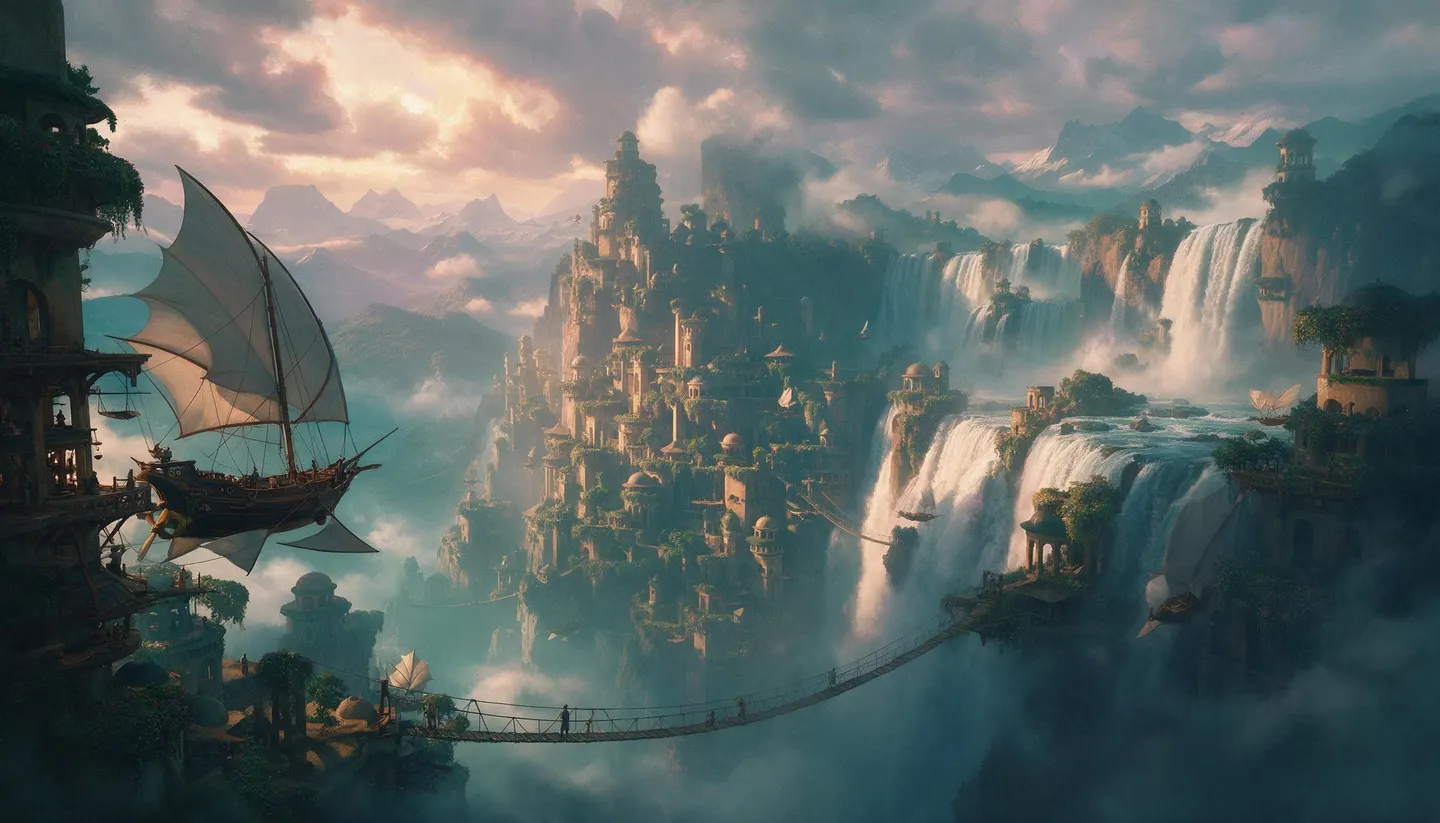
Environment concepts sell a place: scale, atmosphere, time of day and the story of who lives there. Ask for a wide ratio such as 21:9 or 16:9, describe the foreground, midground and background separately, and name the light. A tiny figure for scale makes a space readable at a glance.
Character and creature concepts are about silhouette and function. Describe the role and the world before the details ("a scavenger who lives in drowned cities: patched diving gear, salvaged brass, practical"), and ask for a plain background so the design reads clearly. Props and vehicles benefit from the same treatment, plus their materials and their wear.
- Separate foreground, midground and background in the prompt.
- Put a small figure in for scale.
- Ask for a neutral background on character designs.
- Describe wear and materials, not just shapes.
- Run the same design in three lighting setups.
Tips and techniques
An iteration loop that works
Start broad, then narrow. Run a spread of rough ideas from the brief alone, pick two or three, and feed them back as references with tighter instructions. Use the AI image editor to change one element without losing the rest, Angles to see the design from another side, and Character Sheet to turn a hero shot into turnaround views.
For keyframes and story beats, save your characters so they stay on model across shots, then stage scenes around them. Sequences can become motion tests with the AI image to video generator, or shot plans with the AI storyboard generator.
The right model for the job
The best models for concept art
Mango 3 does the heavy lifting; the others add speed, scale and annotation.
Mango 3
Detailed design instructions and up to 10 references combined: the best default for exploration and development.
Mango 3 Turbo
The fastest, cheapest Mango, for large spreads of rough ideas before you commit to one.
Flux 2
An open-weights model that handles long, detailed prompts, with up to three reference images.
Nano Banana 2.1
Up to 4K and 14 references, with readable text for annotated sheets and callouts. Google's safety filter applies.
Try these prompts
Concept art prompts to try
Briefs for each kind of concept. Add your own sketch as a reference to steer them.
An environment
A trading post built into a canyon wall on a desert planet, rope bridges, solar sails, dust in the air, small figures for scale, 21:9 matte painting
A character design
Full-body concept of a scavenger from a drowned city, patched diving suit, brass salvage, practical boots, neutral grey background
A vehicle
A six-wheeled expedition rover for an ice moon, heavy insulation, floodlights, side view, clean design sketch with color
A prop sheet
Concept sheet of four ceremonial daggers from a desert culture, bone and bronze, labeled callouts, neutral background
Room to experiment
AI exploration vs painting every idea from scratch
Painting each exploration by hand is slow, and the first idea gets more attention than it deserves. Generating variations first spreads the bet, so the artist’s time goes into the direction that wins.
Hand-painted exploration only
- Hours per thumbnail
- Few directions explored
- Lighting tests mean repainting
- Every angle drawn by hand
Exploration on Mage
- Many variations in minutes
- Sketches and references as input
- Relight and re-angle a design
- Character sheets from one image
Follow your imagination
Who uses an AI concept art generator?
Indie game teams
Explore a world’s look before the art budget is spent on a single direction.
Film and animation pitches
Show a producer the mood, the locations and the cast in a deck.
Tabletop and board game design
Iterate on factions, terrain and components while the rules are still changing.
Art students
Study lighting, palette and composition by running one design many ways.
Start small. Dream big.
How much does AI concept art cost?
Free to start with 300 bonus Gems. Mango is unlimited on Pro, and Pro Plus adds a 10-generation queue.
Free
$0
One-time 300 Gems for new members. No watermark.
Pro
$30/mo
Unlimited Mango and Guava, unlimited character creation, Enhance at 2K and 1,500 monthly Gems.
Pro Plus
$60/mo
Adds Mango at 3K and 4K, Nano Banana 2.1 at 1K, a 10-generation queue and 3,500 monthly Gems.
A little more clarity
Frequently asked questions
Can AI make concept art?
Can I use my own sketches?
How do I get turnaround views of a character?
Is AI concept art private?
Can I use the art in a commercial project?
What resolution can I work at?

Ready to explore a dozen directions?
Free to start, private by design. Have fun creating!
Start exploringRelated generators & guides
Mage is for adults, 18+ only. Nothing illegal is allowed; any content involving minors or non-consensual depictions of real people is strictly prohibited.