
Free to start · Frames, shots and animatics
AI Storyboard Generator
Turn a shot list into storyboard frames with the same cast in every shot, then animate the frames and cut them into an animatic. Free to start, right in your browser.
No installation. No credit card. Private by default.
- Up to 6Clips joined in Storyboard
- 5–20Scenes per Story Studio story
- Up to 30 sClip length on Cherry 2 Pro
- $0Free to start
The basics
What is an AI storyboard generator?
An AI storyboard generator turns a script or a shot list into frames: one image per shot, showing the framing, the action and who is in it. A storyboard is a planning tool, so what matters is speed, clear staging, and the same characters and locations from shot to shot, not a perfect final image.
On Mage, frames come from the image models. Mango 3 keeps the same character across a set and combines up to 10 reference images, and the Characters system saves each actor from one portrait. GPT Image 2.5 Flare can lay out a whole sheet of numbered panels with captions when you want a classic board.
Then the board can move. Each frame can become a short clip with image to video, and the Storyboard tool joins up to six of your clips, in the order you choose, into one MP4. For a whole story from a single prompt, Story Studio writes and films 5 to 20 scenes on its own.
A little more possibility
Why filmmakers storyboard on Mage
The same cast in every shot
Save each actor or character once and use @handle in every frame, so the board reads as one film.
Classic board sheets
Ask GPT Image 2.5 Flare for a sheet of numbered panels with shot captions, or generate one frame per shot.
New angles of one frame
The Angles app regenerates the same scene from a new camera elevation and orientation, so you get coverage without redrawing.
Frames that move
Animate a frame on Lemon from a first and a last frame, or on Cherry 2 Pro with your saved characters.
One cut, one file
Storyboard joins up to six of your clips, in any order, into a single MP4 in 16:9 or 9:16.
Private by default
Unreleased projects stay private. Nothing is shared unless you post it yourself.
From idea to creation
How do you make a storyboard with AI?
It takes three steps, and it is free to start.
Save the cast and the set
Create each character from one portrait in Characters. Save a key location or prop as a reference too.
Draw a frame per shot
Open Mango, pick Mango 3 in the model menu, and write each shot: size, angle, action and who is in it. Use 16:9 for film or 9:16 for vertical video.
Animate the keepers
Send each frame to image to video. Lemon takes a first and a last frame; Cherry 2 Pro takes your saved characters and references.
Cut the animatic
Add up to six clips to Storyboard, drag them into order, and export one MP4.
Tips and techniques
Writing shots a model can stage
Write each frame like a line in a shot list: shot size, camera angle, subject, action, location and light. "Medium shot, low angle: @brick kicks open a warehouse door, dust in the backlight." Shot sizes (wide, medium, close-up, insert) and angles (low, high, over the shoulder, top-down) are words the models understand.
Decide the aspect ratio before the first frame and keep it: 16:9 for film and widescreen video, 9:16 for vertical video. Storyboard exports in one of those two shapes, so a board that is meant to become an animatic should use them from the start.
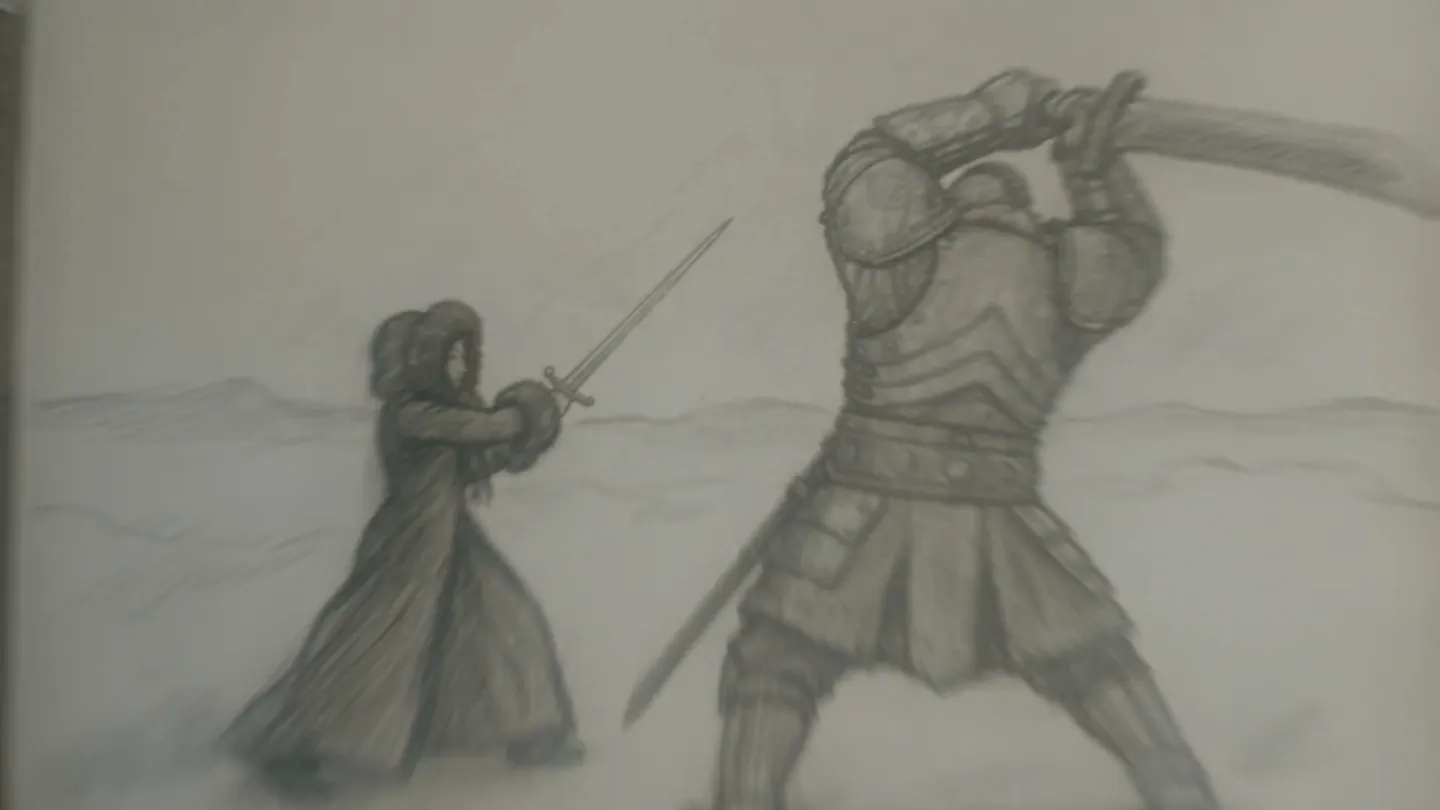
For a classic printed board, ask GPT Image 2.5 Flare for a sheet: "storyboard sheet, six numbered panels in two rows, pencil sketch style, a short caption under each." It renders the captions in the image, which suits shot numbers and one-line notes.
- Lead with the shot size and the camera angle.
- Keep to one action per frame.
- Use one aspect ratio for the whole board.
- Use @handles for every recurring character.
- Rough sketch styles read faster than polished renders.
Tips and techniques
From board to animatic
Every frame is a starting image for video. With image to video, Lemon can go from a first frame to a last frame you choose, which suits a planned camera move, and Cherry 2 Pro makes clips of up to 30 seconds with your saved characters and references. Cherry 2 Pro takes no first or last frame, so use it when the references matter more than the exact opening image.
When the shots are ready, open Storyboard, add up to six clips, drag them into order, choose 16:9 or 9:16, and export one MP4. A video made in Storyboard cannot be added back into another storyboard, so keep the original clips.
If you would rather start from the story than the shots, Story Studio takes one story prompt and a cast of one to three characters and films 5 to 20 scenes in order. It always runs on Gems, and each scene downloads as its own clip. The AI movie generator guide covers it in detail.
The right model for the job
The best models for storyboards
Two for drawing frames, two for putting them in motion.
Mango 3
Keeps the same character across a whole board, follows exact staging and combines up to 10 references. Unlimited on Pro, up to 2K.
GPT Image 2.5 Flare
Lays out multi-panel sheets with shot numbers and captions in the image, at a low price at its default quality. OpenAI's safety filter applies.
Lemon
Animates a frame from a first and a last frame, in clips from 2 to 30 seconds with generated audio. One request uses frames or references, not both.
Cherry 2 Pro
Mage's flagship video model: clips up to 30 seconds at up to 1080p, saved characters with their voices, and the most reference images. No first or last frame.
Try these prompts
Storyboard prompts to start from
Each is one shot. Keep the style line the same across the board.
Opening wide
Storyboard frame, rough pencil and gray marker, 16:9. Wide shot, high angle: a night market street in the rain, @yunawolf weaving through the crowd on a motorbike.
Insert shot
Storyboard frame, rough pencil and gray marker, 16:9. Extreme close-up: a hand slides a key card across a wet counter.
Six-panel sheet
Storyboard sheet, six numbered panels in two rows, pencil sketch: a chef chases a runaway cat through a busy kitchen, a one-line caption under each panel.
Room to experiment
How Mage compares for storyboarding
A storyboard app with a library of stock figures is fine for blocking. When the board has to sell the look of the film, you need real frames with your actual characters, and a way to turn them into motion.
Mainstream tools
- Stock figures instead of your cast
- Frames that stay still
- Separate tools for boards and animatics
- Credits spent on every redraw
Mage
- Your saved characters in every frame
- Frames that animate with image to video
- Frames, clips and the cut in one account
- Unlimited plans for the models you use most
Follow your imagination
Who uses an AI storyboard generator?
Film pre-production
Plan coverage and sell the look to a crew before the shoot day.
Ad and brand pitches
Show a client the spot shot by shot, with an animatic cut to match.
Social video planning
Board a vertical series in 9:16, then animate the shots that work.
Animation and music videos
Lock character designs and key poses before anything is animated.
Start small. Dream big.
Is the AI storyboard generator free?
Mage is free to start with a one-time 300-Gem bonus. Frames on Mango are unlimited from Pro, video models join the unlimited list on Pro and Pro Plus, and Story Studio always runs on Gems.
Free
$0
One-time 300 Gems for new members. No watermark.
Pro
$30/mo
Unlimited Mango and character creation, plus unlimited video on Melon, Lemon (3 s at 480p) and others. 1,500 monthly Gems.
Pro Plus
$60/mo
Premium video models such as Cherry, Raspberry and Berry, Lemon up to 7 s at 480p, Enhance to 4K. 3,500 monthly Gems.
A little more clarity
Frequently asked questions
What is the best AI storyboard generator?
Does the Storyboard tool draw the frames?
Can I keep the same actor in every frame?
Can I make an animatic?
What is Story Studio?
Is the AI storyboard generator free?
Are my storyboards private?

Ready to board your first scene?
Free to start, private by design. Have fun creating!
Draw frames with MangoRelated generators & guides
Mage is for adults, 18+ only. Nothing illegal is allowed; any content involving minors or non-consensual depictions of real people is strictly prohibited.