
Free to start · Write the voice, animate the face
AI Talking Photo
Turn a still portrait into a short clip of that face speaking. Write the line and generate the voice, or upload your own recording, and Mage animates the photo to say it.
No installation. No credit card. Private by default.
- 1Photo to start from
- 15 sSpeech per clip
- 9Video models in Lipsync
- $0Free to start
The basics
What is an AI talking photo?
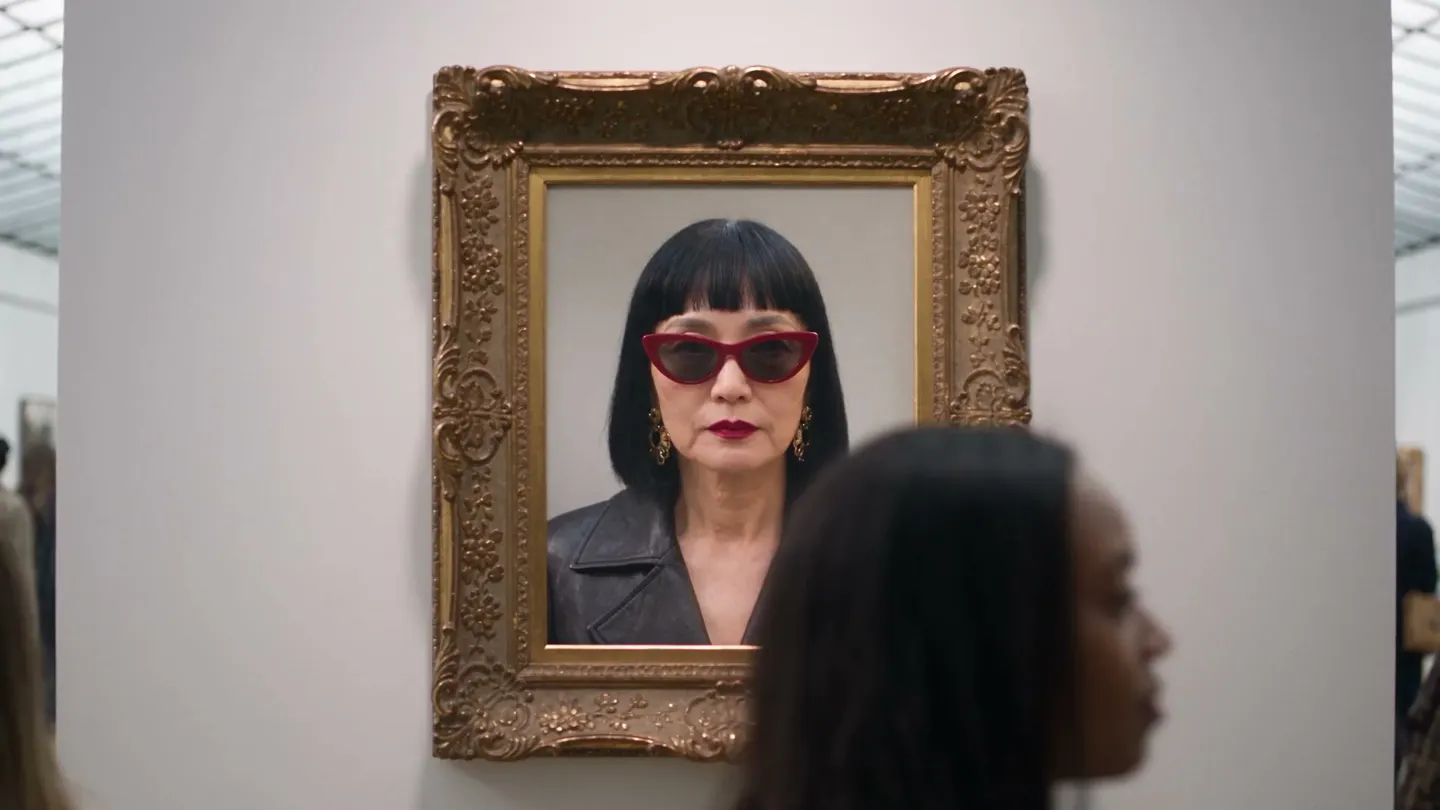
A talking photo is a still portrait that comes alive and speaks. The face stays the one in the picture, but the mouth, eyes and head move with a voice line, so a profile picture, a painted portrait or a character you designed can deliver a message on camera.
On Mage it takes two steps in one account. First the voice: write what should be said and generate it with Seed Audio, which makes voices, dialogue, music and sound effects from a prompt, or use a recording you already have. Then the face: open Lipsync, add the photo and the voice, and generate. The result is an MP4 of the portrait speaking your line.
Talking photos work well for greetings, explainers, character introductions and social posts. Keep them honest: use your own photo, a character you created, or a picture of someone who said yes. Mage does not allow harmful deepfakes or non-consensual depictions of real people.
A little more possibility
Why make a talking photo on Mage
Write the voice, too
Seed Audio turns a written line and a description of the speaker into speech, so no microphone is needed.
Any clear portrait
A photo, a painting, an illustration or a generated character, as long as the face is clear.
Characters that keep their face
Save a character once and make them talk in clip after clip.
Pick the look
Plum by default, with Plum Max, Lemon, the Cherry models and Blueberry available in Lipsync.
Private by default
Nothing you make is posted anywhere unless you choose to share it.
No watermark
Download a clean MP4, with a commercial license on paid plans.
From idea to creation
How do you make a photo talk?
It takes three steps, and it is free to start.
Write or record the line
Generate the voice in Seed Audio from a written line, or use a recording you have. Keep it under 15 seconds.
Add the photo
Open Lipsync and upload the portrait, or choose one of your saved characters.
Pair them and generate
Pick the voice from your creations, choose a video model, and generate.
Share or keep it
Download the MP4, or keep it private in your account until you are ready.
Tips and techniques
Writing a voice line that sounds natural
Seed Audio follows a prompt, so describe the speaker as well as the words: their age range, their pace, their mood and where they are speaking. "A warm, unhurried grandmother telling a bedtime story" reads very differently from "an excited sports commentator." Put the exact words in quotes and keep the sentences short; one or two sentences fit comfortably inside 15 seconds.
Seed Audio renders exactly the length you choose: 5, 10, 30, 60 or 120 seconds. For a talking photo, pick 5 or 10 seconds so the whole line fits in one Lipsync run with room to spare. Longer narration works too: generate it once, cut it into pieces of 15 seconds or less in any audio editor, and make a clip for each.
- Describe the voice, then quote the words
- Pick a 5 or 10 second length for one clip
- Match the voice to the age and mood of the face
- Regenerate the voice before changing the photo
- Keep each line to one idea
Tips and techniques
Choosing a photo that animates well
The best talking photos start from a clear, well-lit face that looks toward the camera, with the mouth visible and closed or relaxed. Head-and-shoulders framing works better than a full-body shot, because the face has more detail to animate. Glasses are fine; a hand or a microphone in front of the mouth is not.
If the photo is old or soft, sharpen it first with the AI image upscaler or repair it with AI photo restoration. If you would rather start from a new face, make one with the AI portrait generator and save it as a character, so the same face can speak again later.
Tips and techniques
Ideas that work as talking photos
Greetings: a birthday or holiday message from a family photo, recorded by the person in it. Explainers: a character who introduces a product, a lesson or a how-to in two sentences. Stories: a painted ancestor, a fantasy hero or a narrator portrait who opens each chapter of a series. Social posts: a mascot with a running joke, posted as a short clip.
When the face should do more than talk, take the next step: AI lip sync covers dubbing and longer narration, and the AI music video generator turns saved characters into singing, dancing performers.
The right model for the job
Which models make a photo talk?
Seed Audio makes the voice, and a video model inside Lipsync makes the face move.
Seed Audio
Voices, dialogue, music and sound effects from a prompt, as an MP3 of exactly the length you choose, from 5 to 120 seconds.
Plum Max
A fast Plum for everyday talking clips at 480P or 768P. Plum, the Lipsync default, renders up to 2K.
Lemon
Balanced price and quality from 480p to 1080p, a good choice when you want a sharper face.
Cherry 2 Pro
Mage's flagship video model, for final-quality clips up to 1080p. It costs the most per clip.
Try these prompts
Voice prompts to try in Seed Audio
Describe the speaker first, then quote the line.
Birthday greeting
A cheerful older man with a gentle laugh says: "Happy birthday! Save me a slice of cake, okay?"
Product intro
A calm, friendly narrator says: "This is the lamp that remembers how you like your evenings."
Story opener
A deep, weathered storyteller says: "Long before the river had a name, a traveler followed it to the sea."
Workshop welcome
An upbeat instructor says: "Welcome back, everyone. Today we are building a volcano that actually erupts."
Room to experiment
Talking photo tools, compared
A talking photo app usually does one thing: it animates a face to audio you bring from somewhere else. Mage keeps the voice, the face and the clip in one account, so you can change any of the three without exporting files between tools.
Mainstream tools
- Bring a recording made elsewhere
- One animation model
- The face uploaded again for every clip
Mage
- Write the voice in Seed Audio, in the same account
- Nine video models in Lipsync
- Saved characters for a recurring face
- Private by default, with no watermark
Follow your imagination
Who makes talking photos?
Family and friends
A birthday or holiday message from a photo, voiced by the person in it.
Teachers and explainers
A character who introduces a lesson or a how-to in a few sentences.
Storytellers
A narrator portrait that opens each chapter of a series.
Social creators
A mascot or persona with a running joke, posted as short clips.
Start small. Dream big.
Is the talking photo maker free?
New members get 300 Gems, and both Seed Audio and Lipsync run on Gems on any plan. Unlimited voice lines start on Basic for 5 and 10 second clips; unlimited talking video starts with short Lemon clips on Pro.
Free
$0
One-time 300 Gems for new members. No watermark.
Basic
$10/mo
Unlimited Seed Audio at 5 and 10 seconds, enough for a talking photo's line, plus unlimited base image models. 500 monthly Gems.
Pro Plus
$60/mo
Unlimited Seed Audio up to 60 seconds, and premium video models such as Plum Max and Lemon unlimited for short clips. 3,500 monthly Gems.
A little more clarity
Frequently asked questions
How do I make a photo talk with AI?
Can AI make a photo talk from text?
How long can a talking photo be?
Does it work with drawings and paintings?
Can I use a photo of someone else?
Can the same character talk in more than one clip?
Is there a watermark?

Related generators & guides
Mage is for adults, 18+ only. Nothing illegal is allowed; any content involving minors or non-consensual depictions of real people is strictly prohibited.