UGC product videos with a creator who talks
The skill writes the script, previews the opening frame for a few Gems, then renders a vertical, phone-shot creator video with sound on Cherry 2 Pro, with your product kept exact.
Claude
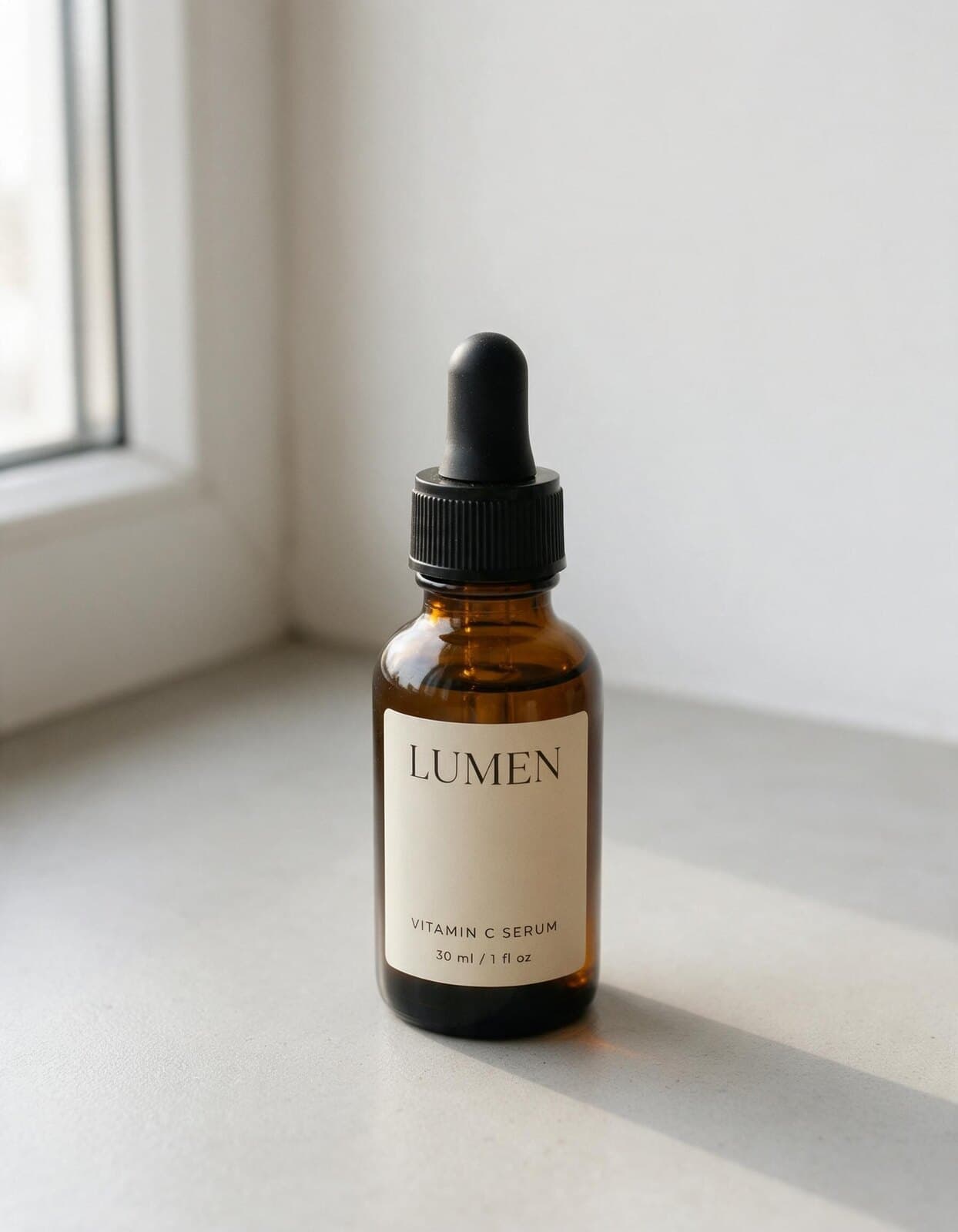
Make a 10-second UGC review video of my serum: a woman in her 20s in her bathroom, casual and excited, vertical. What she can say about it: lightweight texture, absorbs in seconds, no mess.
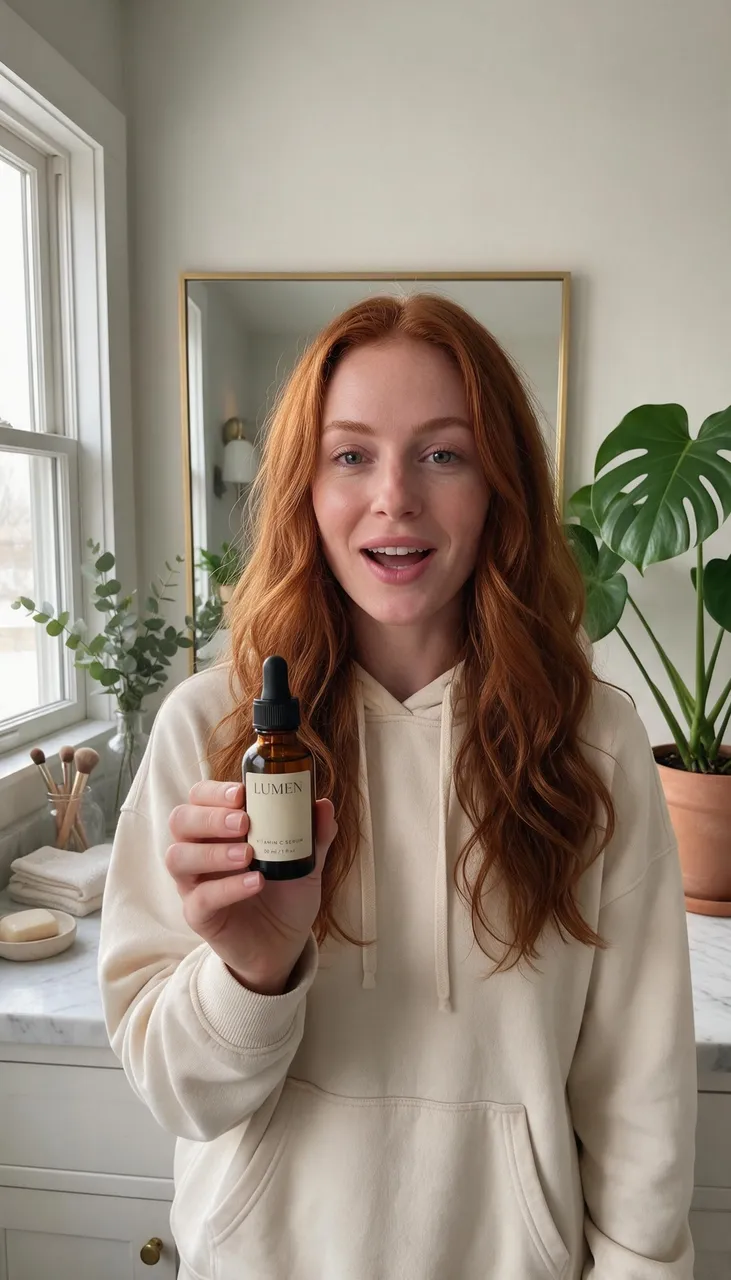
Script: “Okay, I didn’t expect this serum to feel this light. It sinks in in seconds, and look, no mess. Honestly? It’s staying on my shelf.” Here’s the opening frame (135 Gems). The 10-second 720p video on Cherry 2 Pro is 3,465 Gems. Render it?
Love it, render.
 Using skill · UGC Video
Keyframe approved
Rendering 10 s, 9:16, 720p with Cherry 2 Pro
Keeping the bottle and LUMEN label exact
Your UGC review is ready (10 s, 9:16, 720p). Platforms may ask you to label AI-generated ads.
Examples
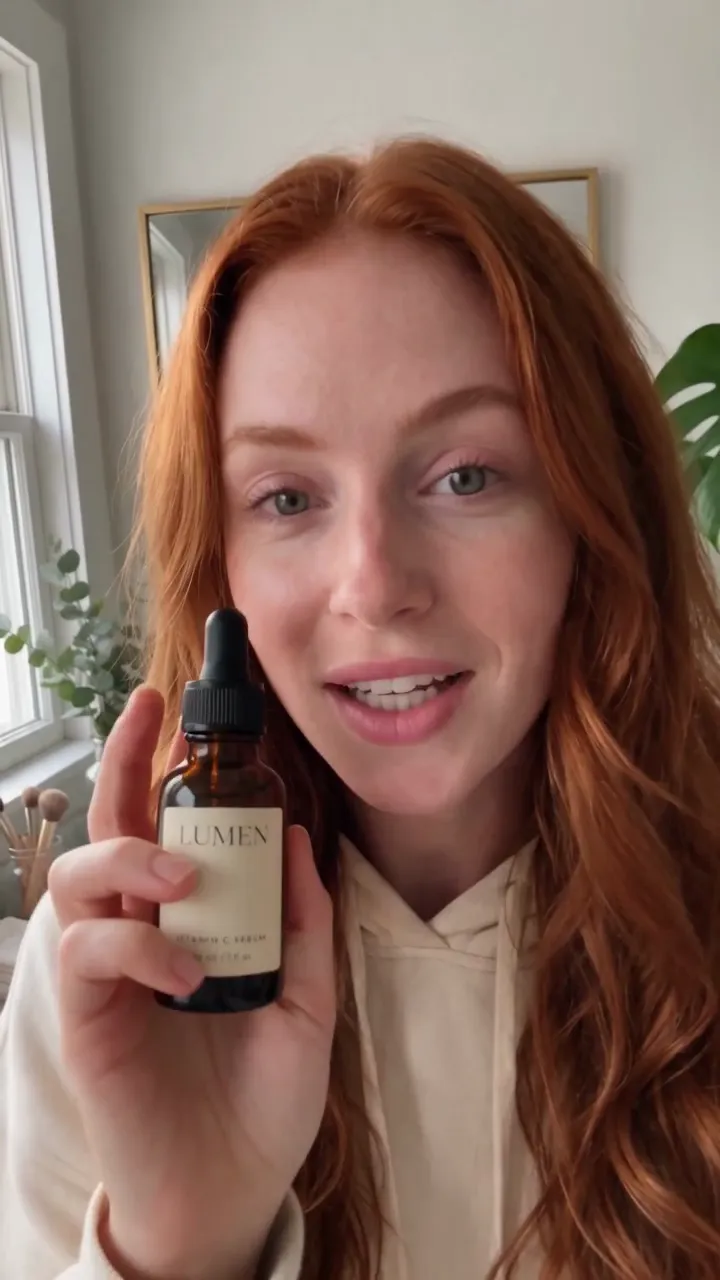
Real hooks, real lines, your product
Each video speaks its script word for word, and the product matches the photo.

How it works
How to use the UGC Video skill
Share the product
A link to a product photo, and a format: review, unboxing, how-to, try-on, routine, or problem–solution.
Approve the script and frame
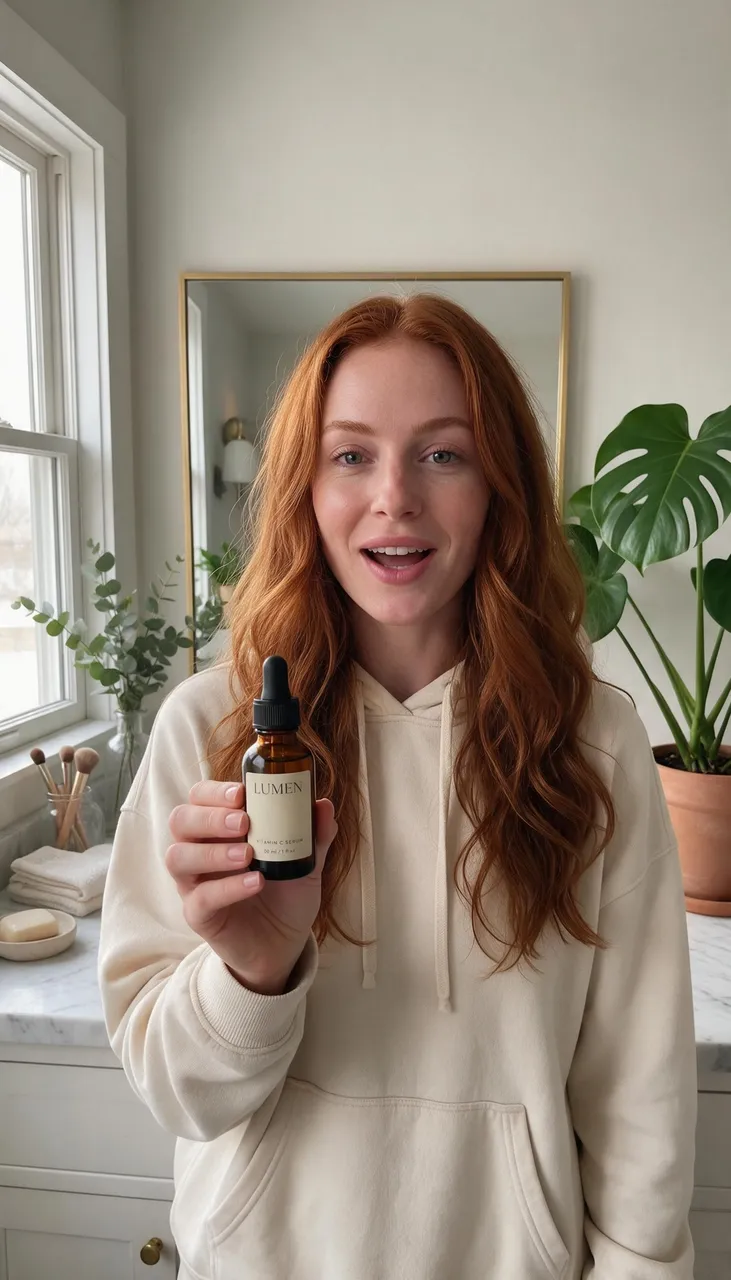
The skill writes the hook, lines, and call to action, and previews the opening frame with Mango 4 for a few Gems.
Render the video
Cherry 2 Pro renders the vertical video with the creator speaking your lines, or Lemon for a cheaper cut.
Runs on
Setup
Set up Mage in your agent
Connect Mage
Add the Mage connector to Claude, ChatGPT, Claude Code, Grok, or Cursor, and sign in with your Mage account.
Open MCP setup →Add the skills
In Claude Code, Codex, Cursor, and other agents, add every Mage skill with one command, or install the Claude Code plugin.
npx skills add mage-space/skills/plugin marketplace add mage-space/skills/plugin install mage@mageAsk for it
Describe the job, or run
/mage-ugc-video.Use Mage to make a 10-second UGC review video of my serum: a woman in her 20s in her bathroom, casual and excited, vertical. What she can say about it: lightweight texture, absorbs in seconds, no mess. Product photo: https://www.mage.space/skills/ugc-video/input.jpg
FAQ
Frequently asked questions
Does the creator actually speak?
How long can a UGC video be?
Is it honest to use AI creators in ads?
Can I attach my photo to the chat?
How much does it cost?
Try UGC Video in Claude
Creator-style product videos with a scripted hook and real spoken lines, for TikTok, Reels, and ads.
More skills
Explore other skills

Generate
Any image, video, or audio on the right Mage model, priced before it runs and delivered as a link.
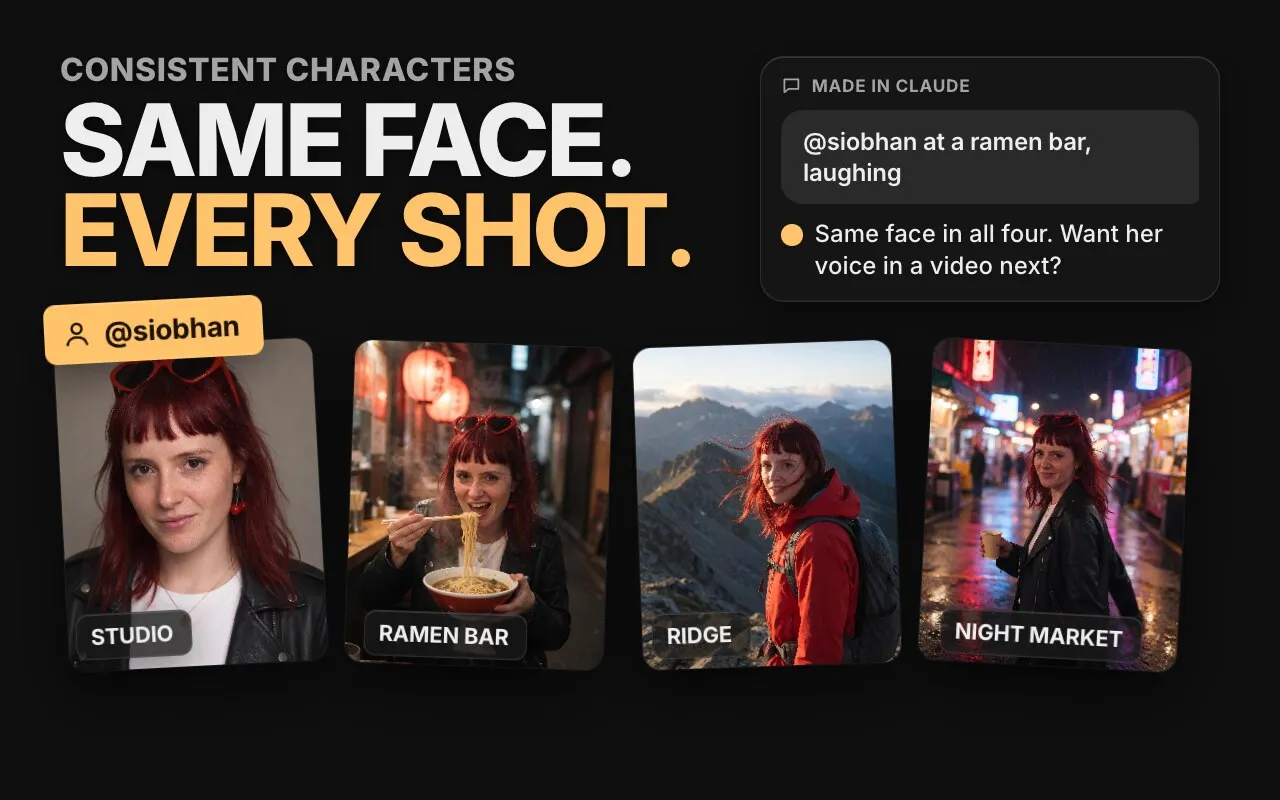
Consistent Characters
Save a character from one portrait, give them a voice, and keep the same face in every image and video.
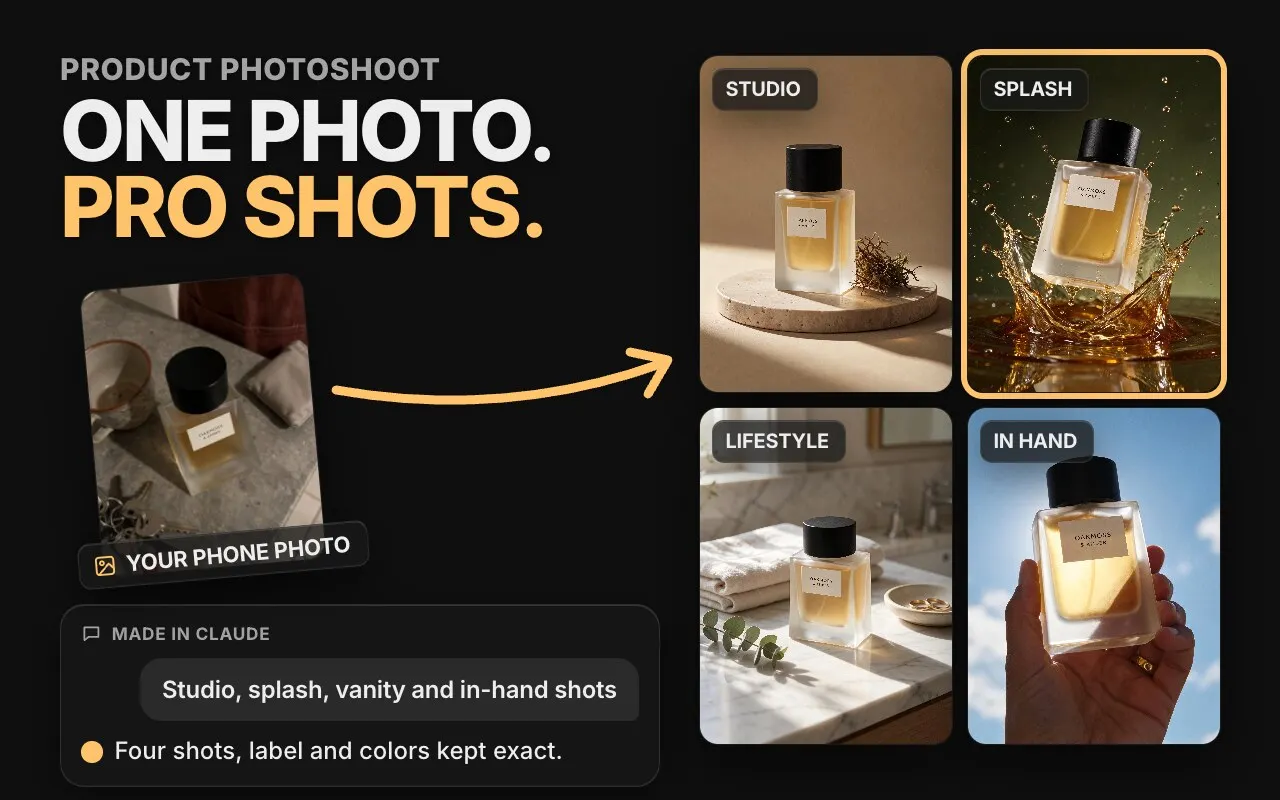
Product Photoshoot
Studio, lifestyle, hands-on, concept, and Pinterest shots of your product from one phone photo.
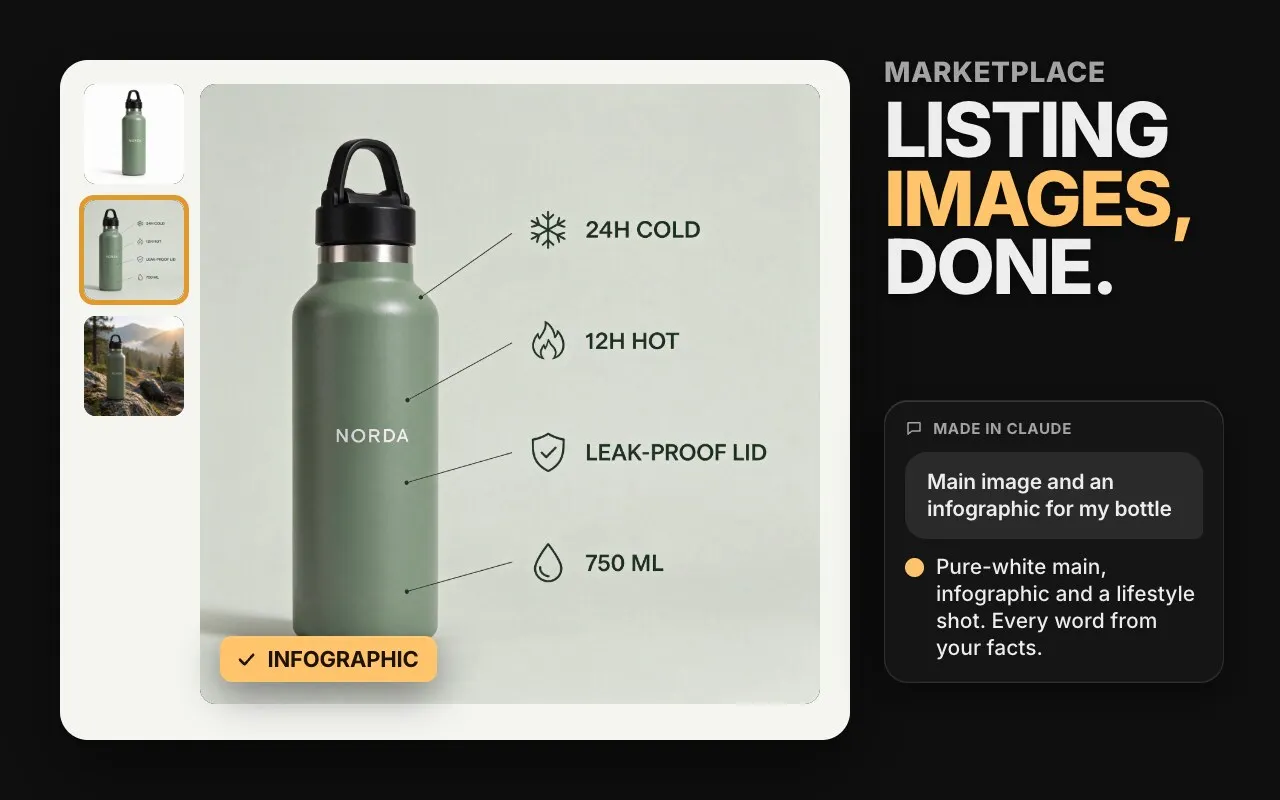
Marketplace Listing Images
A white-background main image, infographics, and A+ modules for Amazon and other marketplaces.
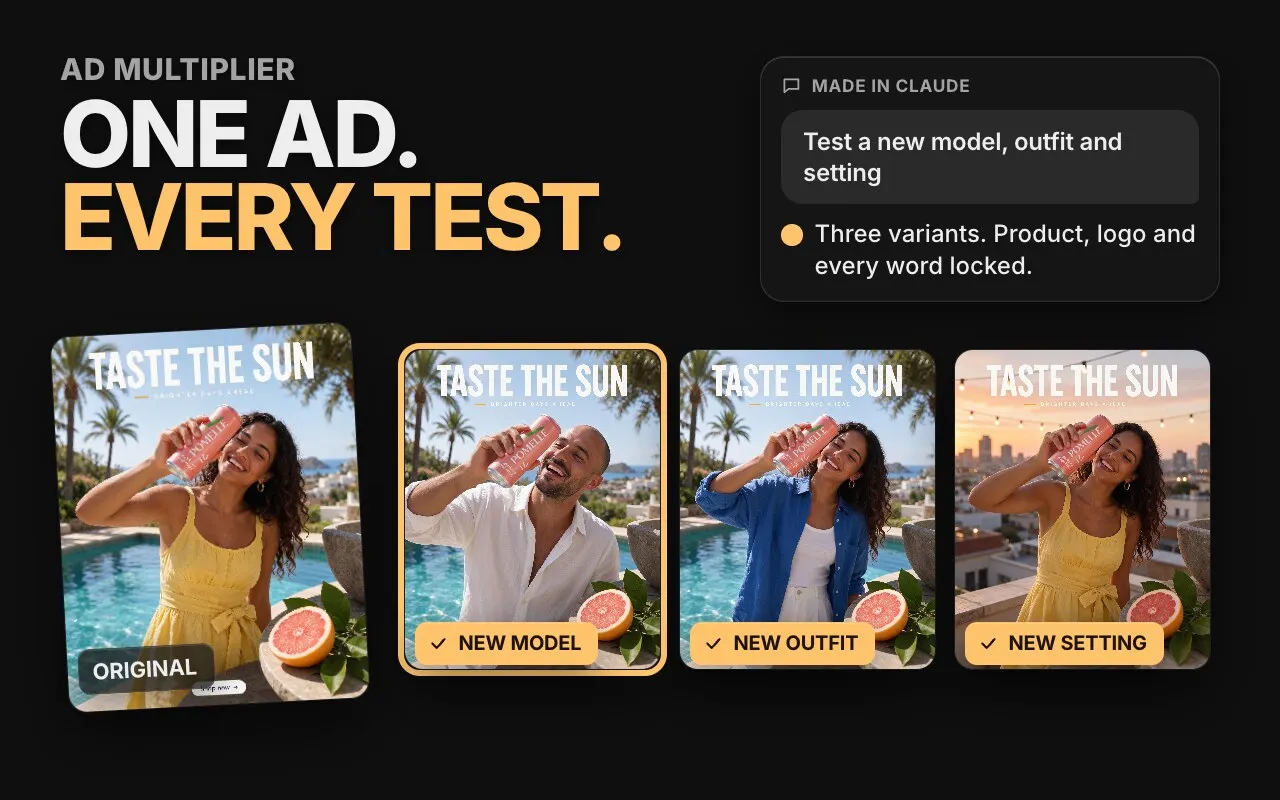
Ad Multiplier
Turn one ad into test variants: new talent, outfit, setting, or headline, with everything else locked.

Ad Resizer
Recompose a static ad for feed, Stories, Reels, and banners without cropping or losing a word.