
Relight · Lighting after the shot
Relight any photo
Move the light, set its softness, brightness, and color, and keep everything else in the image as it was.
Add your own photo or start from an example. The price in Gems shows before you generate.
Before and after
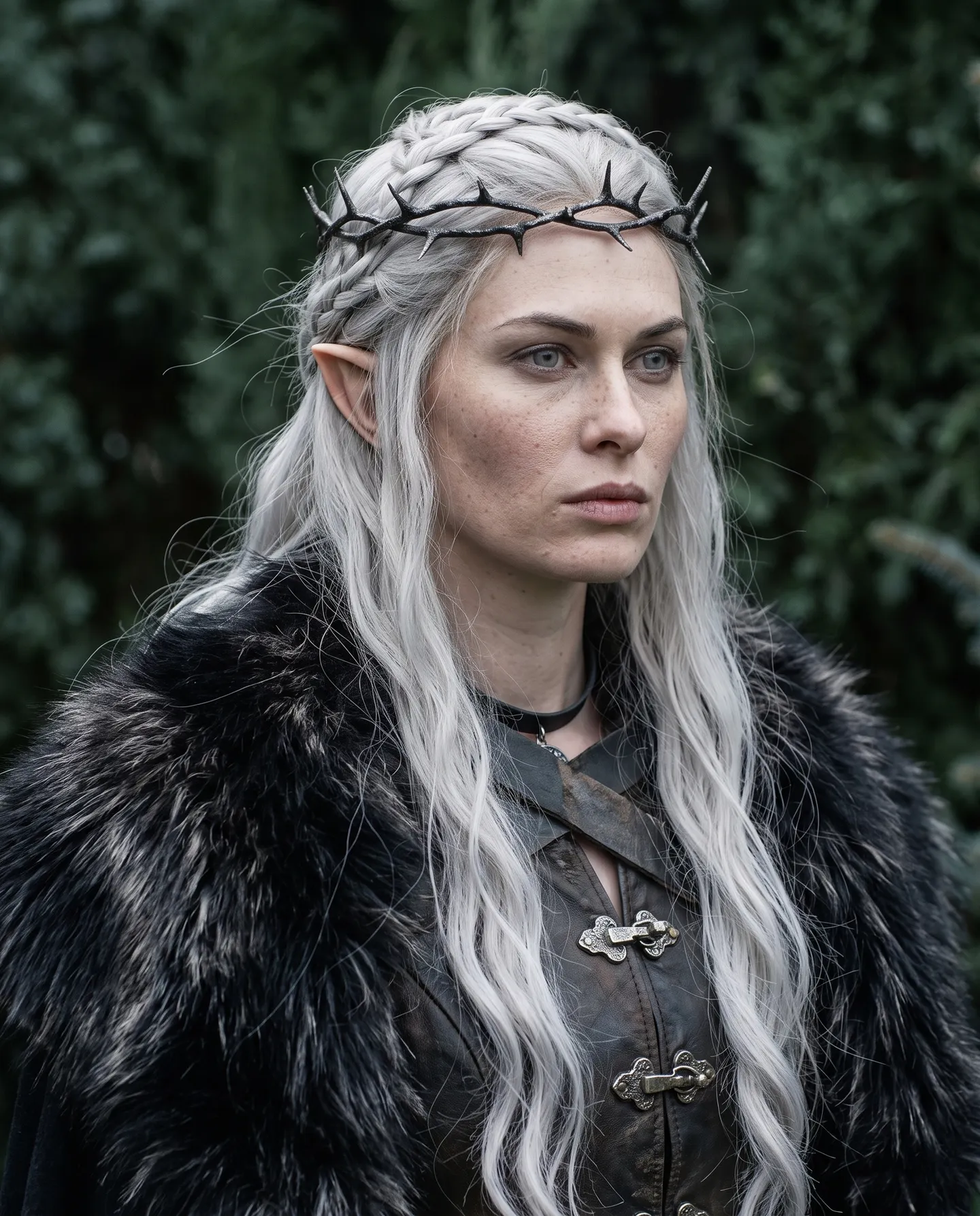
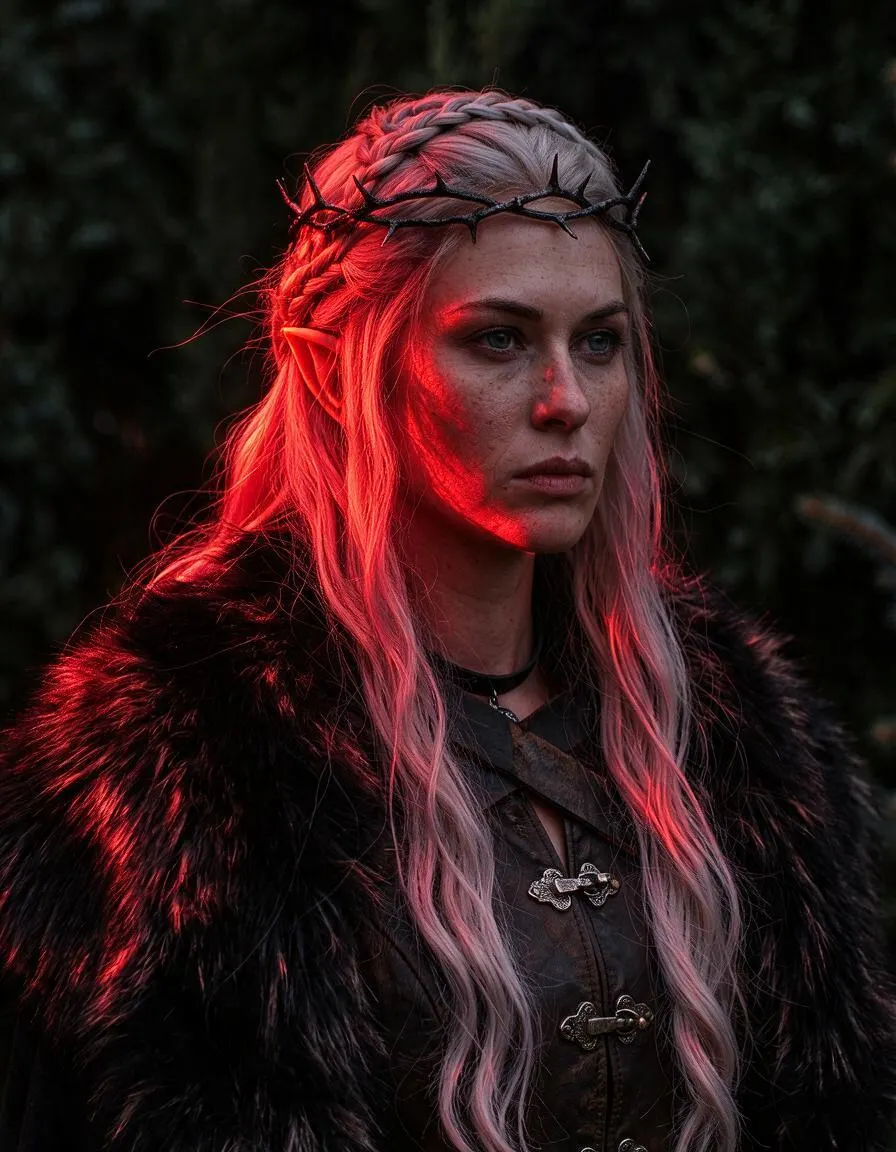
See what Relight does
undefined Drag the handle to compare the original with the result.
Mage examples
Made with Relight
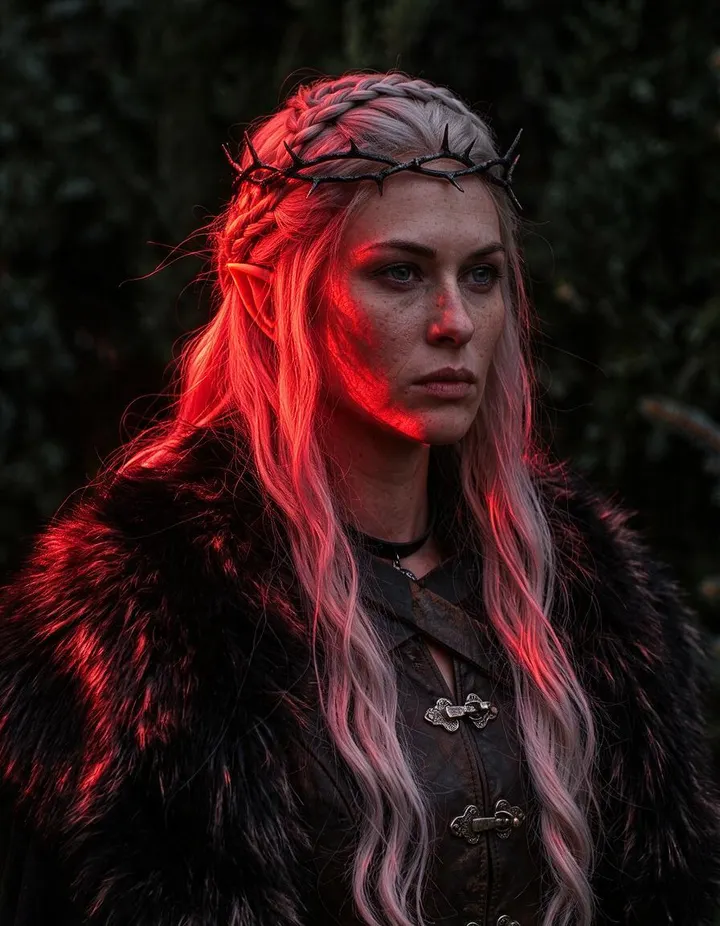
Real runs of Relight. Open one in the app, swap in your own photo, and generate.

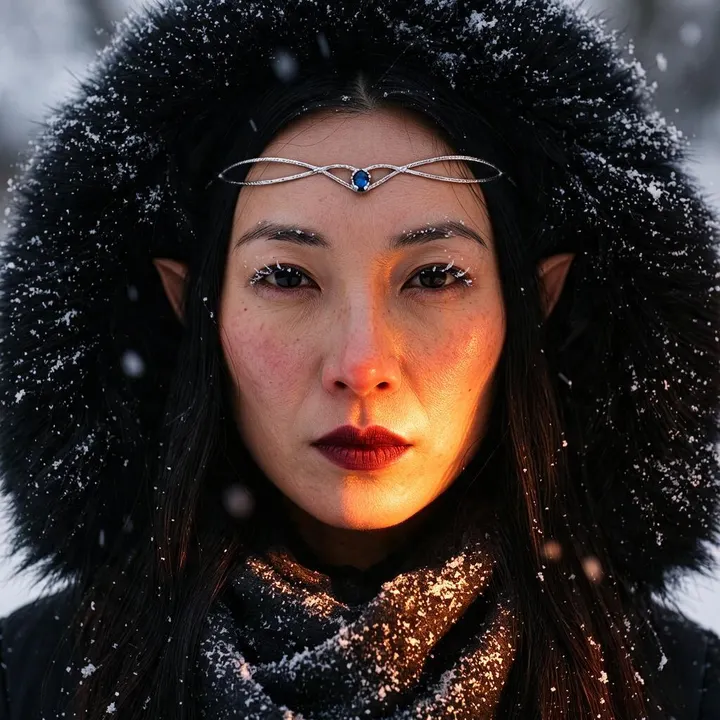
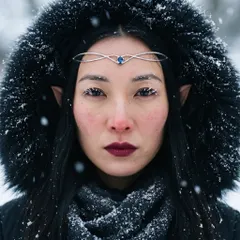
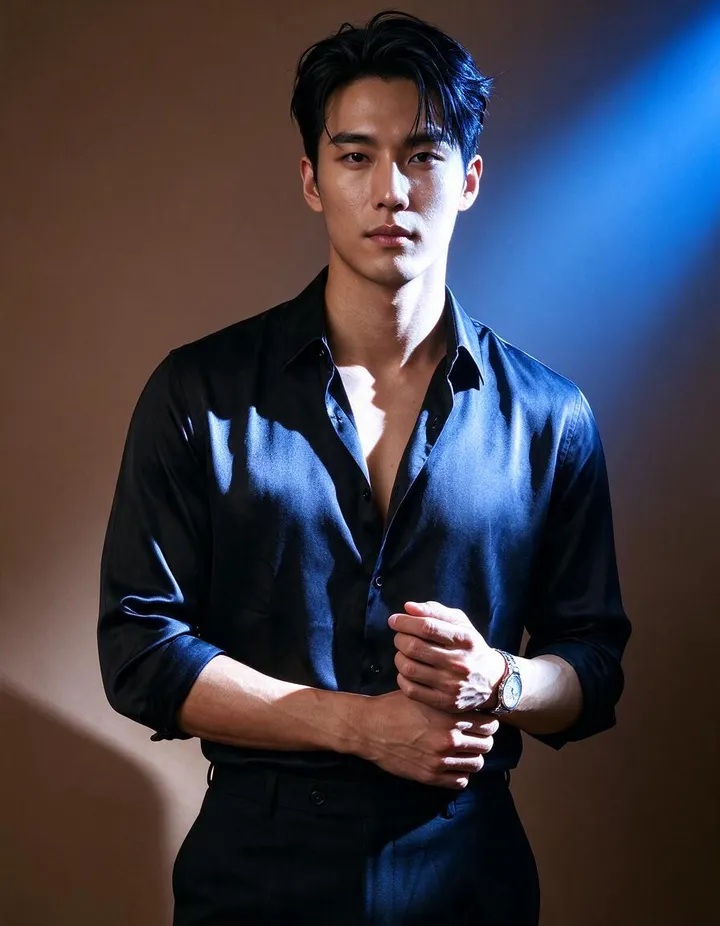
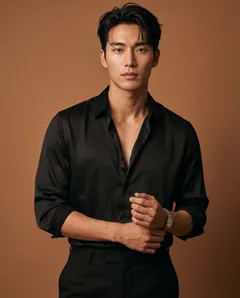
How it works
How to use Relight
Move the light, set its softness, brightness, and color, and keep everything else in the image as it was.
Add an image
Upload a JPEG or PNG up to 30 MB, drop it on the page, or pick one of your creations.
Place the light
Hold and drag to aim the light from the front, a side, behind, above, or below. Then pick Soft or Hard light, set the brightness, and choose a color.
Relight
The price in Gems shows on the Relight button. Press it, and the result lands in History, ready to download, save, share, or remix.
What you need
- An image to relight
For the best result
- Soft light flatters faces; hard light gives crisp shadows and drama.
- Light from the side or behind adds depth and a rim around the subject.
- A warm color reads as sunset or lamplight, a cool blue as night or shade.
Ideas
What people make with Relight
Fix flat portraits
Add direction and shadow to a portrait lit straight on.
Match a scene
Light a subject to match the background it sits in.
Set a mood
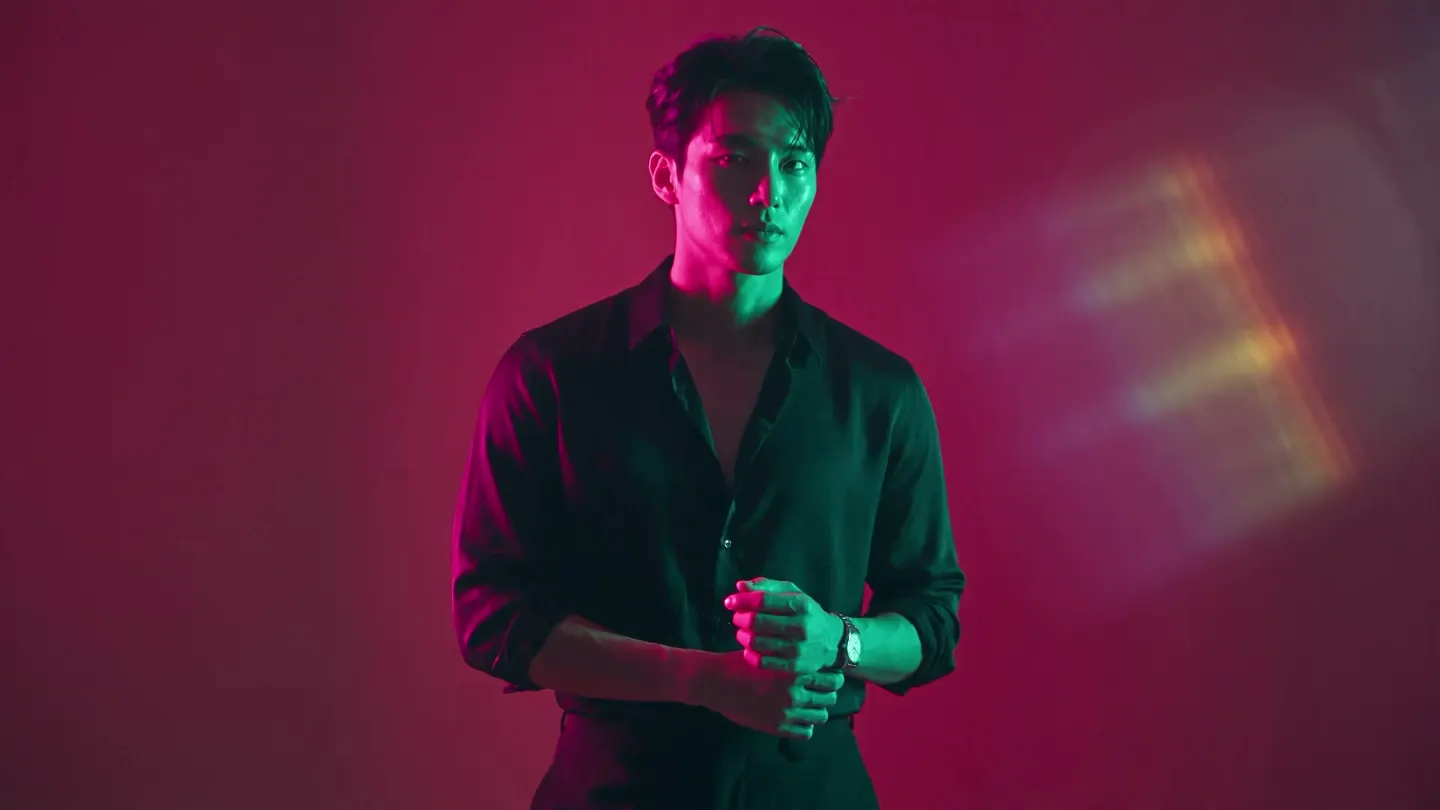
Turn daylight into golden hour, neon, or moonlight.
Product shots
Try several studio lighting setups on one product photo.
The basics
Change the light after the photo is taken
Light sets the mood of a picture more than almost anything else. The same face can look warm and friendly, cold and tense, or flat and forgettable, depending on where the light comes from and how hard it is. Usually you decide that when you take the photo or write the prompt. Relight lets you decide it afterwards.
Add an image, drag the light to where you want it, and choose how soft, bright, and colored it should be. Relight makes the image again under that light: new highlights, new shadows, and new color across the subject and the scene. The people, objects, composition, and framing stay as they were.
It works on photos and AI images, on portraits, products, and landscapes. Mango 3 Turbo is the default model, and Mango 3, the Guava models, and others are in the Model menu.
Tips and techniques
Where to put the light
The direction control moves the light around the subject in steps of 45 degrees. Light from the front fills the face evenly and hides texture, which is clean but can look flat. Light from 45 degrees to one side is the classic portrait setup: one side bright, the other in gentle shadow, with shape in the cheeks and jaw. Light from the side splits the face in two for a dramatic look.
Light from behind outlines the subject with a bright rim and leaves the front darker, which separates a person from the background. Light from above reads as midday sun or a ceiling lamp, and light from below looks unusual and theatrical, like a face over a campfire.
- Front: even and clean.
- Three-quarter side: shape and depth for portraits.
- Behind: a rim of light and separation from the background.
Tips and techniques
Soft or hard, bright or dim
Soft light comes from a large source, such as a cloudy sky or a window, and makes gentle shadows with blurry edges. It flatters skin and suits portraits, beauty, and food. Hard light comes from a small or distant source, such as direct sun or a bare bulb, and makes crisp shadows with sharp edges. It adds drama, texture, and contrast.
Brightness runs from 0 to 100 percent. Keep it moderate for a natural change and push it higher for a strong key light. Low brightness with a hard light from the side gives a moody, low-key look.
Tips and techniques
Using light color
The light color shifts the mood of the whole scene. Warm amber and orange read as sunset, candlelight, or a lamp indoors. Cool blue reads as moonlight, shade, or an overcast morning. Strong colors such as magenta, teal, or red give the neon look of a club or a city at night.
Match the color to the story. A portrait at golden hour wants a warm, soft light low from the side. A night scene wants a cool, dim light. A product shot usually wants white or slightly warm light, so its real colors read correctly.
- Golden hour: warm, soft, low from the side.
- Moonlight: cool blue, dim, from above.
- Neon: a strong color, hard, from the side or behind.
Tips and techniques
Ideas for portraits, products, and composites
Fix a flat selfie lit straight on by moving the light to one side. Light a subject to match a new background after you change it with the AI background changer, so the two read as one photo. Try several studio setups on one product photo before you pick the one for a listing.
To see the same subject from another viewpoint too, run Angles first, then relight the new view. When you are done, upscale the best version with the Image Enhancer.
Tips and techniques
Relighting AI images
Generated images often come out with the same safe light: soft, frontal, and evenly bright. It is easy on the eye but rarely memorable. A pass through Relight with a stronger light from the side, a rim from behind, or a colored light gives an image the mood the prompt did not ask for.
Relight is also a quick way to explore. Run the same image with three or four lighting setups, compare them in History, and keep the one that tells the story best. That is faster than writing new prompts and hoping the light comes out right.
A little more clarity
Frequently asked questions
What does Relight do?
Which lighting controls are there?
What can I upload?
Which models can I use?
How much does it cost?
Are my photos private?
What is the difference between soft and hard light?
Which light direction is best for portraits?
Can I make a photo look like it was taken at night?
Can I relight a product photo?
Can I relight the same image more than once?

Make your own with Relight
Open the app, add your photo, and see the price before you generate. Everything you make stays in your History.
Open Relight