
For Flipkart Seller Hub · Rules last checked October 2026
AI Flipkart Product Images
Build the six kinds of product photo Flipkart’s own seller guides recommend, from a main image on white to lifestyle, size and packaging shots, all from one photo of your product.
No installation. No credit card. Private by default.
- WhiteBackground for the main image
- 6Photo types in Flipkart’s guide
- Up to 6KWith Image Enhancer
- $0Free to start
The basics
What Flipkart asks of product images
Flipkart’s Seller Hub guide to listing products tells sellers to upload high-resolution product images on a white background and to add lifestyle shots where possible, and every new listing goes through a quality check in which the QC team reviews the images. Flipkart’s terms of use add the hard limits: a listing may only include pictures that describe the item for sale, the description must not be misleading, and you may not upload images of another person without permission. Its public pages give no single pixel minimum, so check the image limits for your category in Seller Hub before you upload. Last checked October 2026.
Flipkart’s seller blog goes further on what a good gallery holds. It names six kinds of product photo: the individual product on a plain, usually white background from different angles; the product in use; several products together; the product beside everyday items to show its size; the packaging and labels; and close-ups of features. For fashion it suggests a neutral background, white, grey or beige, with the garment on a hanger or mannequin, or laid flat.
Mage builds that whole set from one good photo. Keep your product and swap the background for white, generate the in-use and size shots in Indian homes, render more angles with the Angles app, and make feature close-ups that hold up when a buyer zooms. If you also sell on Amazon, the same source photo feeds both stores.
A little more possibility
Why Flipkart sellers make product images on Mage
Main image on white
Keep the product, replace the background with clean white, and fill the square for search results.
Lifestyle where it helps
Show the product in use in a Bengaluru flat, a Delhi kitchen or on a Mumbai balcony.
Size you can see
Put the product beside a phone, a mug or a hand, so buyers judge its size before they order.
Every angle
Front, three-quarter, side and back views from the Angles app, matched to the main image.
Ready for zoom
Generate at 2K, and upscale to 4K or 6K with Image Enhancer when the detail matters.
Private until launch
Unreleased products stay in your account until the listing goes live.
From idea to creation
How do you make Flipkart product images with AI?
It takes three steps, and it is free to start.
Start from a real photo
Shoot the product whole and sharp, in daylight. QC checks that the pictures describe the item you sell.
Make the main image on white
In Guava 2 Pro or Mango 3, attach the photo and ask for a clean white background with the product centered and large in a square.
Add the other five photo types
In use, with other products, at scale, with its packaging, and in close-up: one prompt each.
Upscale and submit
Enhance the keepers, check every detail against the product, and submit the listing for QC.
Tips and techniques
Flipkart’s six photo types, made with AI
The individual product. This is the anchor of the listing: the product alone on a plain white background, from different angles. Ask for "clean white background, product centered and filling most of a square frame, soft shadow underneath, even light," then run the result through the Angles app for a three-quarter and a side view, so the set matches.
Usage and lifestyle. Flipkart’s own example is sunglasses worn by a person. Use a saved character so the same face appears across your store, and choose settings that look like your buyers’ lives: a scooter commute in the morning, a tiffin on an office desk, a pressure cooker on a gas stove.
Multiple products, size and packaging. A combo pack should show every item in the pack, laid out clearly. A size shot places the product next to something everyone knows, such as a phone, a water bottle or a hand. A packaging shot shows the box and the label, which tells buyers exactly what arrives at the door.
Feature close-ups. Flipkart suggests close-ups that show the anatomy of the product: the stitching on a bag, the ports on a charger, the grain of a wooden board. These need the most care with generated detail, so compare each one with the real product. For general product photography technique, see the AI product photo generator guide.
- Main image: white background, product alone, centered and large.
- Lifestyle: one recurring model, real Indian settings.
- Size: next to an object everyone knows.
- Packaging: from a real photo if the printed text matters.
- Close-ups: compare with the real product before you upload.
Tips and techniques
Fashion on Flipkart: hangers, mannequins and flat lays
For clothing, Flipkart’s fashion photography guide suggests a neutral background, white, grey or beige, the garment clean and wrinkle-free, and positions that show its shape: a dress on a hanger or a mannequin, a T-shirt or jeans laid flat. Each of these is a prompt: "Keep the shirt exactly as in the photo, laid flat on a plain light grey surface, sleeves folded in neatly, top-down view, even softbox light."
For an on-model view, save a model as a character and dress them with Outfit Swap. Use only a model you created or a person who agreed to it: Flipkart’s terms forbid images of another person without permission, so a saved Mage character is safer than a borrowed photo.
Ethnic wear needs one extra check. A kurta set, a lehenga or a saree has borders, prints and embroidery that the model can simplify when it redraws the fabric. Compare the motif, the border width and the color with the real piece, and keep a real close-up photo of the work buyers pay for.
Tips and techniques
The Big Billion Days and the festive season
The Big Billion Days, Flipkart’s annual festive sale (the 2026 edition opened on 9 October), leads into Diwali and the wedding season, so that is when your listings need to be at their best. Do the image work before the sale opens and leave time for QC: a listing with one photo competes poorly against a full gallery.
Put the season in the lifestyle shots, not in the main image. A gift-wrapped box beside brass diyas, a dinner set laid for a Diwali meal, a lehenga at a mehendi evening: these sell the moment. The main image stays plain white all year, so it passes QC and looks the same in search.
A short video helps in ads during the sale, and the AI product video generator guide turns the same images into a clip. If you sell the same product on Amazon, the AI Amazon product images guide covers its main image rules.
Tips and techniques
Doing a whole catalog
Flipkart’s Premium Catalogue Program offers photoshoots, catalogs and image editing as a service, which suits a seller who wants it done for them. Mage suits a seller who wants to do it in-house, product by product, and change a scene the same day a competitor changes theirs.
For a big catalog, keep one prompt template and change only the product: the same white background wording, the same light, the same framing. Draft on Mango 3 Turbo, finish on Mango 3 or Guava 2 Pro, and on Pro Plus queue up to 10 generations at once. Before you download a product’s images, set its SKU as the file name prefix in Settings, under Downloads, so every file arrives named for the bulk upload.
In Claude, Codex or Cursor, the Product Photoshoot skill makes up to ten photography modes from one photo, and the Marketplace Listing Images skill builds a main image and secondary images. That skill knows Amazon, Walmart, Etsy, eBay and Shopify; give it the Flipkart rules from this page. Both are on the Mage skills page.
The right model for the job
Models for Flipkart listings
Guava 2 Pro and Mango 3 make the photos; GPT Image 2.5 Flare adds callouts.
Guava 2 Pro
Mage's photorealism model for main images and lifestyle shots that pass for photographs, with up to three references and 2K at most. Unlimited on Pro.
Mango 3
Edits your photo while keeping the product in place, and combines up to 10 references for combo packs and scenes. Unlimited on Pro at 1K and 2K.
GPT Image 2.5 Flare
Readable text in the image for feature callouts and size labels on secondary images, with up to 15 references. OpenAI's safety filter applies.
Mango 3 Turbo
The fast, low-cost Mango for drafting a whole catalog before you run the finals.
Try these prompts
Prompts for a Flipkart gallery
One prompt per photo type. Attach your product photo to each.
Main image on white
Keep the pressure cooker exactly as in the photo, lid, handle and whistle unchanged. Clean white background, product centered and filling most of a square frame, soft shadow underneath, even studio light, no text.
In use at home
Keep the cooker exactly as in the reference. On a gas stove in a bright Indian home kitchen, steam rising from the whistle, steel utensils on a rack behind out of focus, morning light from a window, 35mm.
Size against a phone
Keep the power bank exactly as in the reference. Lying on a plain white desk next to a smartphone, top-down, even light, both fully in frame so the sizes compare.
Diwali dinner
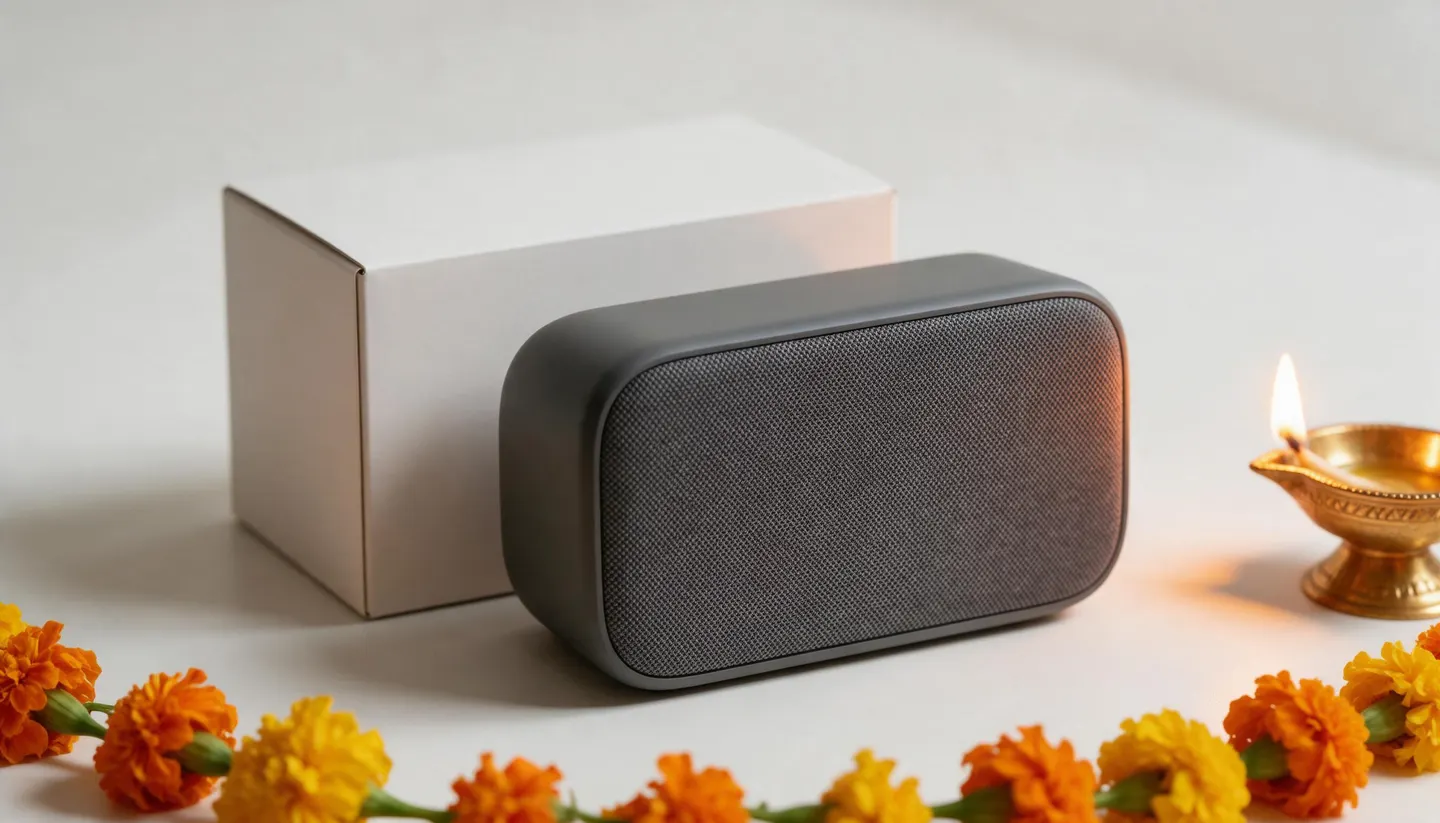
Keep the dinner set exactly as in the reference. Laid on a festive dining table with brass diyas and marigold flowers, warm evening light, the full set visible.
Feature callouts
Keep the backpack exactly as in the reference. Product on white with four thin callout lines and short labels: "15.6 in laptop sleeve", "Water-resistant fabric", "USB charging port", "Padded straps". Clean sans-serif text.
Room to experiment
An outsourced catalog shoot vs Mage
A studio shoot still makes sense for a flagship launch. For the hundreds of listings in between, and every festive refresh, working from one photo in-house is faster and lets you try more before you commit.
An outsourced shoot
- Send samples to a studio and wait
- Edits billed per image
- A new shoot for every festive refresh
- Little room to try another background
Mage
- Work from one photo, the same day
- Unlimited Guava and Mango from Pro
- New festive scenes in minutes
- Try ten backgrounds, keep the best
Follow your imagination
Who makes Flipkart images on Mage?
Electronics and accessories
Main images, port and button close-ups, and size shots next to a phone.
Home and kitchen
Cookware in Indian kitchens, combo packs laid out, and packaging shots.
Fashion sellers
Flat lays, hangers and on-model views on neutral backgrounds.
Sellers on Flipkart and Amazon
One source photo, two sets of listing images.
Start small. Dream big.
How much does it cost to make Flipkart images?
Mage is free to start with a one-time 300-Gem bonus. Guava and Mango are unlimited from Pro, and GPT Image is unlimited at Low quality from Basic.
Basic
$10/mo
Inpainting and Refine, unlimited GPT Image 2 and 2.5 at Low quality for callouts, 500 monthly Gems.
Pro
$30/mo
Unlimited Guava and Mango at 1K and 2K, Relight and Angles on those models, and Enhance to 2K. 1,500 monthly Gems.
Pro Plus
$60/mo
Enhance to 4K, Nano Banana 2.1 at 1K, and up to 10 generations queued at once. 3,500 monthly Gems.
A little more clarity
Frequently asked questions
What are Flipkart’s product image requirements?
Does Flipkart require a white background?
What resolution should Flipkart product images be?
Can I use AI-generated images on Flipkart?
Can I show my product on a model?
Can I add text or callouts to Flipkart images?
Is Mage free for Flipkart sellers?

Ready to fill your Flipkart gallery?
Free to start, private by design. Have fun creating!
Shoot products with GuavaRelated generators & guides
- AI product photo generator
- AI background changer
- AI image upscaler
- Outfit Swap
- AI Amazon product images
- AI Meesho product images
- AI product video generator
- Flipkart Seller Hub: How to list products on Flipkart
- Flipkart Seller Hub: Product photography guide
- Flipkart Seller Hub: E-commerce fashion photography
- Flipkart Seller Hub: Terms of use
- Flipkart Stories: The Big Billion Days returns for its 13th edition
Mage is for adults, 18+ only. Nothing illegal is allowed; any content involving minors or non-consensual depictions of real people is strictly prohibited.