 Skill by Mage · Character Sheet
A character reference sheet from one image
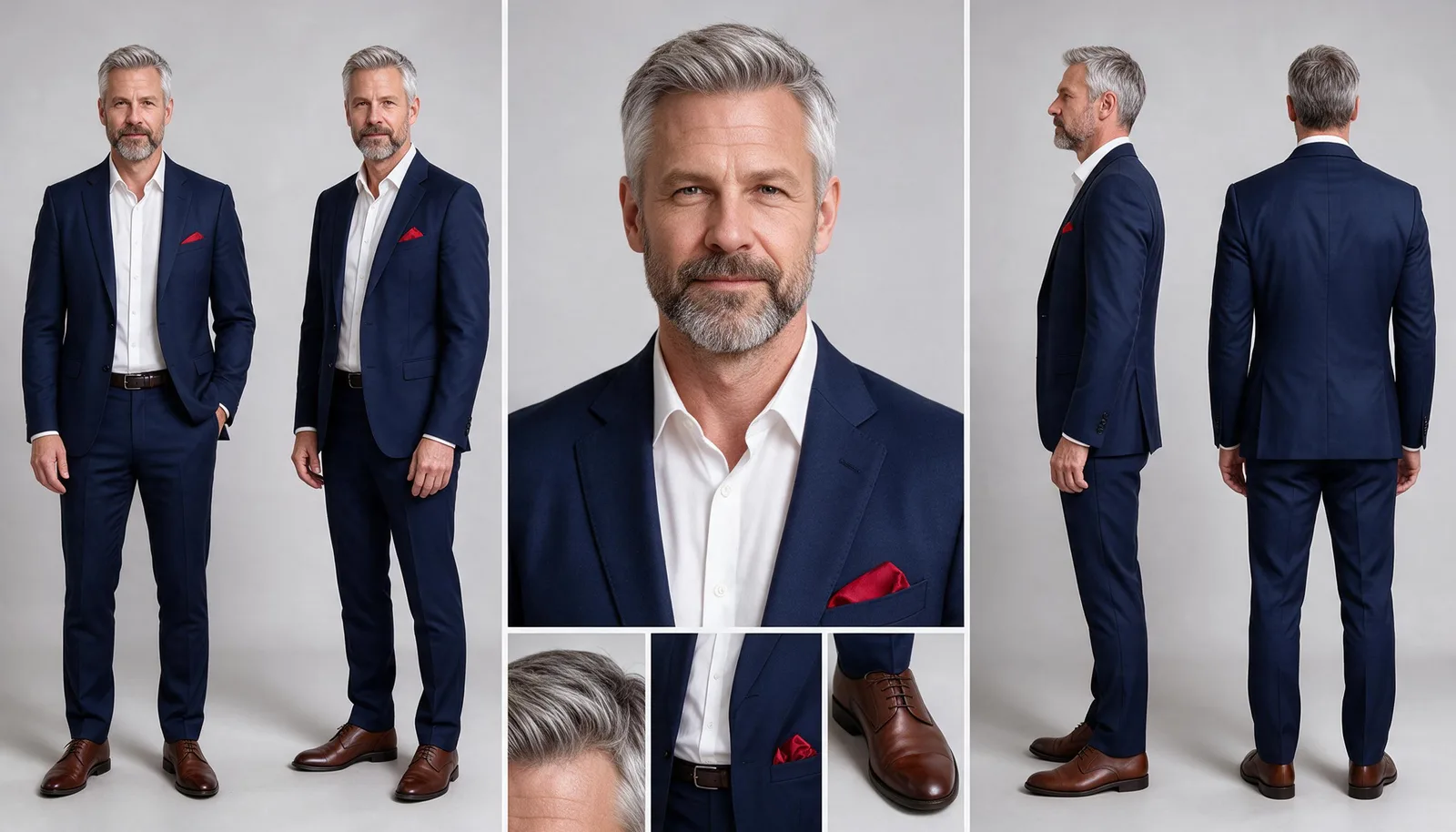
Share one image of your character. Mango 3 lays out a face close-up, front, three-quarter, side, and back views, and hair, outfit, and accessory details on one wide sheet, ready to save as a character.
Requires the Mage connector ↓Prefer clicking? Open the Character Sheet app →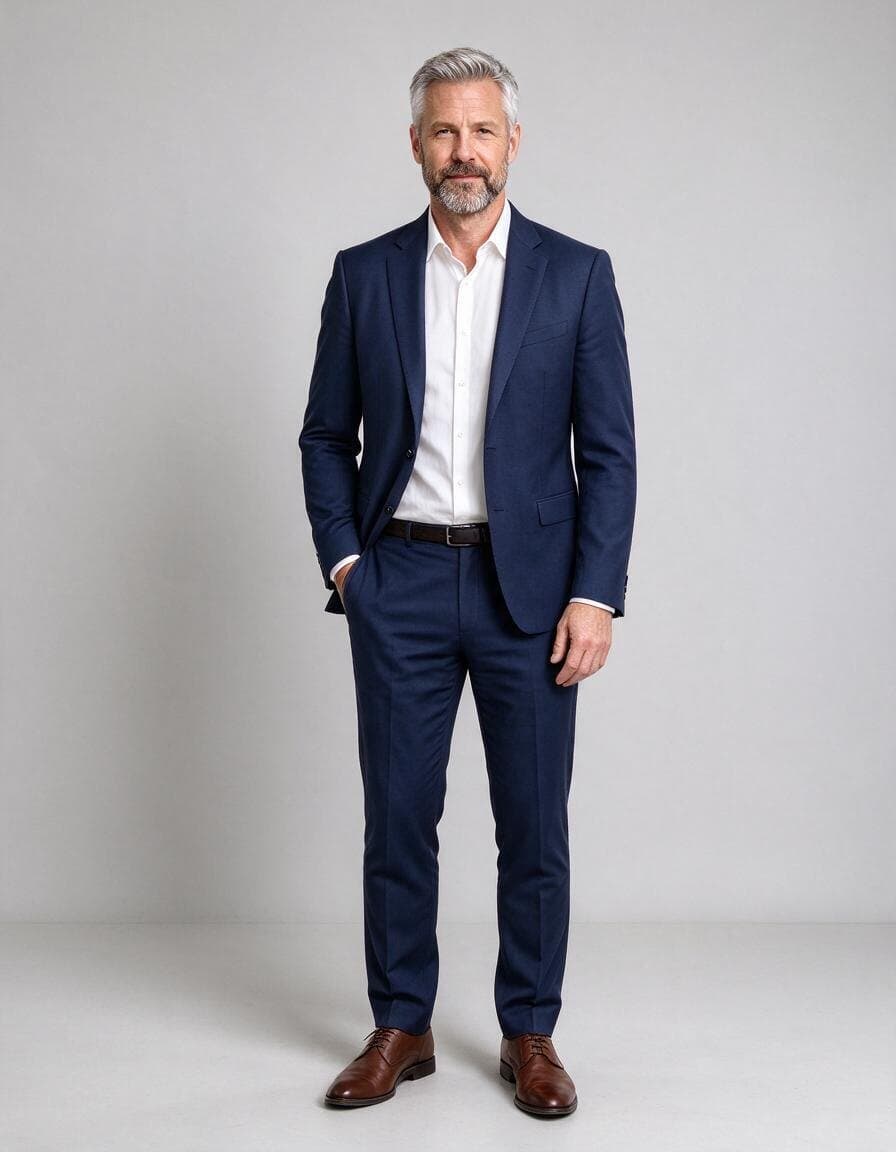
Examples
One image in, every view out
The face sits in a centered square column, so a square crop of the sheet doubles as an avatar.
How it works
How to use the Character Sheet skill
Share the character
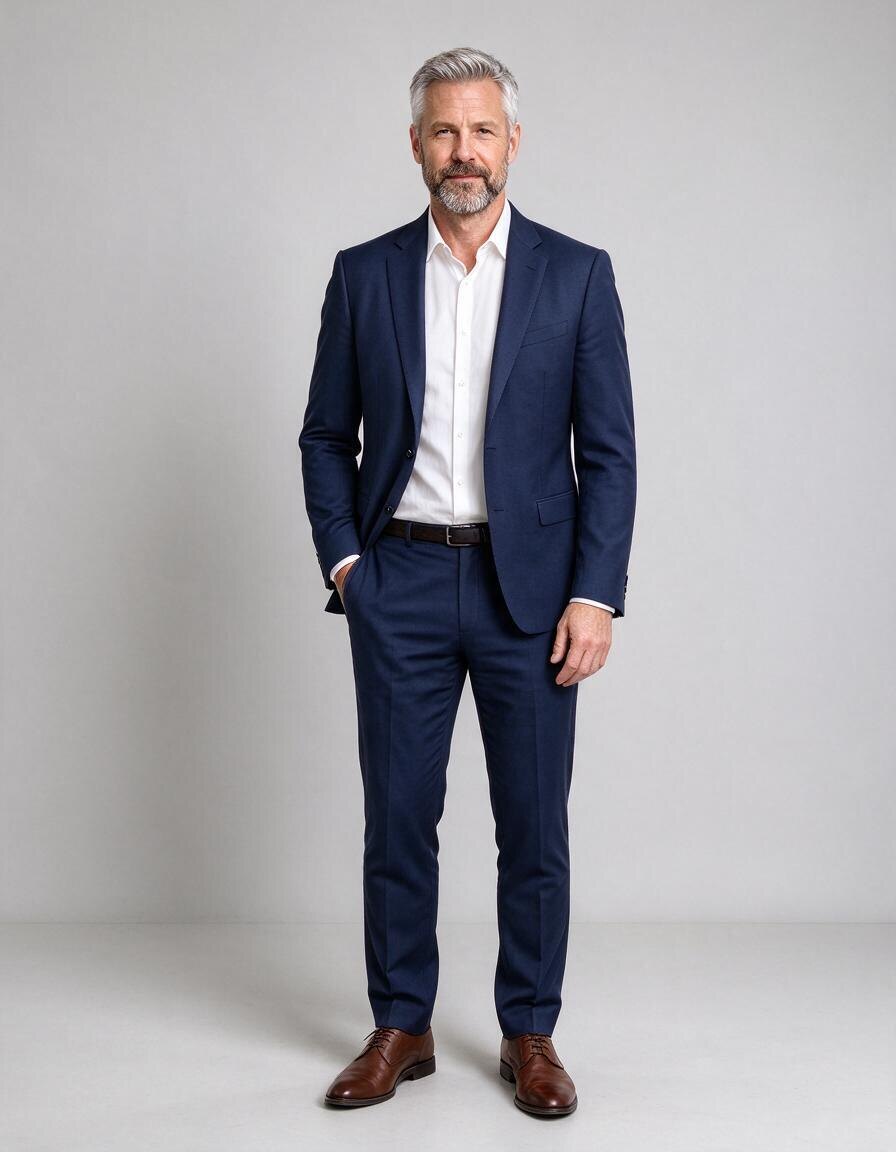
One image, or a saved character. Add details to apply in every panel, like a scarf or an eye color.
Get the sheet
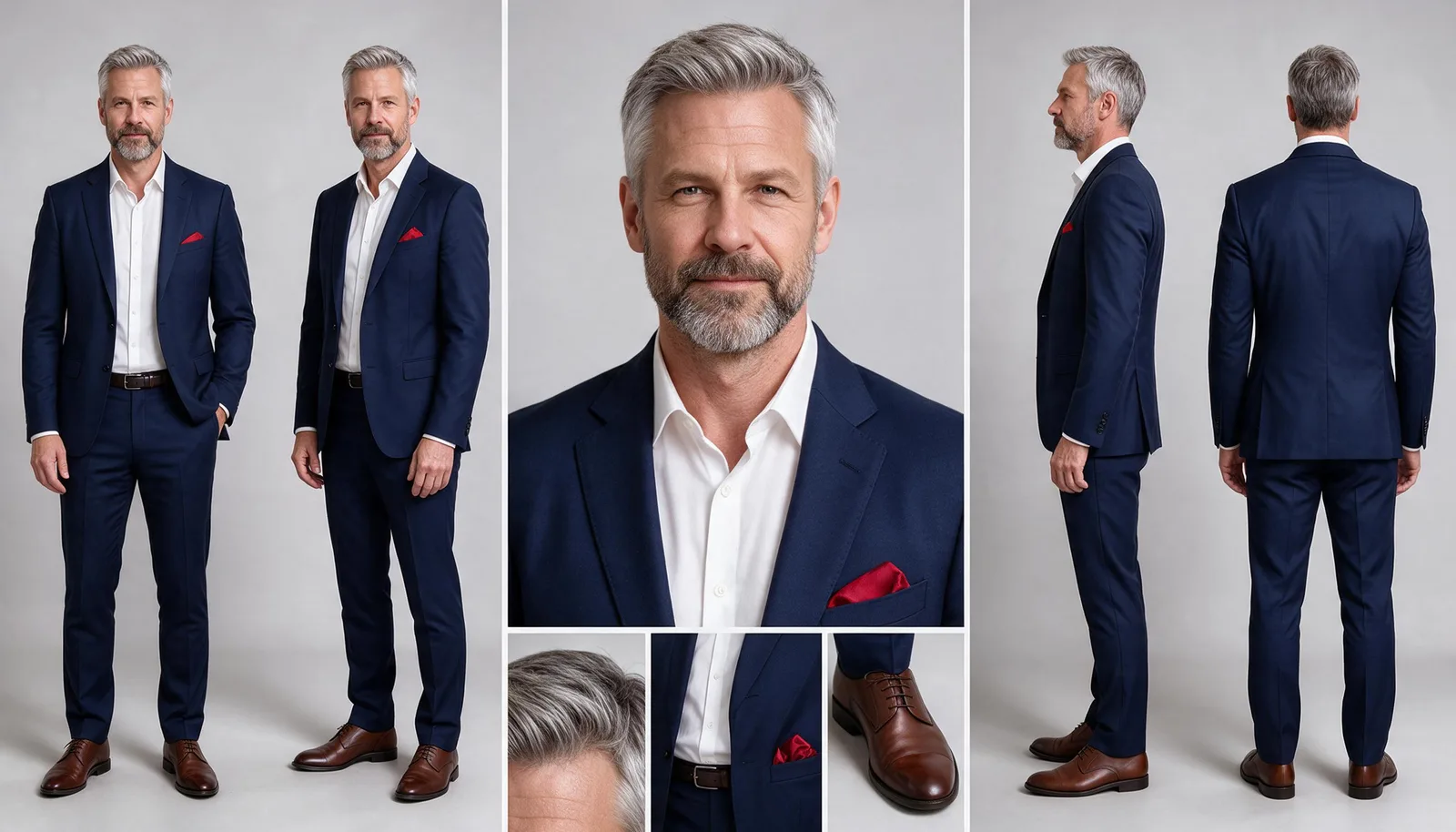
Mango 3 lays out the face, front, three-quarter, side, and back views, and close-up details, at 16:9.
Save it
Save the sheet as a character, so every later image and video can draw on all four sides.
Runs on
Setup
Set up Mage in your agent
Connect Mage
Add the Mage connector to Claude, ChatGPT, Claude Code, Grok, or Cursor, and sign in with your Mage account.
Open MCP setup →Add the skills
In Claude Code, Codex, Cursor, and other agents, add every Mage skill with one command, or install the Claude Code plugin.
npx skills add mage-space/skills/plugin marketplace add mage-space/skills/plugin install mage@mageAsk for it
Describe the job, or run /mage-character-sheet.
Use Mage to make a character sheet of this man, with a red pocket square: https://www.mage.space/skills/app-inputs/character.jpg
FAQ
Frequently asked questions
Is it the same as the Character Sheet app?
Yes. The skill sends the Character Sheet app’s own prompt with the same models and defaults, so your agent gets the app’s results from a chat, and can run it on many images in one go.
Why save the sheet instead of a portrait?
A sheet shows the character from every side with their outfit and details, so generations that use the @handle keep them consistent from any angle.
Does it work for illustrated characters?
Yes. The sheet matches the art style of your image: a photo gives photo panels, an illustration gives illustrated ones.
Can I use a real person’s face?
Only with that person’s permission, and never to deceive, harass, or sexualize anyone. Harmful deepfakes are forbidden on Mage, and the skill states the rule with the price before it runs.
How much does it cost?
The skill is free and open source. Each generation it starts is paid in Gems from your Mage account at the model’s listed price, and your assistant quotes the total before it creates anything.
Try Character Sheet in Claude
Turn one image of a character into a reference sheet: face, four full-body views, and details.
More skills
Explore other skills
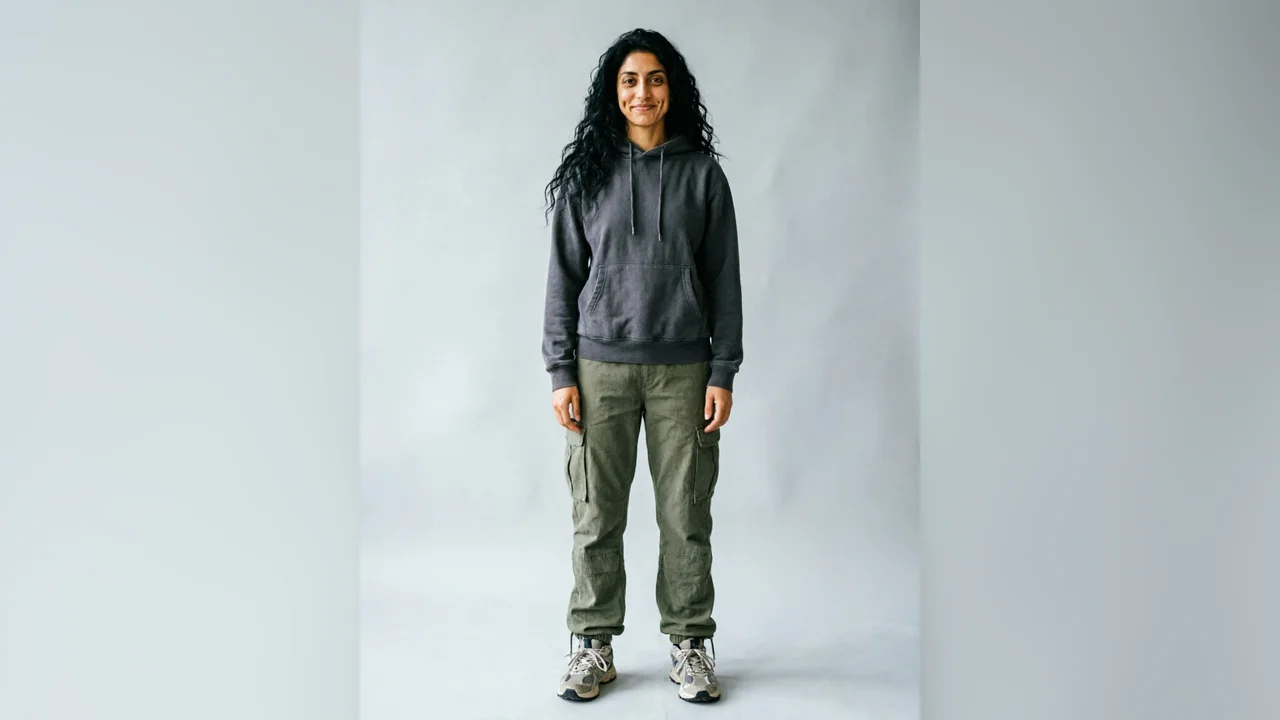
Character Design
Character Builder
Design a new character from a list of traits, then save them as a reusable @handle.
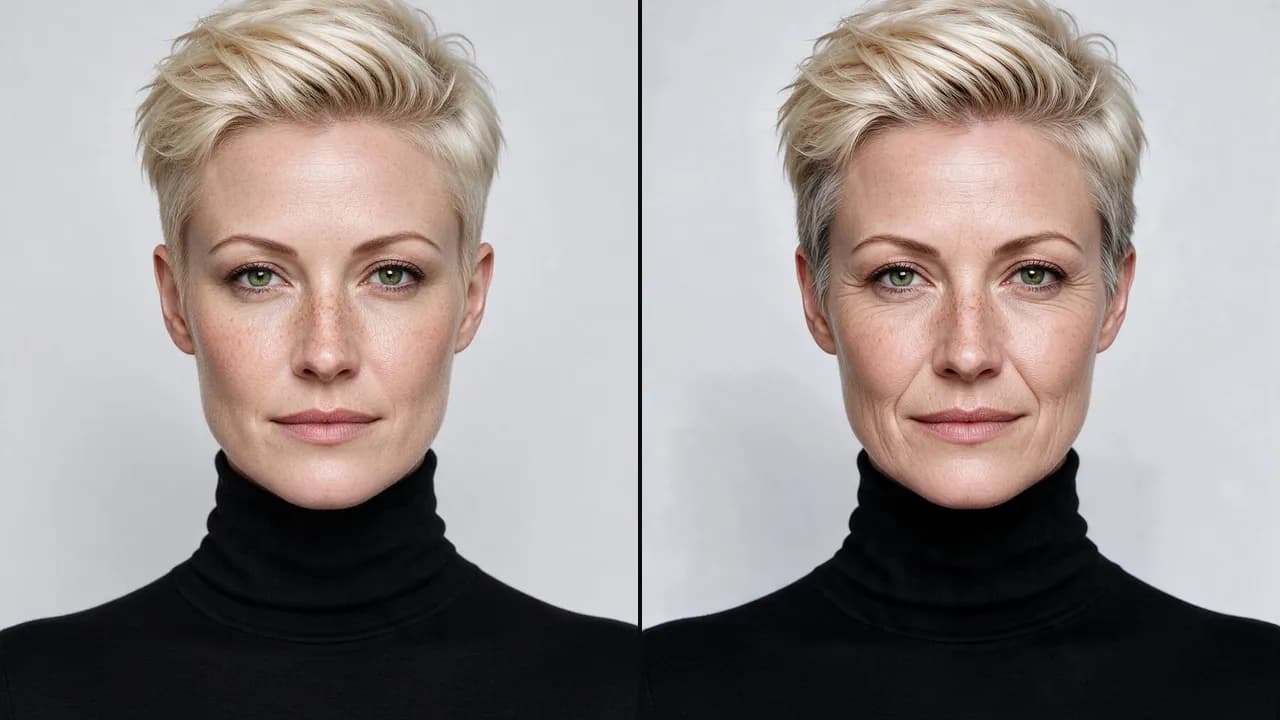
Character Design
Character Muse
Start from a portrait that is close and steer it with face presets or plain words until it is right.

Essentials
Generate
Any image, video, or audio on the right Mage model, priced before it runs and delivered as a link.

Essentials
Consistent Characters
Save a character from one portrait, give them a voice, and keep the same face in every image and video.

E-commerce
Product Photoshoot
Studio, lifestyle, hands-on, concept, and Pinterest shots of your product from one phone photo.
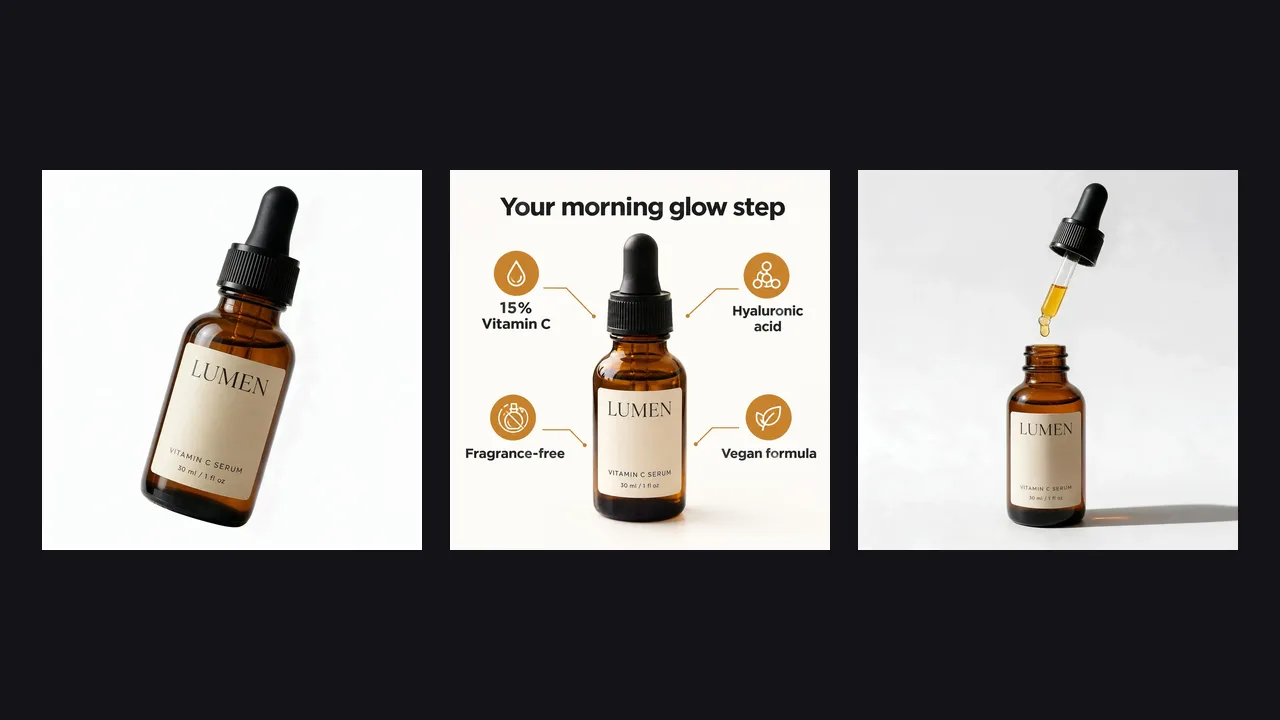
E-commerce
Marketplace Listing Images
A white-background main image, infographics, and A+ modules for Amazon and other marketplaces.