 Skill by Mage · Generate
Generate images, video, and audio in one conversation
Describe what you want and your agent picks the right Mage model (Mango 3 for images, Cherry 2 Pro for video, Seed Audio for sound), quotes the price in Gems, generates, and hands back the file.
Requires the Mage connector ↓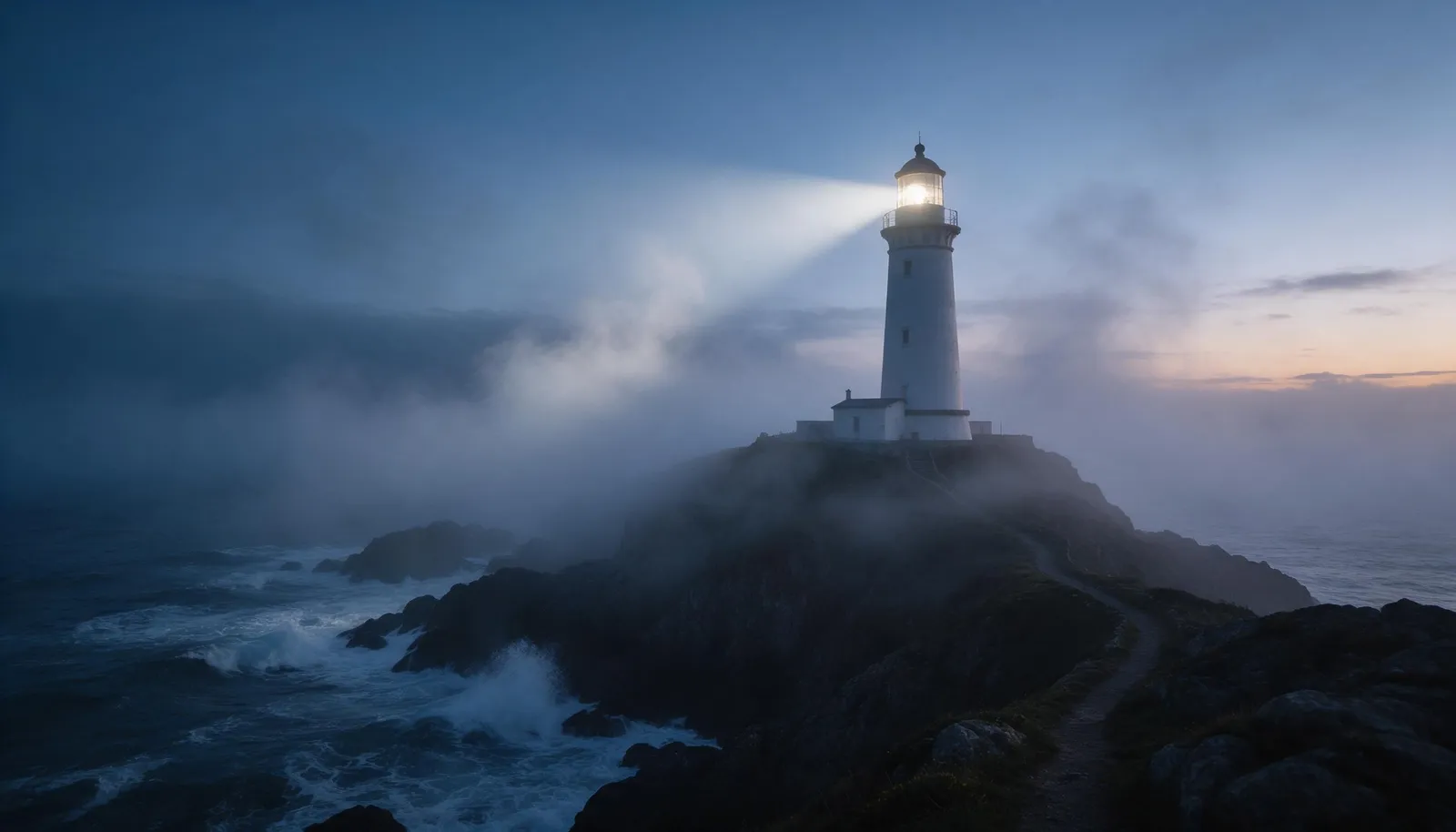
Examples
One skill, every kind of media
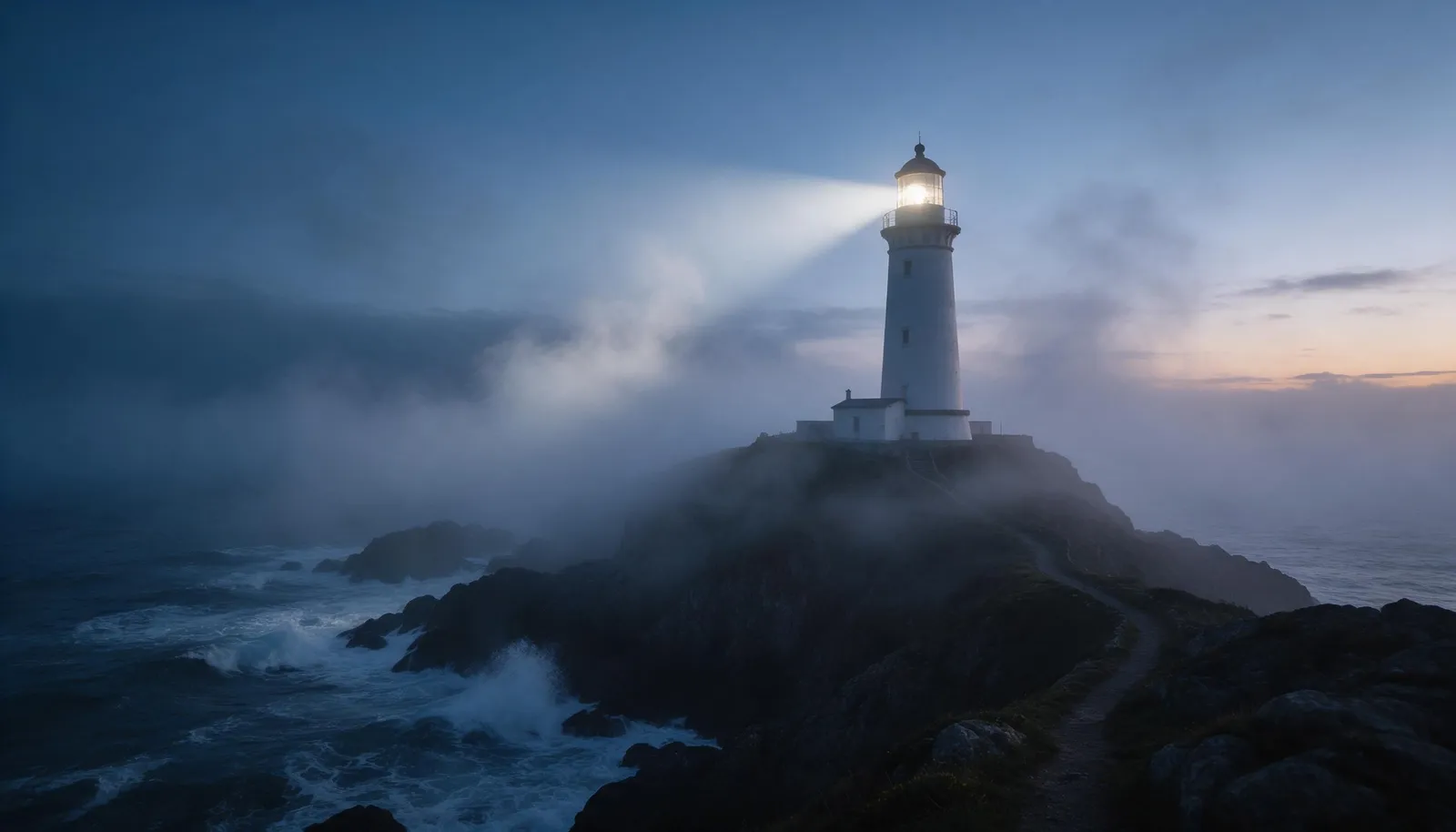
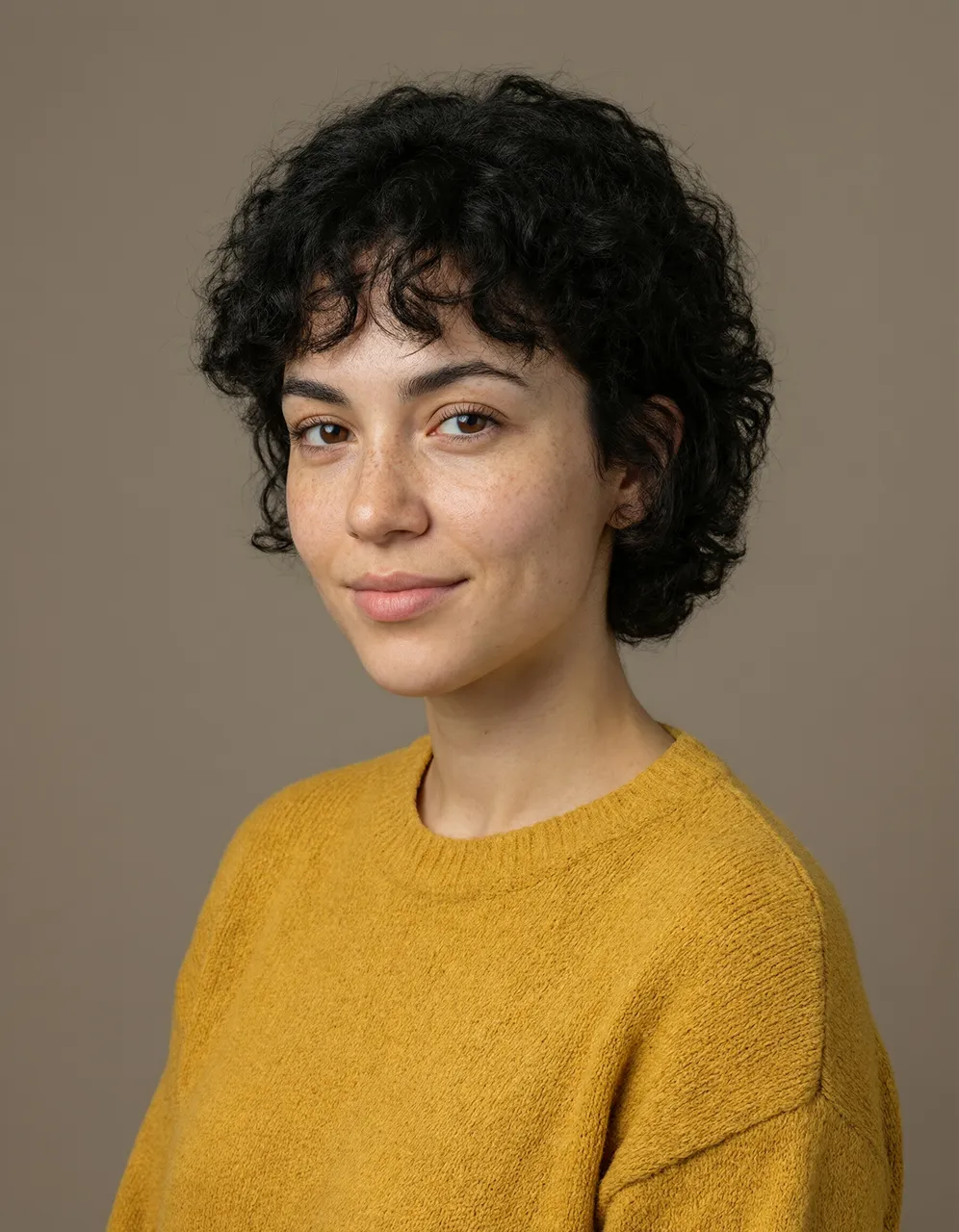
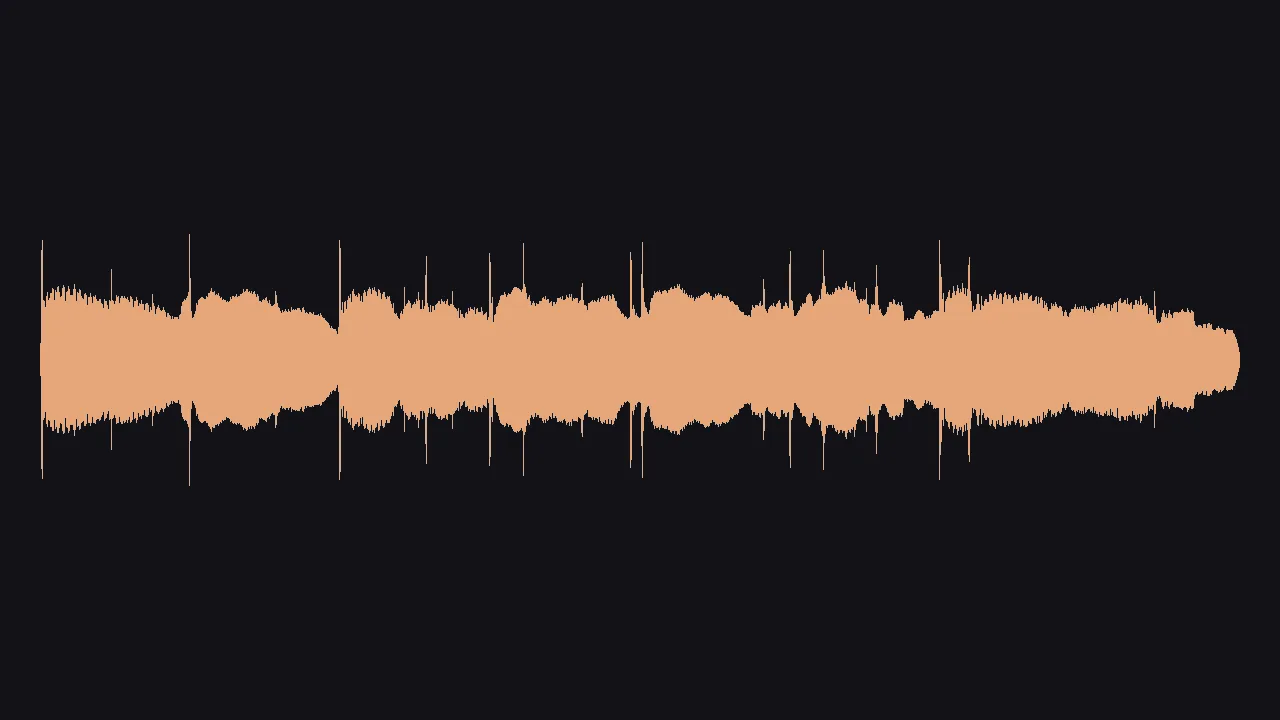
Each of these came from a single request. The skill chose the model to fit the job.

How it works
How to use the Generate skill
Describe it
Say what you want in plain words. Share links to any reference images or clips.
Get the right model and a quote
The skill picks the model for the job (text in the image goes to GPT Image 2.5 Flare, photoreal people to Guava 2 Pro) and quotes the price in Gems.
Get the file
It generates, waits for the result, and gives you the link, with one suggestion when a cheaper or sharper option fits.
Runs on
Setup
Set up Mage in your agent
Connect Mage
Add the Mage connector to Claude, ChatGPT, Claude Code, Grok, or Cursor, and sign in with your Mage account.
Open MCP setup →Add the skills
In Claude Code, Codex, Cursor, and other agents, add every Mage skill with one command, or install the Claude Code plugin.
npx skills add mage-space/skills/plugin marketplace add mage-space/skills/plugin install mage@mageAsk for it
Describe the job, or run /mage-generate.
Use Mage to create a cinematic 16:9 photo of a white lighthouse on a sea cliff at dusk, its beam cutting through fog, waves crashing on the rocks below.
FAQ
Frequently asked questions
Which model does the Generate skill use?
Mango 3 for images, Cherry 2 Pro for video, and Seed Audio for audio, unless you name another model. It switches when the request needs something specific: GPT Image 2.5 Flare for text in an image, Guava 2 Pro for photoreal portraits, Lemon for a first and last frame.
Can it edit an image I already have?
Yes. Share a link to the image and describe the change. Mango 3 keeps everything you don’t mention in place.
Can it make music and voiceovers?
Yes. Seed Audio makes voices, dialogue, music, and sound effects at exactly the length you ask for, from 5 seconds to 2 minutes.
Do I need to install anything?
Connect the Mage connector to your assistant once; that is all a prompt needs. Adding the skill (npx skills add mage-space/skills, the Claude Code plugin, or an upload in Claude under Customize → Skills) makes your agent follow its full workflow every time.
How much does it cost?
The skill is free and open source. Each generation it starts is paid in Gems from your Mage account at the model’s listed price, and your assistant quotes the total before it creates anything.
Try Generate in Claude
Any image, video, or audio on the right Mage model, priced before it runs and delivered as a link.
More skills
Explore other skills

Essentials
Consistent Characters
Save a character from one portrait, give them a voice, and keep the same face in every image and video.

E-commerce
Product Photoshoot
Studio, lifestyle, hands-on, concept, and Pinterest shots of your product from one phone photo.

E-commerce
Marketplace Listing Images
A white-background main image, infographics, and A+ modules for Amazon and other marketplaces.

Paid Ads
Ad Multiplier
Turn one ad into test variants: new talent, outfit, setting, or headline, with everything else locked.

Paid Ads
Ad Resizer
Recompose a static ad for feed, Stories, Reels, and banners without cropping or losing a word.

Paid Ads
Ad Localizer
Native-sounding versions of your static ads in other languages, same layout, same offer.