 Skill by Mage · Product Photoshoot
A full product photoshoot from one phone photo
Share one product photo and pick from ten photography modes. The skill writes each shot from a pro recipe and keeps your packaging, label, and colors exact in every image.
Requires the Mage connector ↓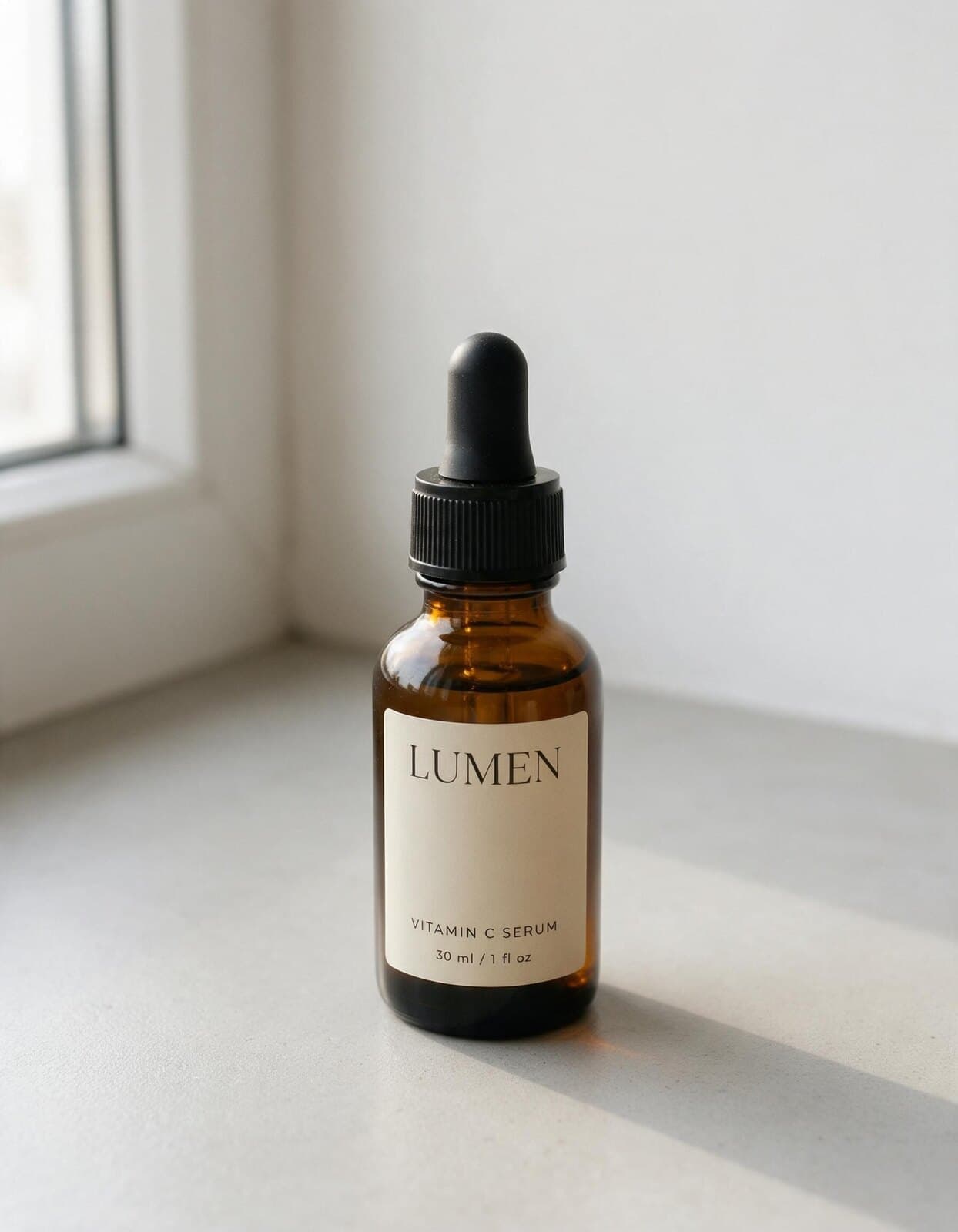
Examples
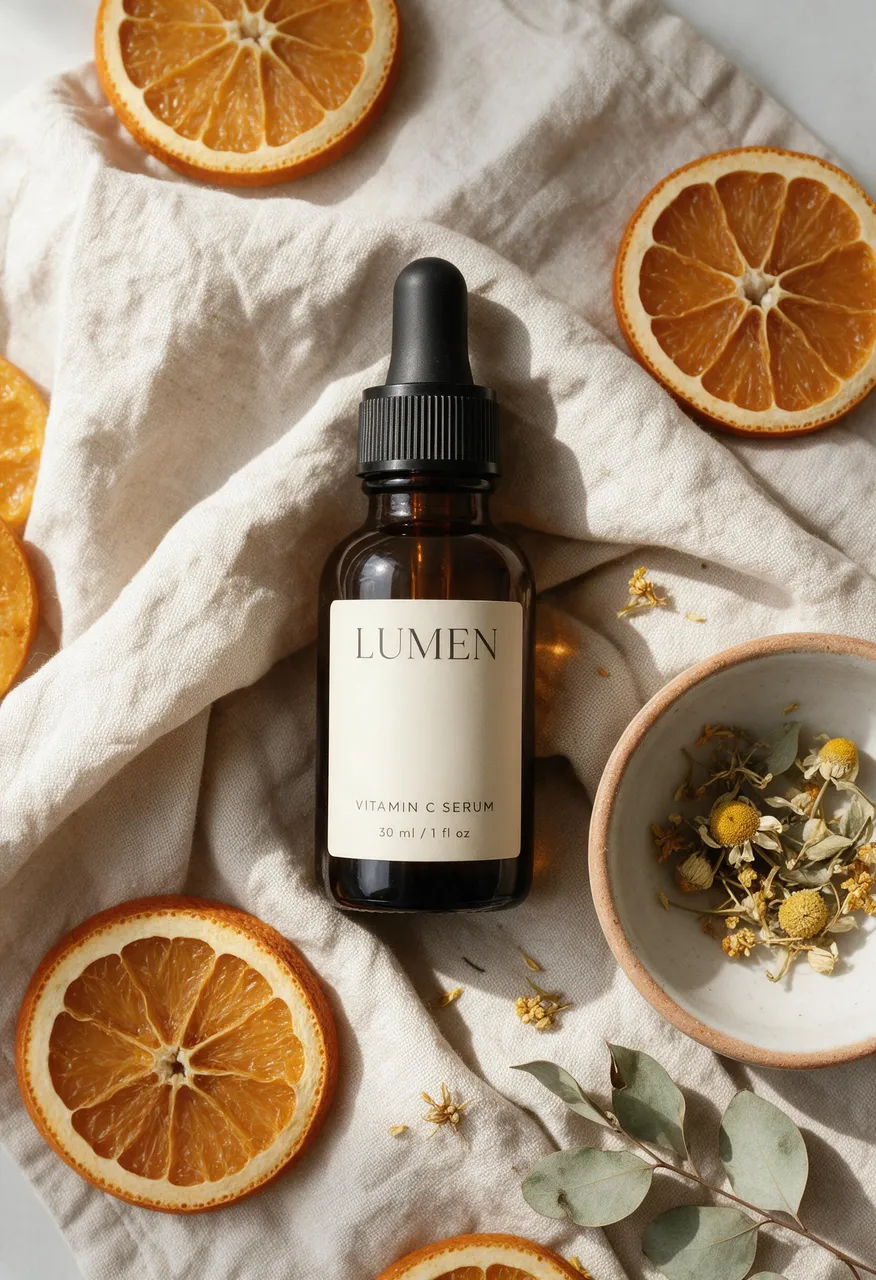
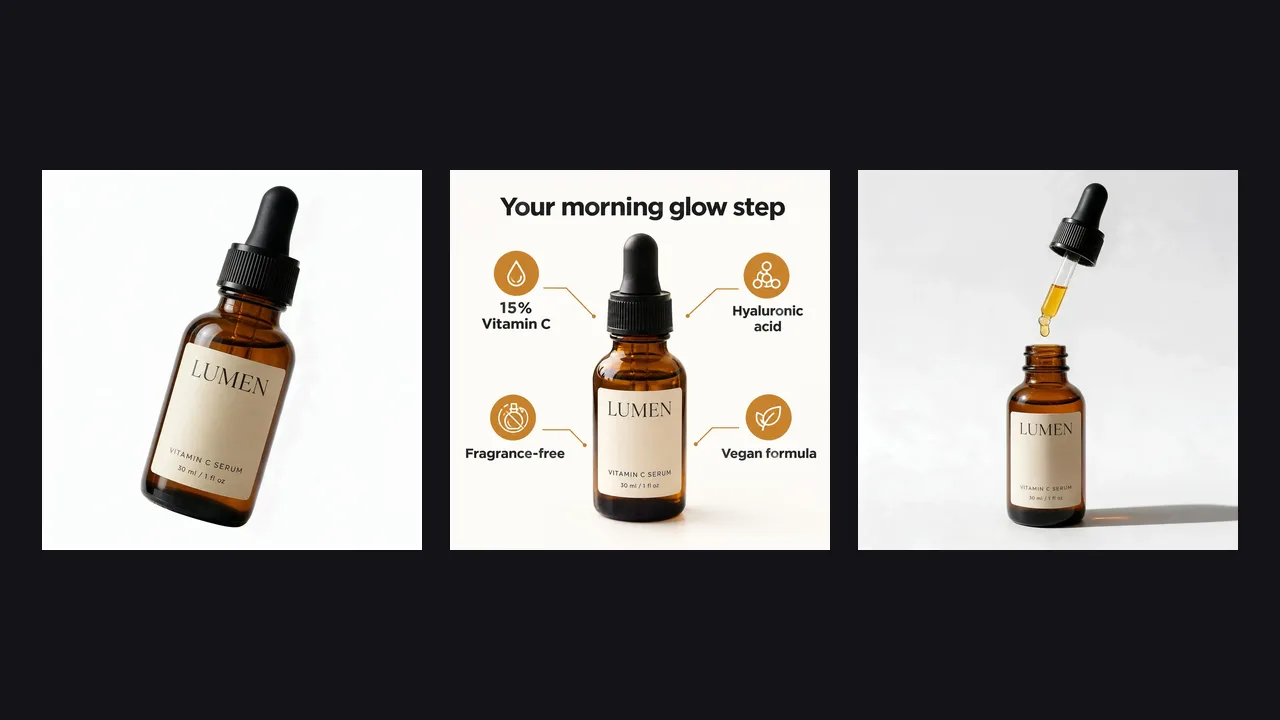
Five modes, one product, zero reshoots
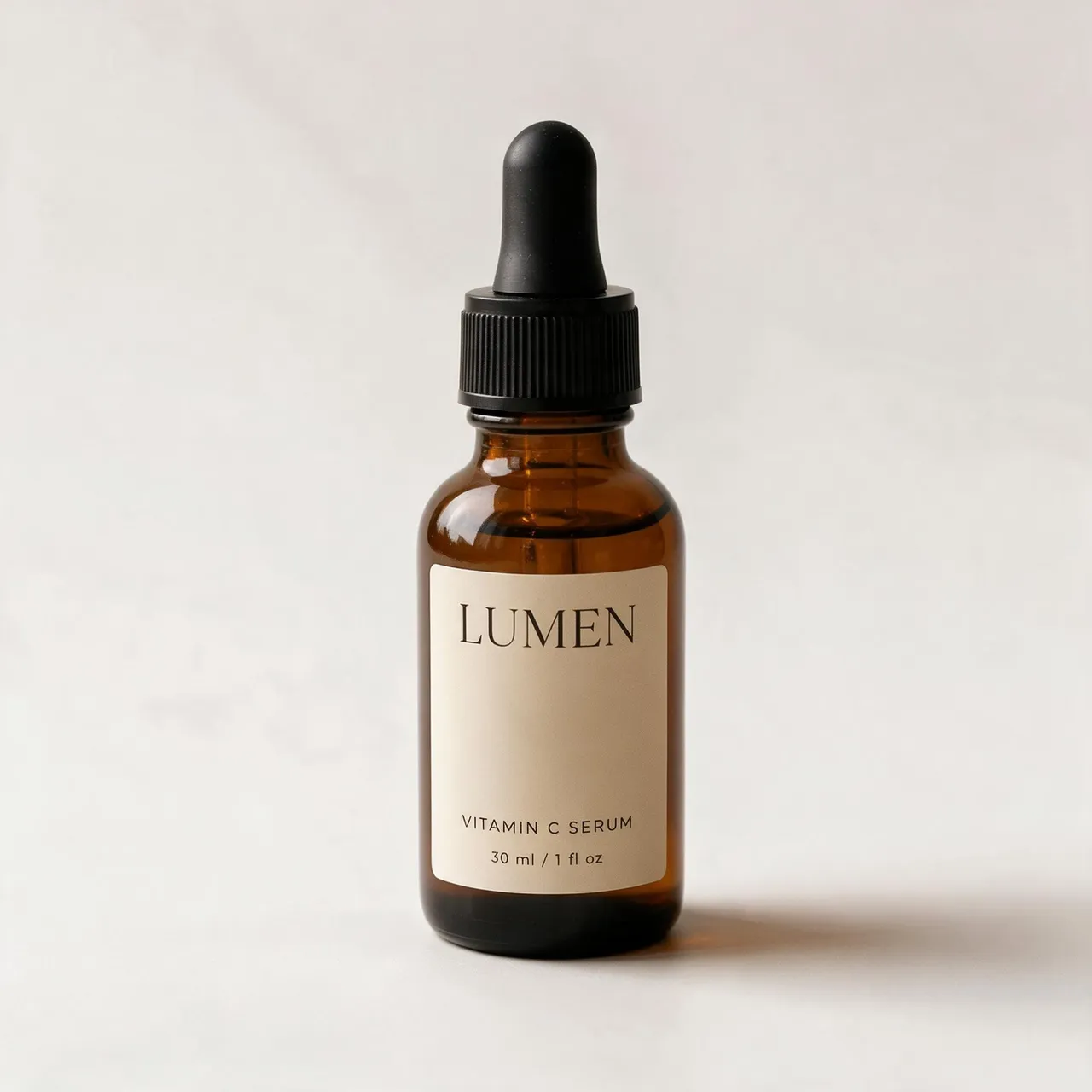
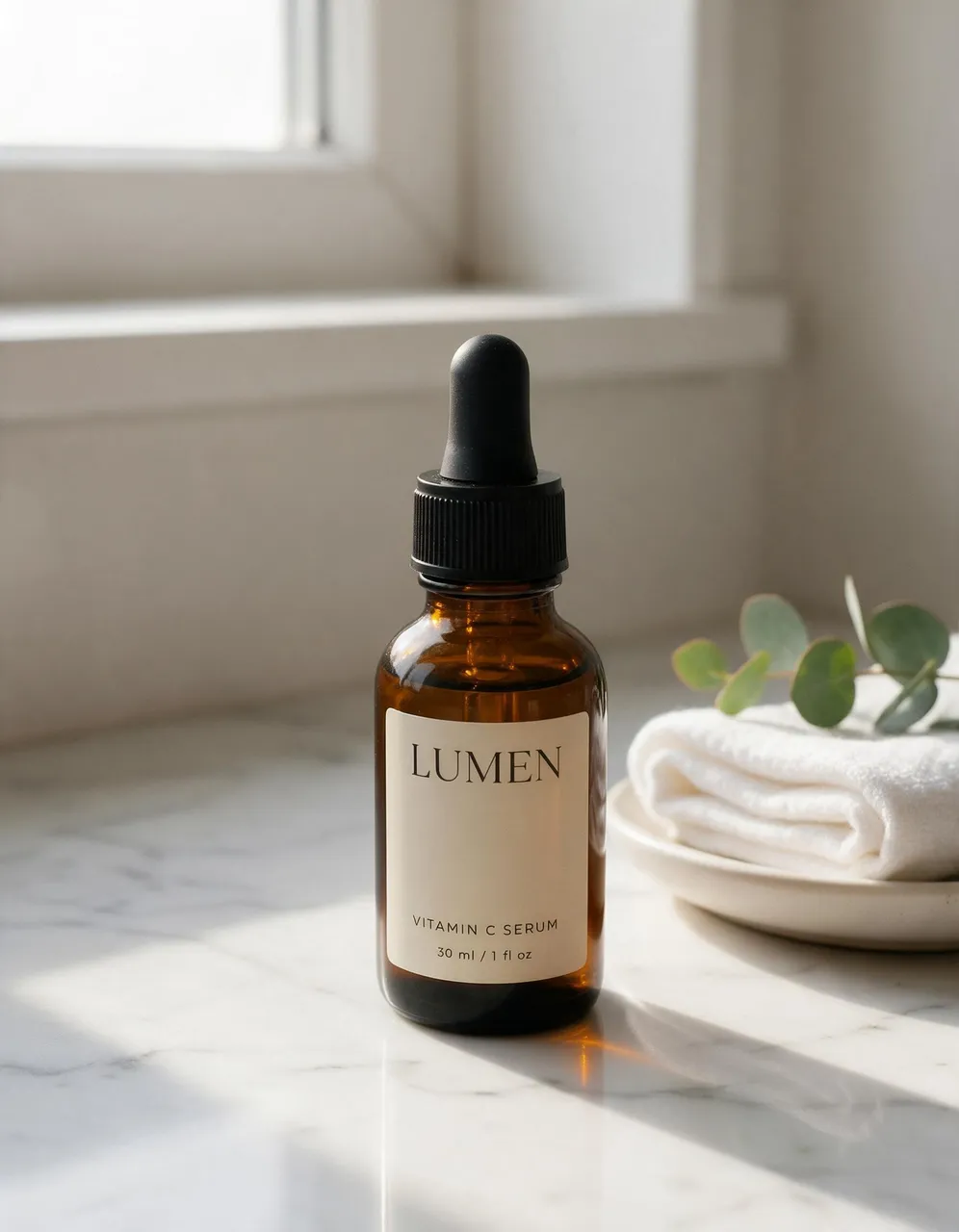
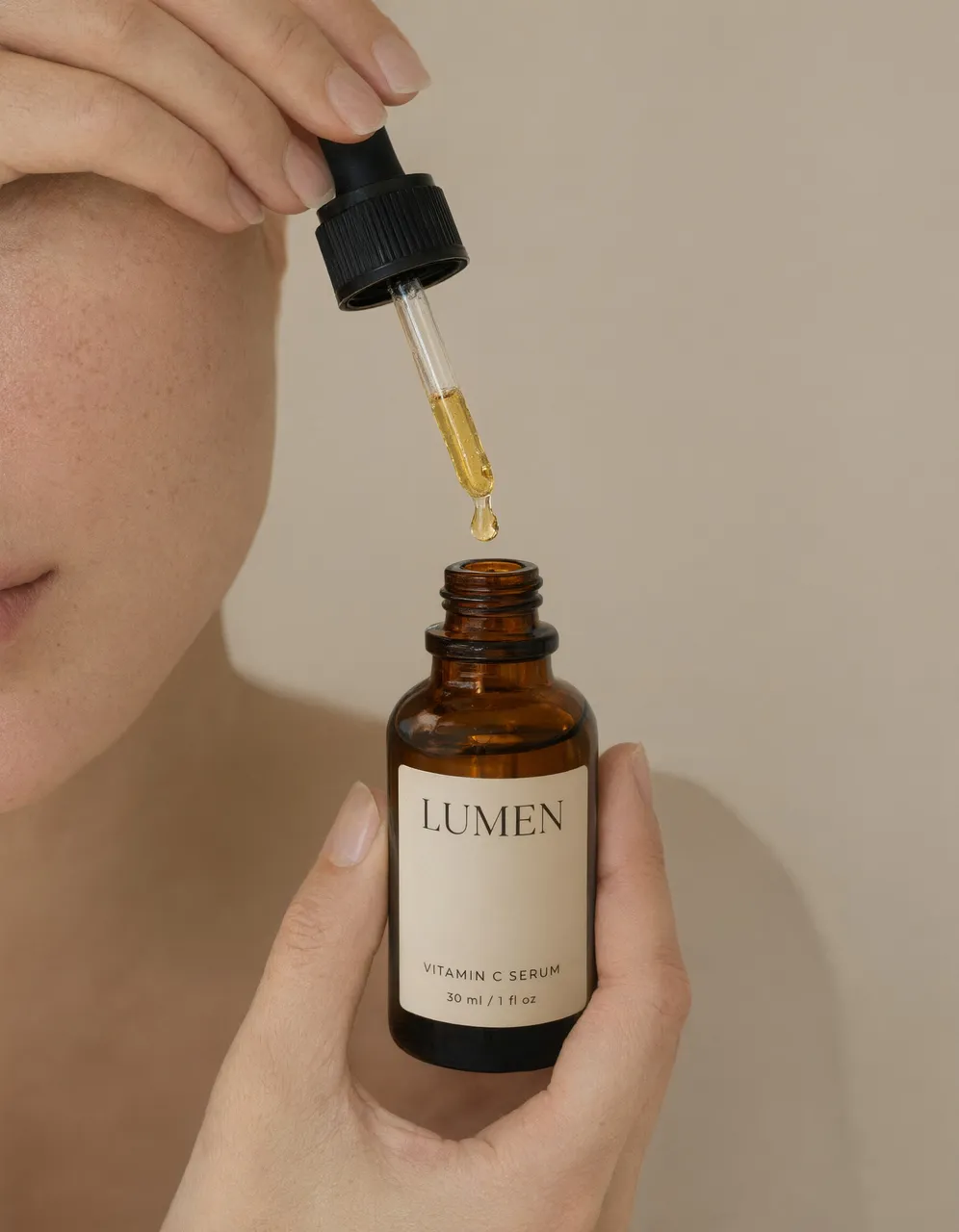
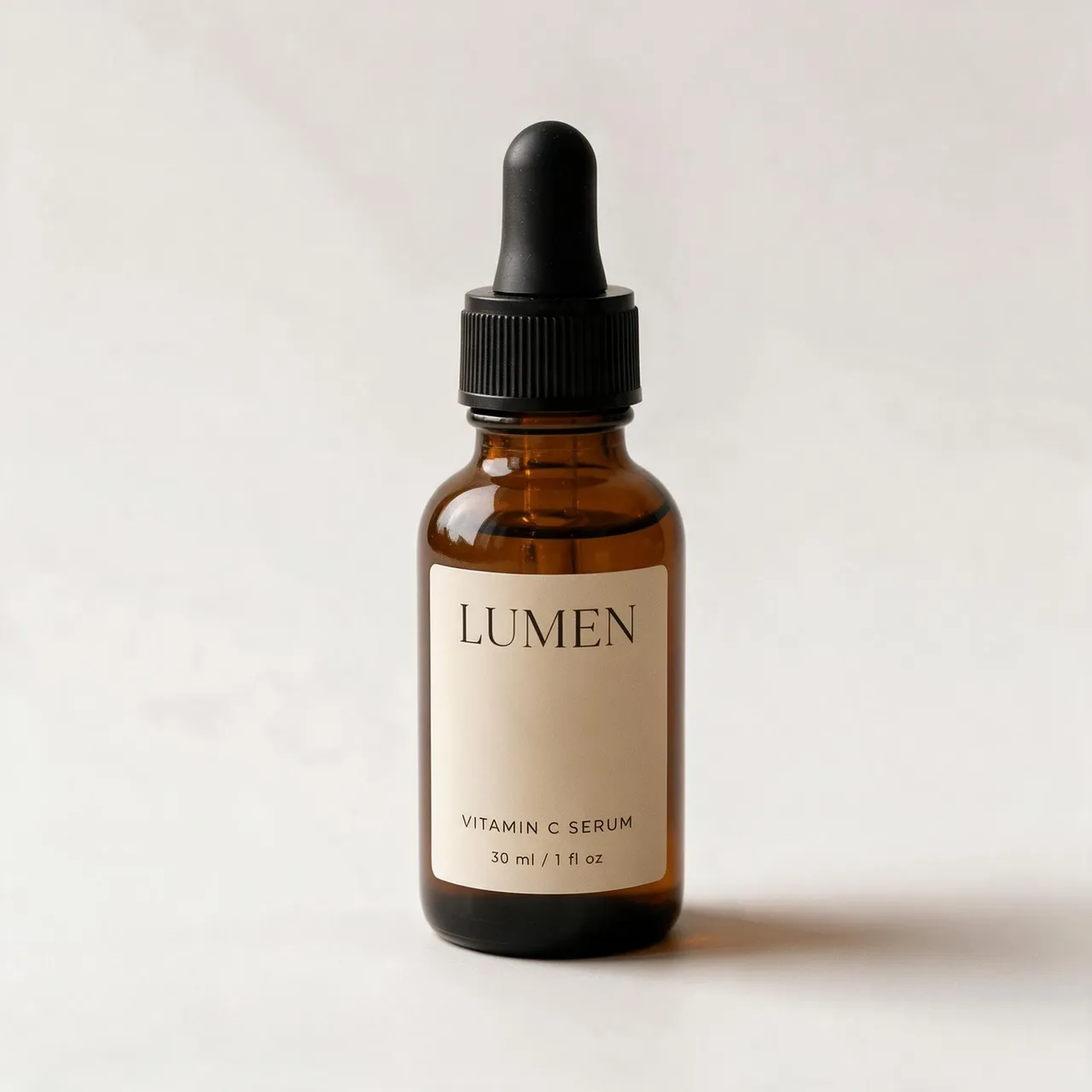
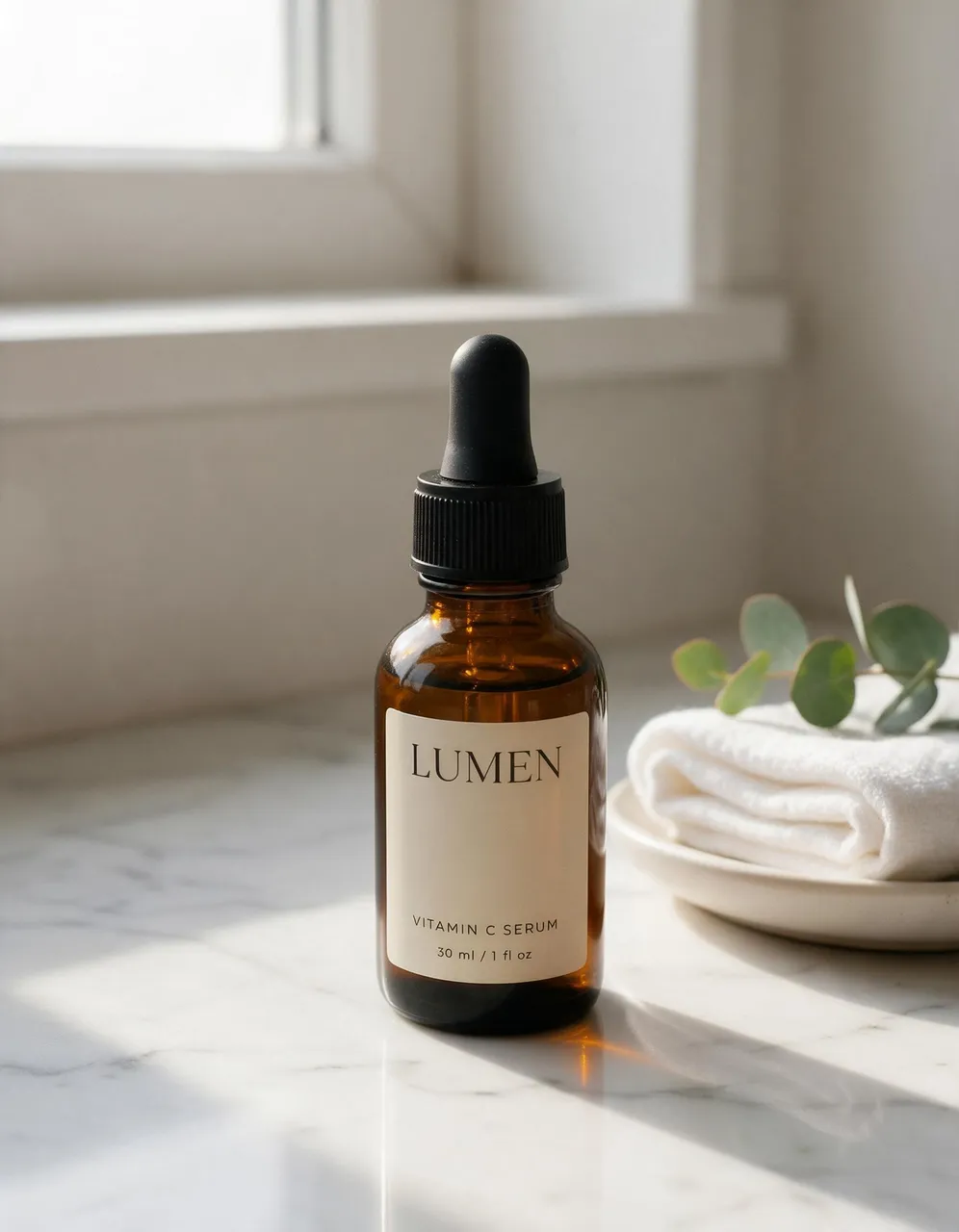
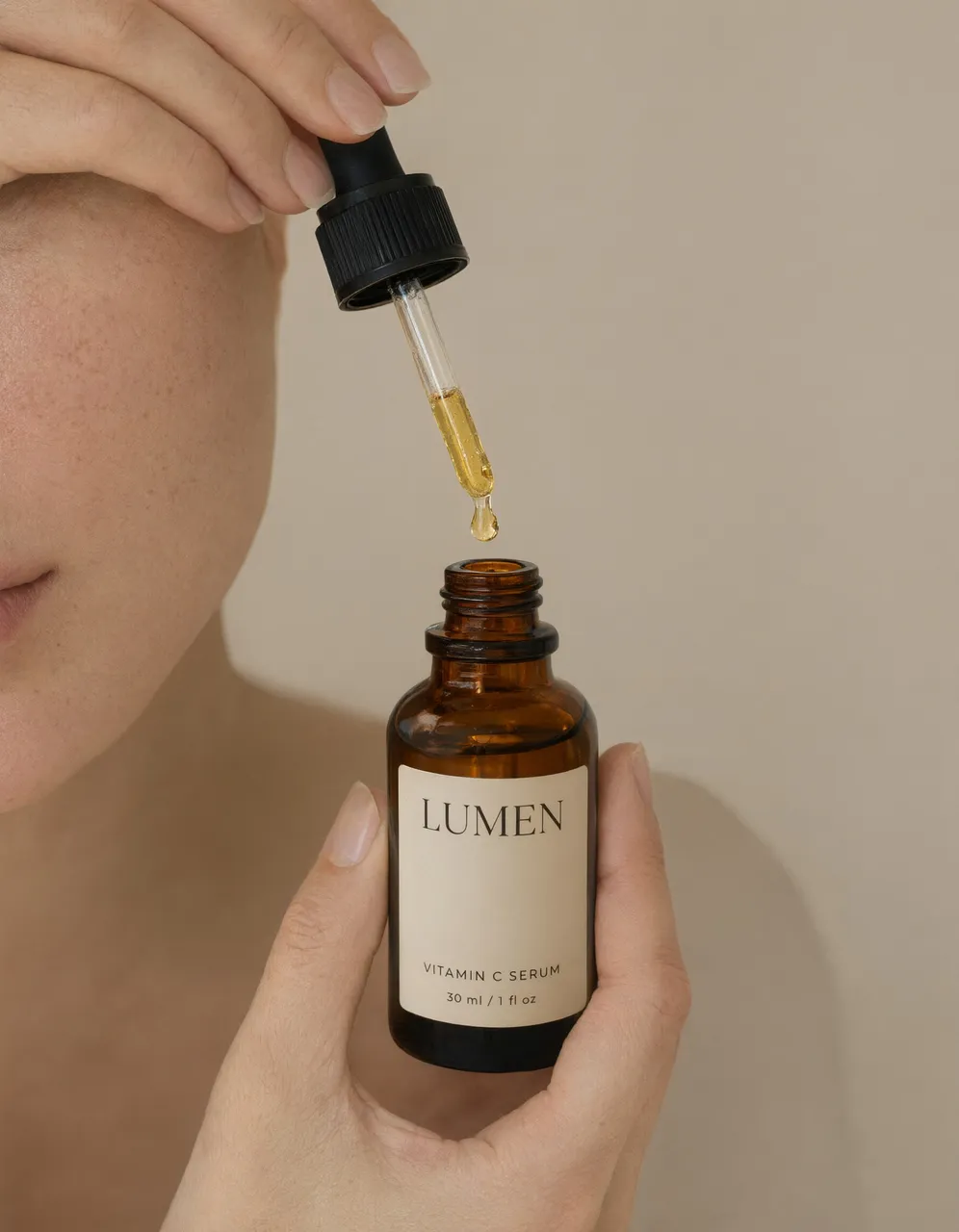
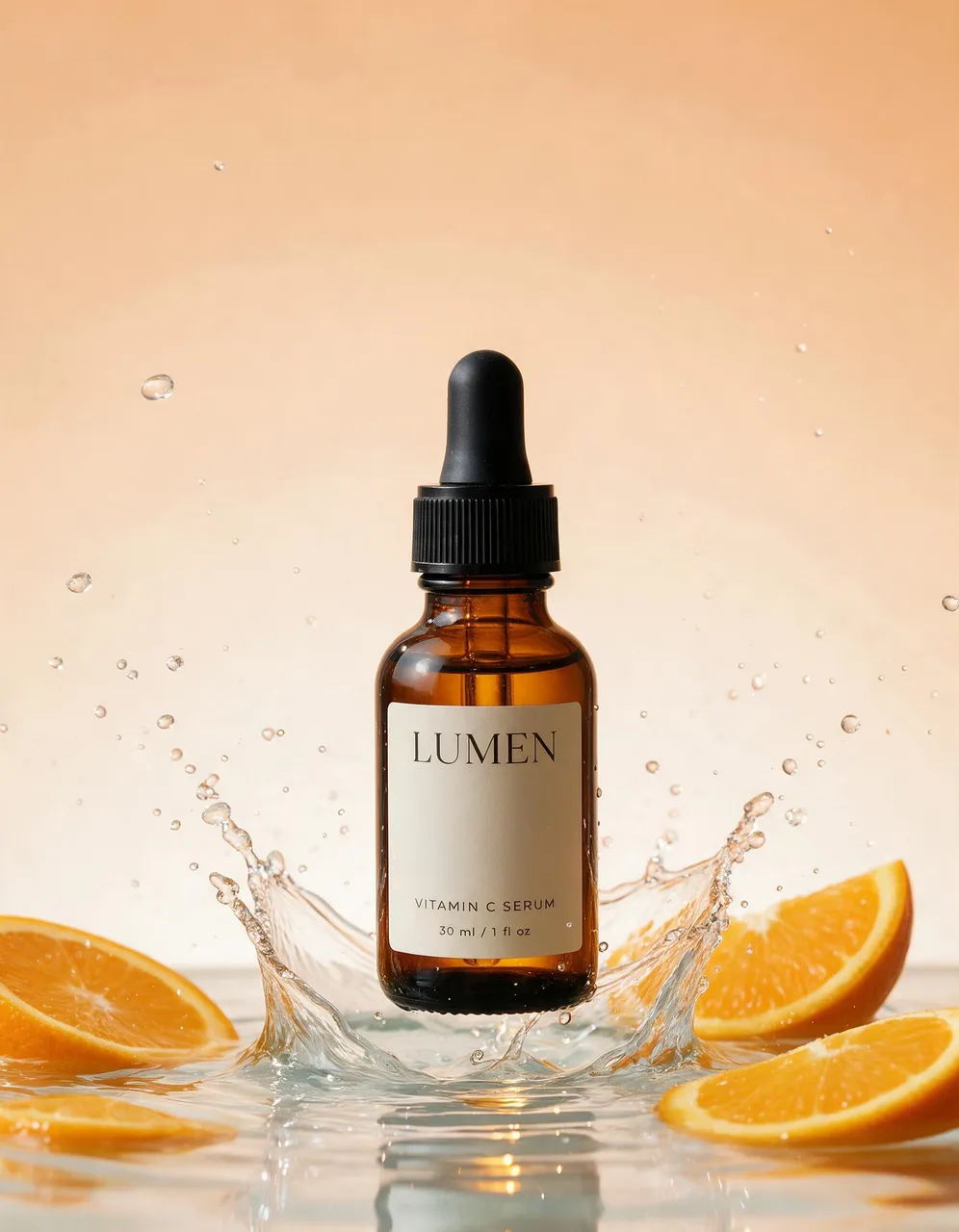
Every image started from the same phone photo. The bottle, label, and cap never change.
How it works
How to use the Product Photoshoot skill
Share one product photo
A link to a clear photo of the product. A phone photo on a counter is enough.
Pick the modes
Studio, lifestyle, hands, Pinterest, hero banner, carousel, ad pack, try-on, concept, or restyle. The skill asks at most four quick questions.
Approve the price
It picks the model per shot, writes each prompt from that mode’s photography recipe, and quotes the set.
Get the shoot
Every variant is different on purpose (angle, light, props) while the product stays exactly the same.
Runs on
Setup
Set up Mage in your agent
Connect Mage
Add the Mage connector to Claude, ChatGPT, Claude Code, Grok, or Cursor, and sign in with your Mage account.
Open MCP setup →Add the skills
In Claude Code, Codex, Cursor, and other agents, add every Mage skill with one command, or install the Claude Code plugin.
npx skills add mage-space/skills/plugin marketplace add mage-space/skills/plugin install mage@mageAsk for it
Describe the job, or run /mage-product-photoshoot.
Use Mage to shoot my serum in five styles for our launch: a studio packshot, a bathroom shelf, hands applying it, a splash concept, and a Pinterest flat lay. Product photo: https://www.mage.space/skills/product-photoshoot/input.jpg
FAQ
Frequently asked questions
Will it change my product?
No. Every prompt locks the shape, colors, label, logo, and printed text to your photo, and the skill regenerates a shot if the product drifts.
What are the ten modes?
Product shot, lifestyle scene, close-up with a person, Pinterest pin, hero banner, social carousel, ad creative pack, virtual try-on, conceptual product, and restyle.
Can it put a model in my clothing?
Yes. Virtual try-on puts your garment or accessory on a model with Guava 2 Pro, keeping the cut, fabric, and print.
Can I attach my photo to the chat?
Mage can’t read files attached to a chat, so share a direct link to the image instead, such as your store’s product image URL. Agents that run commands, like Claude Code and Cursor, can upload a file from your computer.
How much does it cost?
The skill is free and open source. Each generation it starts is paid in Gems from your Mage account at the model’s listed price, and your assistant quotes the total before it creates anything.
Try Product Photoshoot in Claude
Studio, lifestyle, hands-on, concept, and Pinterest shots of your product from one phone photo.
More skills
Explore other skills
E-commerce
Marketplace Listing Images
A white-background main image, infographics, and A+ modules for Amazon and other marketplaces.
Essentials
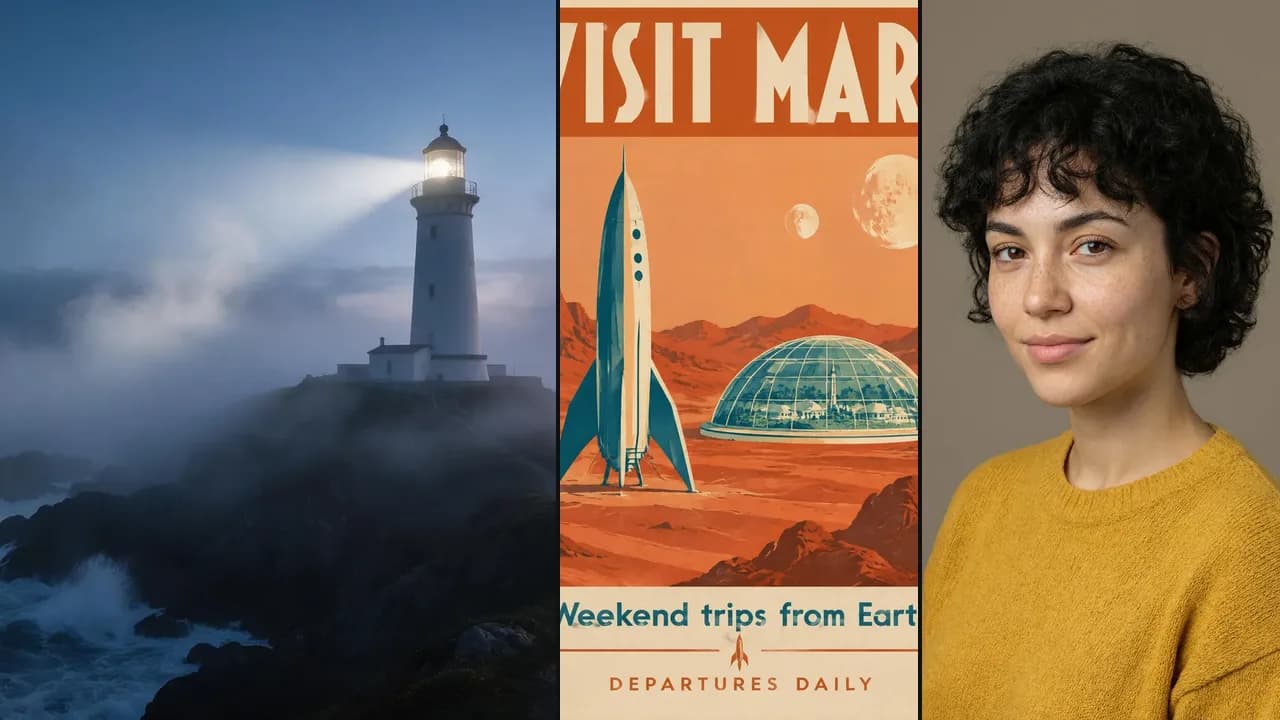
Generate
Any image, video, or audio on the right Mage model, priced before it runs and delivered as a link.

Essentials
Consistent Characters
Save a character from one portrait, give them a voice, and keep the same face in every image and video.
Paid Ads
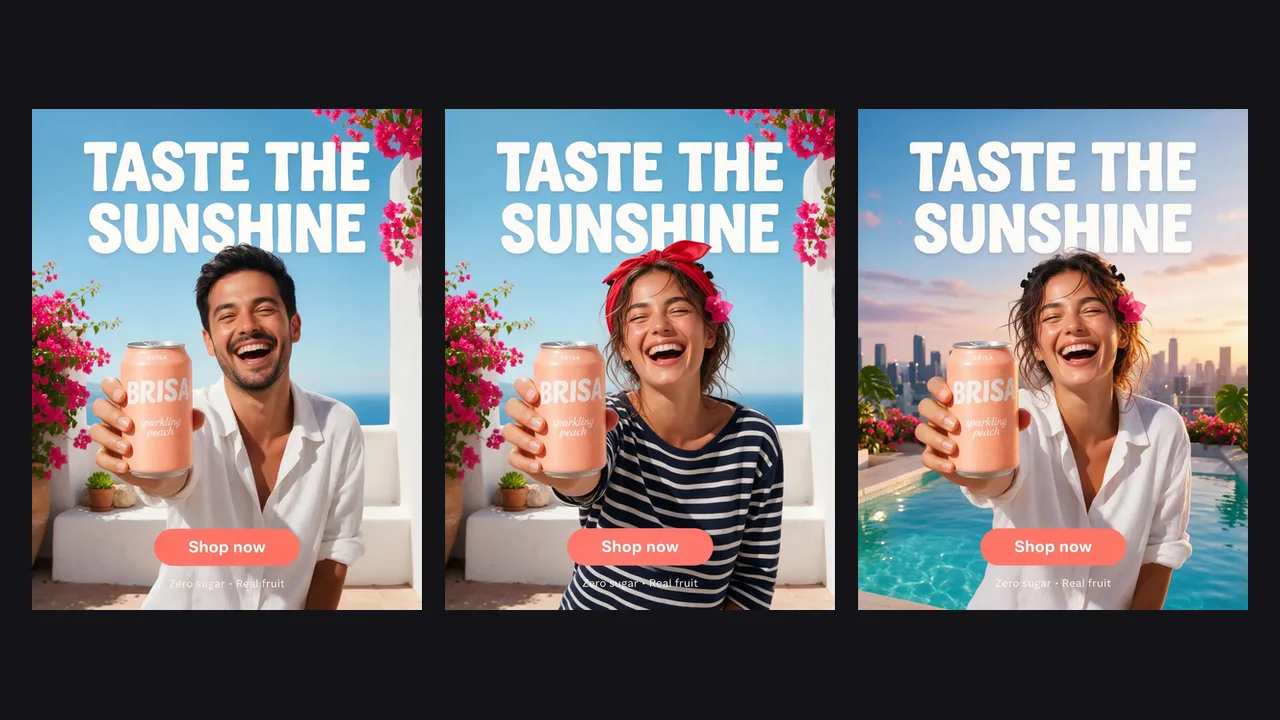
Ad Multiplier
Turn one ad into test variants: new talent, outfit, setting, or headline, with everything else locked.
Paid Ads
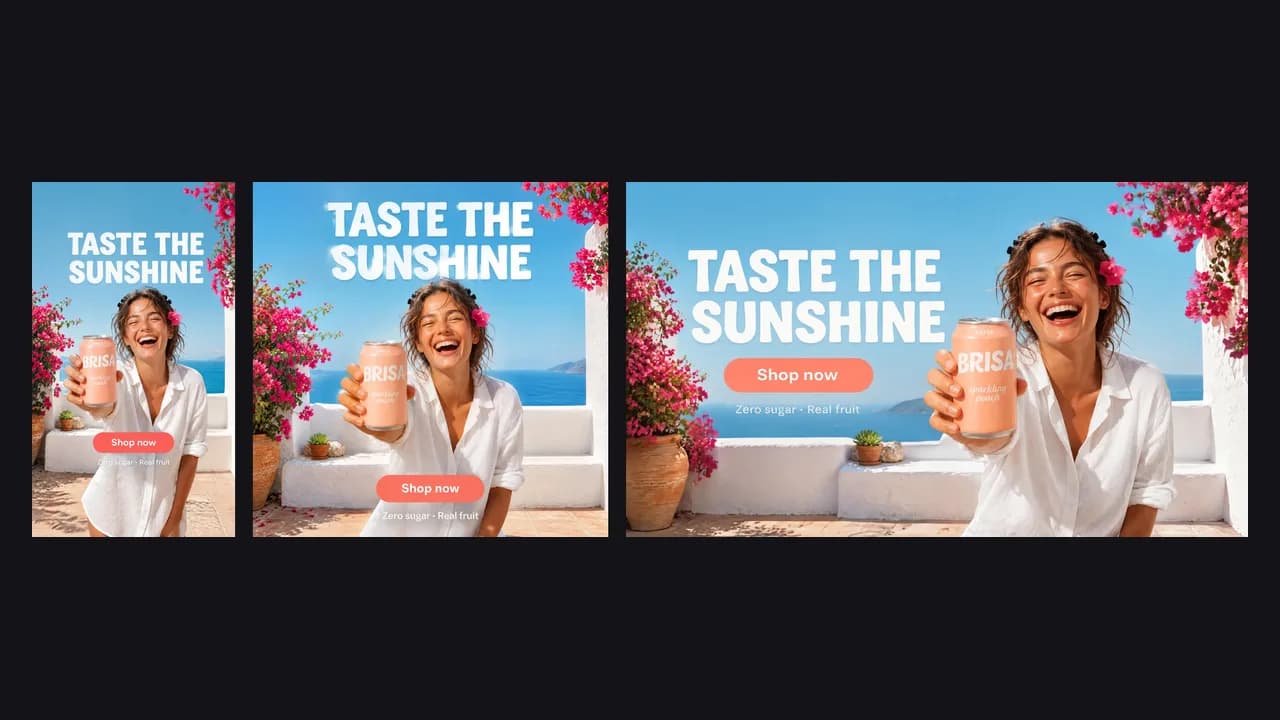
Ad Resizer
Recompose a static ad for feed, Stories, Reels, and banners without cropping or losing a word.
Paid Ads
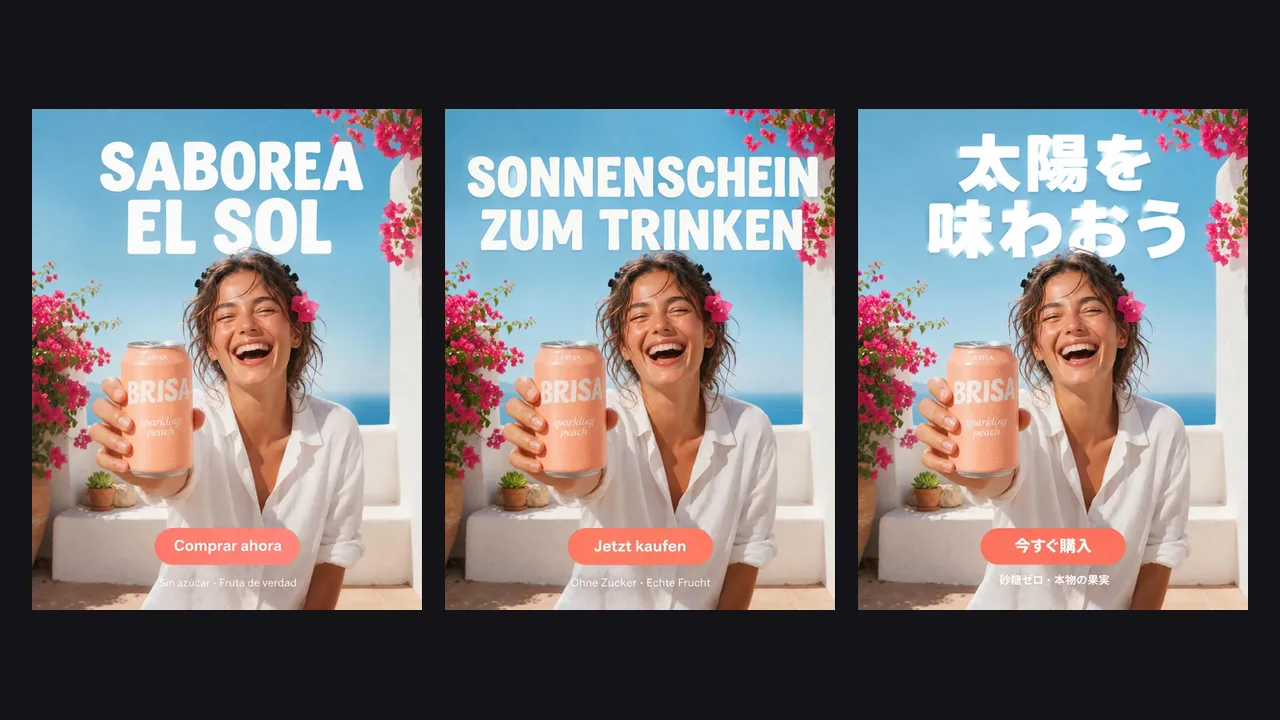
Ad Localizer
Native-sounding versions of your static ads in other languages, same layout, same offer.