 Skill by Mage · Video Editor
Edit a video by describing the change
Share a clip and say what should change: a jacket, the background, the time of day, the whole style. Cherry 2 Pro applies it across the clip, and the result keeps the clip’s length, shape, and motion.
Requires the Mage connector ↓Prefer clicking? Open the Video Editor app →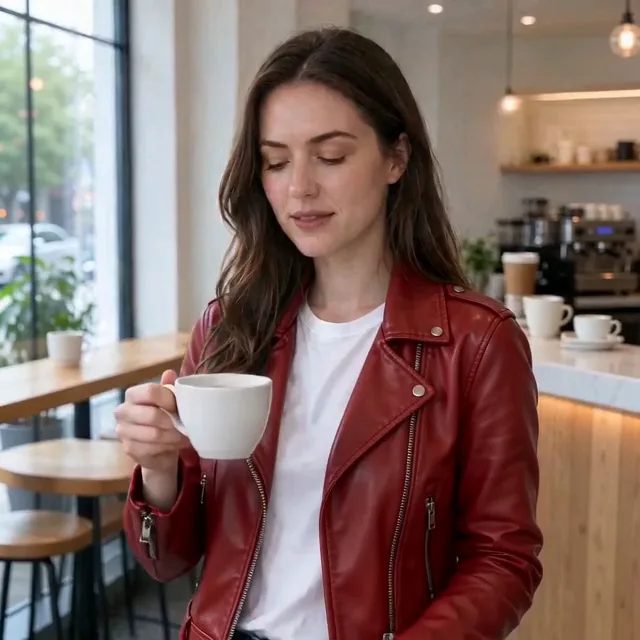

Examples
One clip, three wardrobes
Each edit kept her motion and the cafe. The red jacket came from the original denim clip.
How it works
How to use the Video Editor skill
Share the clip and the change
A 4–30 second clip and one instruction. Add up to two reference images or characters for a specific look.
Approve the price
Cherry 2 Pro at 480p, with the length and shape taken from your clip. The skill quotes it and waits.
Watch the result
Check the whole clip, not one frame. The skill offers one retry if the change slipped.
Runs on
Setup
Set up Mage in your agent
Connect Mage
Add the Mage connector to Claude, ChatGPT, Claude Code, Grok, or Cursor, and sign in with your Mage account.
Open MCP setup →Add the skills
In Claude Code, Codex, Cursor, and other agents, add every Mage skill with one command, or install the Claude Code plugin.
npx skills add mage-space/skills/plugin marketplace add mage-space/skills/plugin install mage@mageAsk for it
Describe the job, or run /mage-video-editor.
Use Mage to change her denim jacket to a red leather jacket in this clip: https://www.mage.space/skills/app-inputs/clip.mp4
FAQ
Frequently asked questions
Is it the same as the Video Editor app?
Yes. The skill sends the Video Editor app’s own prompt with the same models and defaults, so your agent gets the app’s results from a chat, and can run it on many images in one go.
How long can the clip be?
Cherry 2 Pro takes clips of 4 to 30 seconds, and the result keeps the clip’s length and shape. For a shorter clip the skill offers Lemon, which takes 1 to 15 seconds.
Can it cut or trim my video?
No. It changes what the video shows, not its timeline, so it can’t make exact cuts or edit a specific range of frames.
Why does it ask before rendering?
Video is priced by resolution and length, so the skill quotes the model, resolution, length, and Gems and waits for your yes. It starts at 480p, the cheapest, and offers 720p or 1080p for a final.
Can I attach my photo to the chat?
Mage can’t read files attached to a chat, so share a direct link to the image instead, such as your store’s product image URL. Agents that run commands, like Claude Code and Cursor, can upload a file from your computer.
Try Video Editor in Claude
Change what a video shows with one instruction, keeping its motion, camera, and timing.
More skills
Explore other skills

Video Edits
Video Face Swap
Swap a face into every frame of a clip, keeping the motion, expressions, and lip movements.

Video Edits
Video Character Swap
Replace the whole person in a clip with your character, body and outfit included.
Video Edits
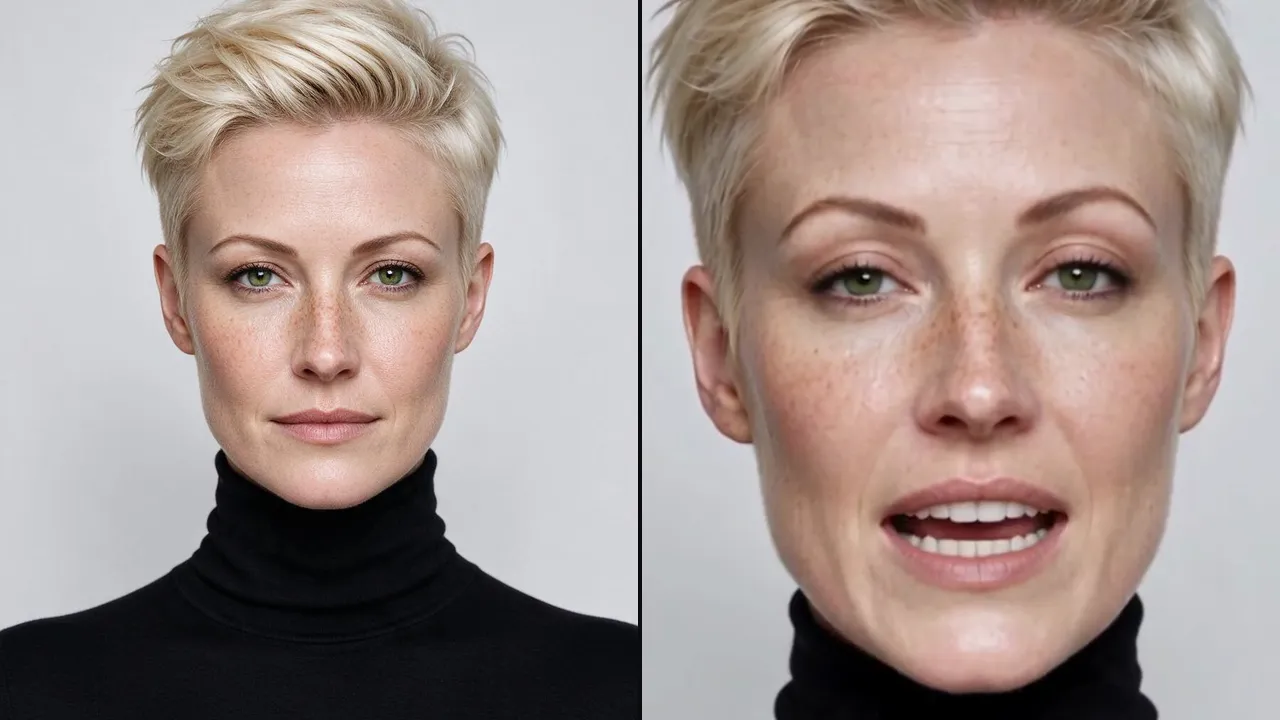
Lipsync
Make a portrait speak a voice clip, with the lips in sync and the look of the image kept.
Video Edits
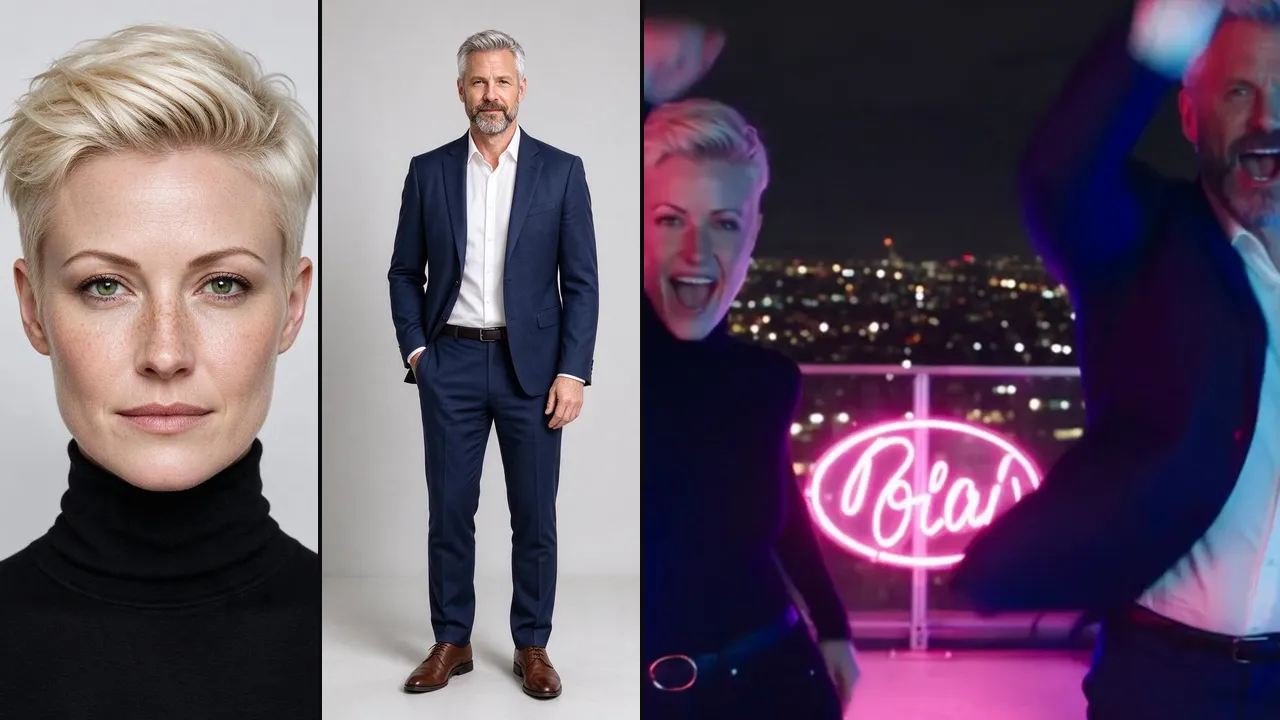
Music Video
Your characters sing and dance to a track in a music video with cinematic camera work.

Video Edits
Scene Builder
Two characters in a ready-made video scene, from a dinner date to a boxing match, each one kept recognizable.

Essentials
Generate
Any image, video, or audio on the right Mage model, priced before it runs and delivered as a link.