
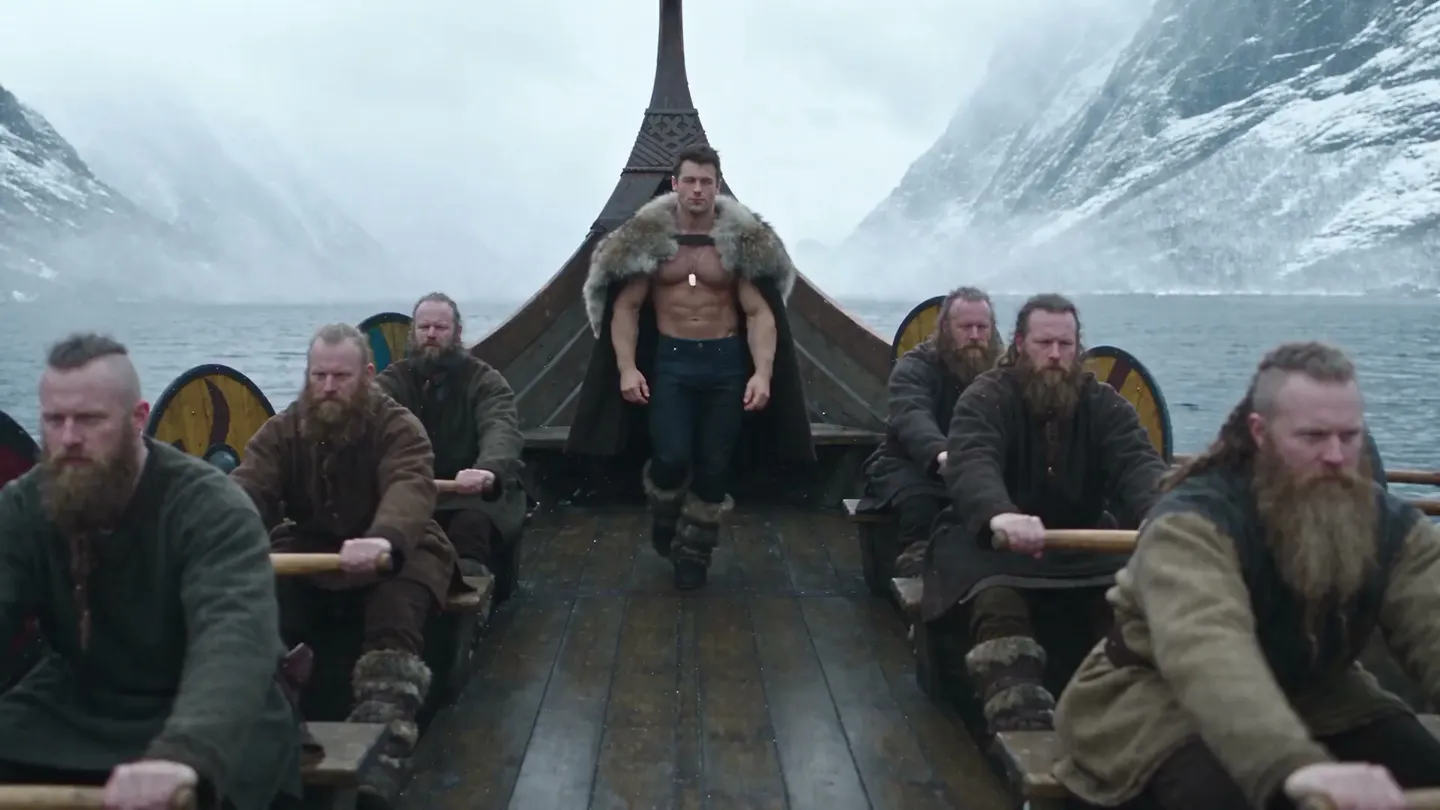
Motion control, reimagined
Magejutsu
Keep any video's motion, camera, and timing. Recast it with your characters, places, and products, or swap one thing and keep the rest.
Upload a clip or remix one from the motion library.
Same take, new cast
Every move kept. Everyone replaced.
Drag the handle to compare the original with its recast. The glances, the timing, and the camera stay in sync; only the people change.

One skill, many jobs
Turn one video into any reality
Music videos, dance trends, ads, and short films: bring the motion, then decide who and what performs it.
 Motion transfer
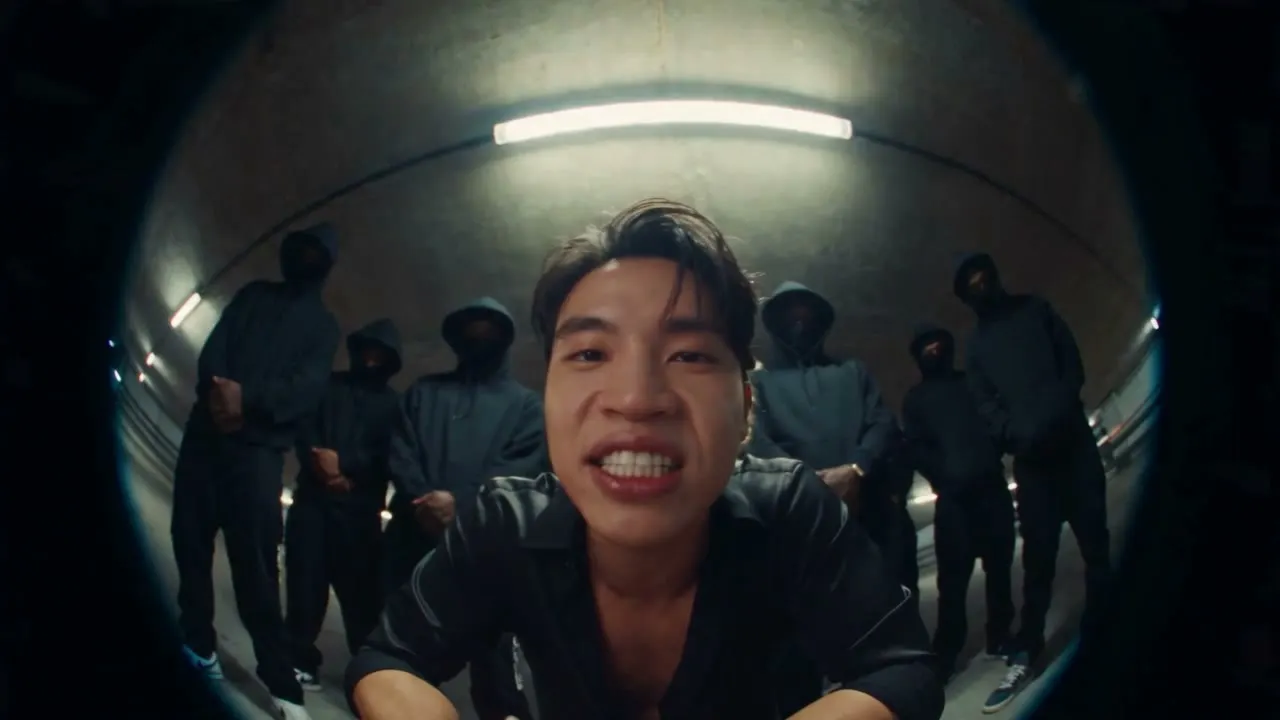
A rap video recast with two characters, every cut and lyric kept.Try it 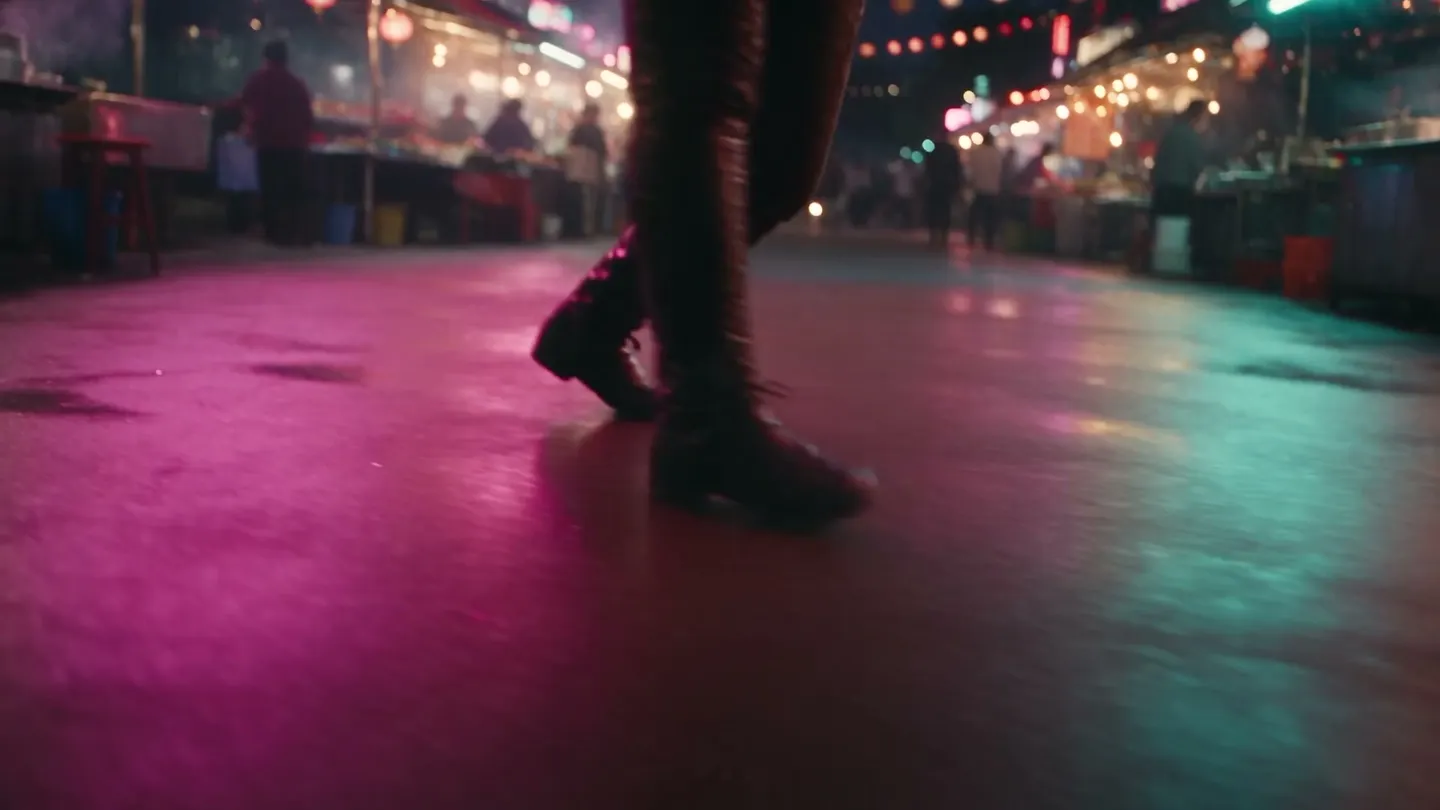 Motion transfer
A crosswalk dance moved to a neon night market, with a new dancer and the same moves.Try it 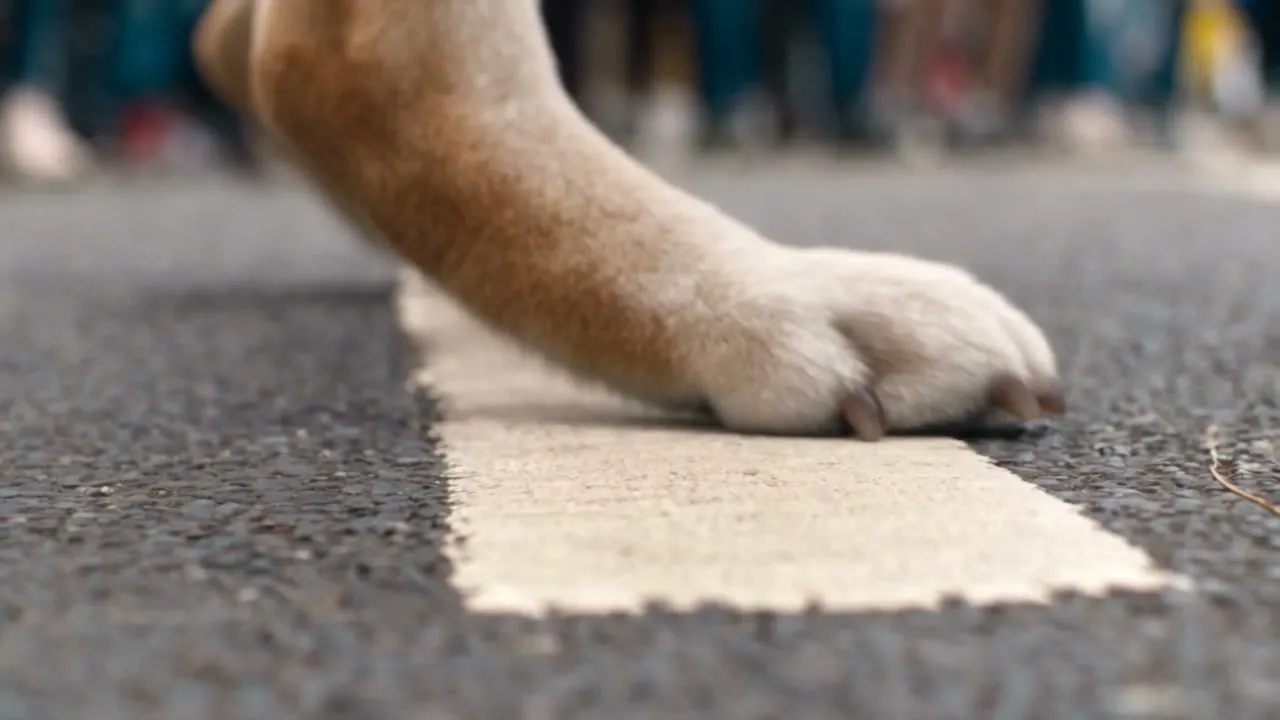 Motion transfer
A street dance performed by a saved character, close-ups included.Try it - Motion transfer
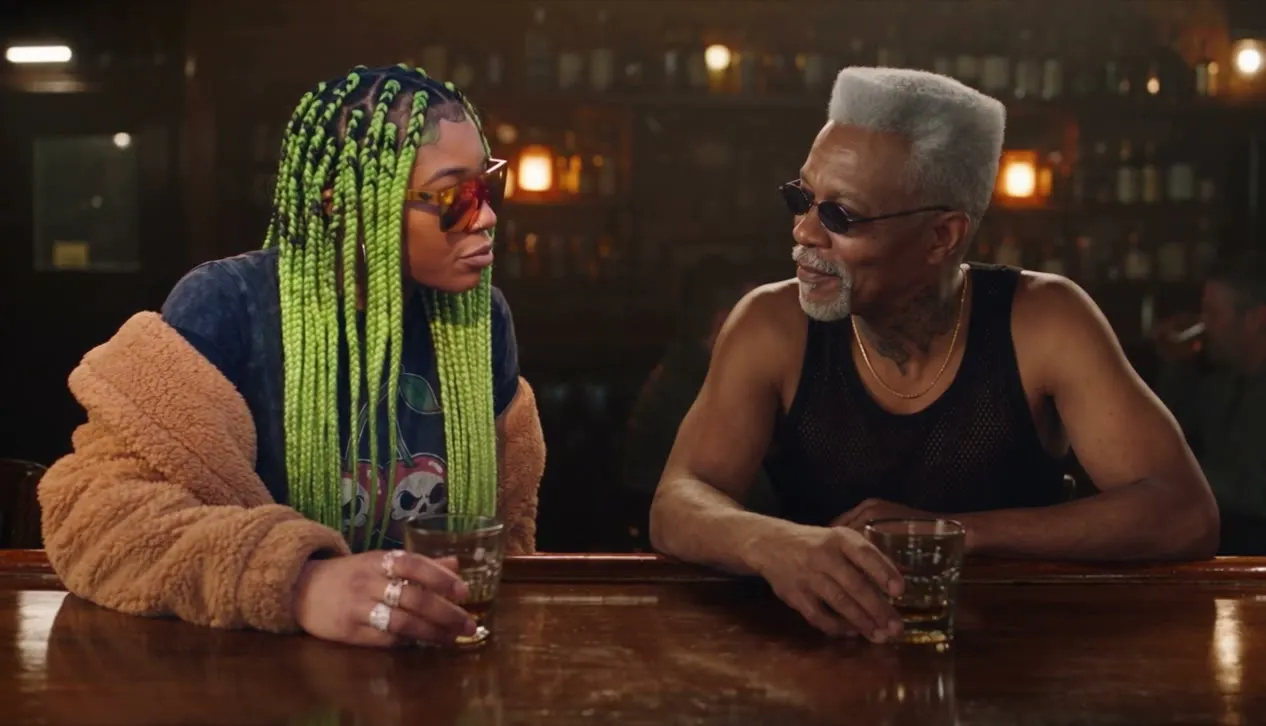
Two people talking over drinks, recast with new actors.Try it  Object swap
One object replaced from a reference, the rest of the shot as filmed.Try it
How it works
Four steps from clip to recast
No timeline, no masks, no keyframes. Bring a video and the cast; the director handles the rest.
Add a source video
Upload a clip of 4 to 30 seconds, pick one of your creations, or press Remix on a clip in the motion library.
Bring your own everything
Add up to 30 characters, outfits, props, and places. Say who goes where, or let the director decide.
Add directions, or don't
Directions are optional. Off, the director watches your clip and your references and decides who goes where. On, say what changes and mention references as @image1 or a character's @handle.
Generate
Your recast keeps the clip's length, shape, cuts, and sound. It lands in History, ready to download, share, or remix.
Pick a mode, or start from the library
Motion transfer
Keep the motion, change the cast
The movement, camera, and cuts stay as filmed, and your references play the parts.
Object swap
Change only what you point at
Describe or show the change, from a person to an outfit or a product, and the rest of the shot stays as it was.
Remix
Start from the library
Pick a clip in the motion library and press Remix to bring in its motion. Remix any Magejutsu creation the same way to reuse its setup.
Pick your speed
Three models, one workflow
Every Magejutsu model takes the same source, references, and directions. Choose by quality, speed, and cost.
Magejutsu
The best recasts. Sources up to 30 seconds.
- Source length
- 4 to 30 s
- Quality
- 480p · 720p · 1080p
- Modes
- Motion transfer · Object swap
Magejutsu Lite
Faster and cheaper. Sources up to 15 seconds. More freedom.
- Source length
- 4 to 15 s
- Quality
- 480p · 720p · 1080p
- Modes
- Motion transfer · Object swap
Magejutsu Feather
The cheapest and fastest. Motion transfer only, up to 720p. Sources up to 15 seconds.
- Source length
- 4 to 15 s
- Quality
- 480p · 720p
- Modes
- Motion transfer
A little more clarity
Frequently asked questions
What is Magejutsu?
Is Magejutsu an alternative to Higgsfield Genjutsu?
How long can my video be?
How many references can I add?
Do I have to write a prompt?
What is the difference between motion transfer and object swap?
Does Magejutsu keep the sound?
Which Magejutsu model should I use?
How much does a recast cost?
Are my videos private?
Can I recast real people?

Your video. Your cast.
Bring any clip and the people, places, and products to put in it. Free to start, private by default.
Generate now