
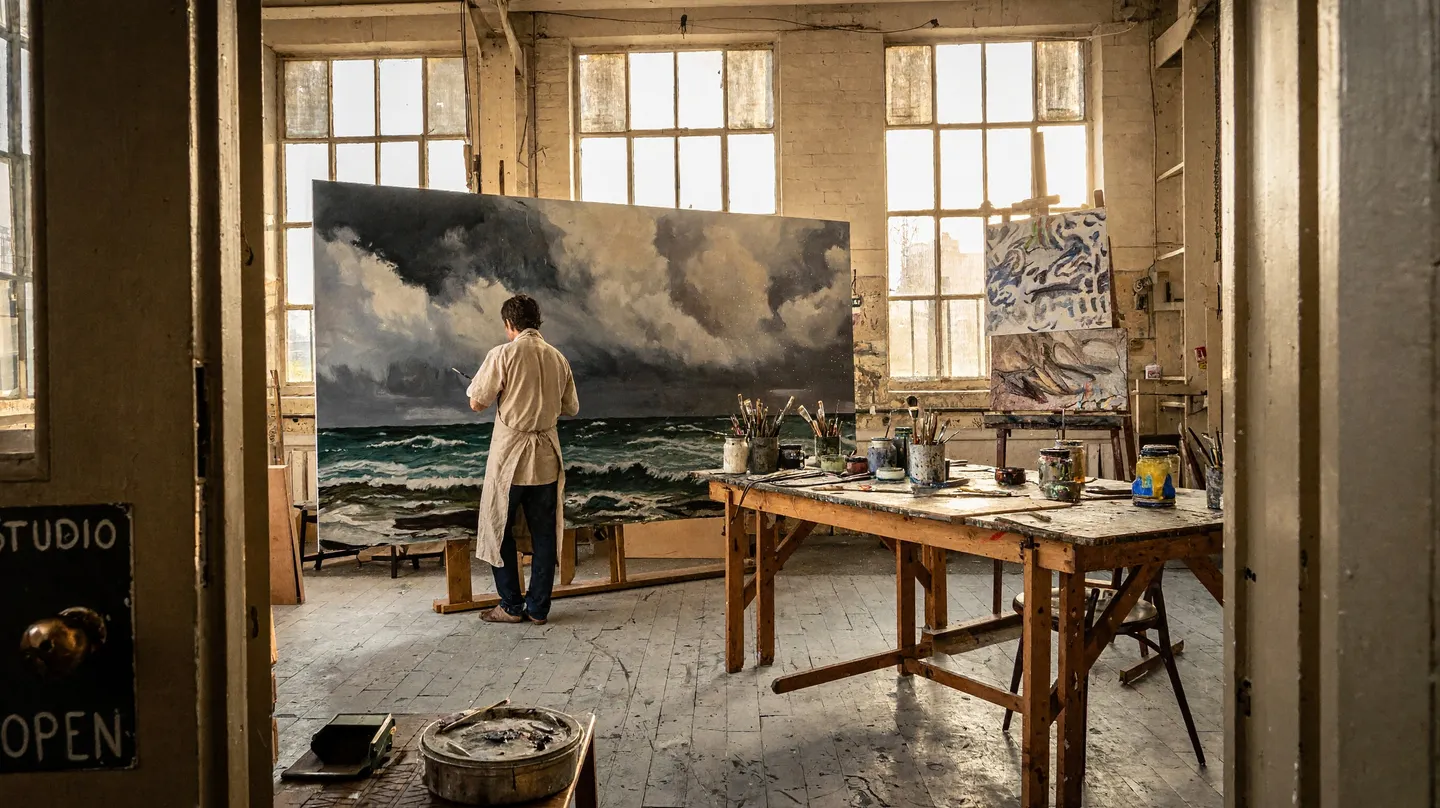
MiniMax H3 Image · Native 16 MP · Open weights
MiniMax Image Generator
MiniMax H3 Image, MiniMax's new open-weights image model, runs in your browser on Mage: about 16 megapixels at 4K with no upscaler, edits from up to 16 reference images, and unlimited generation on paid plans.
No installation. No credit card. Private by default.
- 16 MPNative 4K output, no upscaler
- 16Reference images per run
- 9Aspect ratios, up to 21:9
- $0Free to try
The basics
What is MiniMax H3 Image?
MiniMax H3 Image is an AI image model from MiniMax, the lab behind the MiniMax-H3 video model. MiniMax released it on November 10, 2026, with open weights on Hugging Face as MiniMaxAI/MiniMax-H3-Image. A single model both creates images from a written prompt and edits images you give it, with up to 16 reference images in one run.
What sets it apart is size. MiniMax H3 Image renders about 16 megapixels natively, with no upscaler: 4096 x 4096 for a square image, 5472 x 3072 at 16:9 and 6272 x 2688 at 21:9. It also follows long, detailed instructions closely, and MiniMax calls its instruction following the strongest among open-source models. Strong photorealism, rich fine detail and exact text in quotes round out what it does well.
Mage runs MiniMax H3 Image in your browser, next to the rest of its image, video and audio models, so there is nothing to download and no graphics card to own. Mage is an independent creative platform, not part of MiniMax. What it adds is everything around the image: unlimited plans, saved Characters and References you call by @handle, LoRAs on top of the model, and apps for fixing and relighting what you made.
A little more possibility
Why use MiniMax H3 Image on Mage
Native 16 megapixels
At 4K, MiniMax H3 Image renders about 16 MP directly, 4096 x 4096 for a square, with no upscaler in between.
Up to 16 reference images
Edit a photo or build one scene from up to 16 uploads, Characters and References, named image 1, image 2 and so on.
Follows long prompts
Write a full brief with many specific instructions. MiniMax calls its instruction following the strongest among open-source models.
Exact text in quotes
Put a headline, a sign or a menu in double quotes and say where it goes, for posters, labels and thumbnails.
Unlimited on paid plans
MiniMax H3 Image runs without Gems at 2K on Pro ($30 a month), and at 4K on Pro Plus.
Private, no watermark
What you make stays in your account until you post it, carries no watermark, and can be used commercially.
From idea to creation
How do you use MiniMax H3 Image online?
It takes three steps, and it is free to start.
Sign up free
Create a Mage account and get 300 Gems once, with no credit card, enough to try MiniMax H3 Image at both 2K and 4K.
Open MiniMax H3 Image
Open the generator from this page with MiniMax H3 Image already selected, then pick 2K for quick drafts or 4K for full detail.
Set the frame and write the prompt
Pick one of 9 aspect ratios, then describe the whole image in full sentences. Add photos, a Character or a Reference to edit or combine.
Generate and keep the best
Run variations, download the keeper, or fix a detail with Inpaint and change the light with Relight.
Tips and techniques
How big are MiniMax H3 Image images?
An upscaler enlarges a finished picture by guessing at the detail it lacks. MiniMax H3 Image does not need one: it renders about 16 megapixels natively at 4K. A square image is 4096 x 4096, a 16:9 frame is 5472 x 3072, and a 21:9 ultrawide is 6272 x 2688, all drawn by the model itself. Fine detail such as skin, fabric, leaves, stone and small print comes from the model itself, not from a second pass.
On Mage it runs at two sizes. 2K is about 4 megapixels and takes about 3.5 seconds, which makes it the size for trying ideas, testing a prompt and running variations. 4K is the full 16 megapixels and takes about 13 seconds: switch to it for prints, posters, wallpapers, product photos and anything people will zoom into. Both sizes come in nine aspect ratios, from a 21:9 ultrawide to a tall 9:21 frame, with square, portrait, landscape and phone shapes in between.
A simple workflow covers most jobs: draft at 2K until the prompt is right, then run the final at 4K. The MiniMax H3 Image model page has samples, every setting and example prompts.
- Drafts, prompt tests and variations: 2K
- Prints, posters and wallpapers: 4K
- Ultrawide monitors and banners: 21:9 at 6272 x 2688
- Phone wallpapers and stories: 9:16 at 4K
Tips and techniques
How to write prompts MiniMax H3 Image follows
MiniMax H3 Image is built to follow long, detailed instructions, so give it a full description rather than a list of keywords. Describe the whole image: the subject and what it is doing, the setting, the composition, the light, and the style or medium. Then be specific where it matters. Say how many objects there are, where each one sits, and what color and material it is. The more complete the brief, the less the model has to guess.
The model is distilled to six steps, so there is no negative prompt, step count or guidance scale to tune. Everything you want, and everything you want left out, goes into the prompt itself: write "no other text" or "plain grey background" into the sentence. A seed setting is there when you want to compare two versions of a prompt from the same starting point.
For text in the image, put the exact words in double quotes and say where they go and how they look: the headline "ISLAND HOPPING" in bold cream capitals across the top. Keep each line short, and when the words sit on something in the scene, say what it is, such as a chalkboard menu, a shop sign or a book cover.
The MiniMax H3 Image prompting guide goes further, with worked examples for posters, edits, and scenes built from many images.
- Describe the whole image in full sentences
- Count and place the important objects
- Quote any text that should appear
- Write exclusions into the prompt
Tips and techniques
Editing photos and combining up to 16 images
MiniMax H3 Image edits with the same model it generates with. Upload a photo and write the change as an instruction: say what to keep, what changes, and how the finished picture should look. For example, "keep her face, hair and pose from image 1, change the denim jacket to a yellow raincoat, and put her on a rainy street at night". Name the thing you mean instead of writing "it".
One run takes up to 16 reference images, counting uploads and the saved Characters and References you mention by @handle. The prompt refers to them in order as image 1, image 2 and so on, so you can say exactly what to take from each: the room from image 1, the sofa from image 2, the lamp from image 3 and the rug from image 4. That suits jobs that bring many pieces together, such as a furnished room, a product line-up or a group of characters in one scene. When the same face or product comes back again and again, save it once and call it by its @handle instead of uploading it every time.
For a pixel-level fix in one spot, such as a stray hand or a wrong letter, brush over it in Inpaint. To change the light of a finished image, open Relight, and for more ways to edit a picture with words, see the AI image editor page.
Tips and techniques
MiniMax H3 Image LoRAs
Because MiniMax H3 Image has open weights, its community can train LoRAs for it: small add-on files that push the model toward a style, a character or a look. On Mage, MiniMax H3 Image LoRAs work on top of the model. Paste the CivitAI or Hugging Face link of a LoRA on the Import page, and it appears in the LoRA picker for MiniMax H3 Image.
Importing is part of the Pro Plus and Max plans. The LoRA image generator page explains how to set a weight, use trigger words, and stack LoRAs without them pulling against each other.
Tips and techniques
An open-weights 4K model, without the hardware
Open weights mean anyone can download MiniMax H3 Image from Hugging Face and run it themselves. In practice, a model that renders 16 megapixels at a time takes a powerful graphics card, the model files and a working setup, and the setup grows once reference images and LoRAs come into it.
On Mage it runs in the browser on any device, a phone included, with reference images, saved Characters and LoRA support already in place. You get what makes an open model worth using, including LoRAs from its community, and skip the install. And because Mage carries image, video and audio models in the same account, a still you make here can become the first frame of a video without leaving the site.
Tips and techniques
How MiniMax H3 Image compares with other models
Mage publishes side-by-side comparisons of MiniMax H3 Image with four popular image models: MiniMax H3 Image vs Nano Banana 2.1, MiniMax H3 Image vs GPT Image 2.5, MiniMax H3 Image vs Seedream 5.5 and MiniMax H3 Image vs Flux 2. All five models are in the same model menu on Mage.
Tips and techniques
How unlimited MiniMax H3 Image works
On a paid plan, a MiniMax H3 Image run needs no Gems when its size fits the plan. Pro, at $30 a month, makes MiniMax H3 Image unlimited at 2K. Pro Plus, at $60 a month, adds unlimited 4K, the full 16 megapixels. Unlimited runs use the standard queue.
Without a plan, or at a size your plan does not cover, MiniMax H3 Image runs on Gems. A 4K image costs more than a 2K one, and each reference image adds a few Gems. Gem packs start at $10 for 10,000 Gems, and every paid plan includes monthly Gems, 1,500 on Pro.
Compare what each plan covers on the membership page, or see every model that runs without limits on the unlimited AI image generator page.
The right model for the job
MiniMax H3 Image and the other lab models on Mage
MiniMax H3 Image comes in two sizes. When a job calls for something else, these models sit in the same model menu.
MiniMax H3 Image at 4K
About 16 megapixels natively, 4096 x 4096 square or 6272 x 2688 at 21:9, in about 13 seconds. Unlimited from Pro Plus.
MiniMax H3 Image at 2K
About 4 megapixels in about 3.5 seconds, for drafts, prompt tests and variations. Unlimited from Pro.
Seedream 5.5
ByteDance's newest Seedream, for realistic photos and small text that reads, with edits from up to 10 references at up to 2K. A strict content filter applies.
Nano Banana 2.1
Google's model, strong on graphics with readable text and on edits from up to 14 references, at up to 4K. Google's safety filter applies.
GPT Image 2.5 Flare
OpenAI's model for precise prompt adherence and text in the image: posters, memes, comics and diagrams. OpenAI's safety filter applies.
Flux 2
Another open-weights model, for long, detailed prompts with up to three reference images. It is on the Basic plan's unlimited list.
Try these prompts
Prompts to try on MiniMax H3 Image
Paste one into the MiniMax H3 Image generator, add any images it names, then change one detail at a time.
A documentary portrait
A documentary photograph of an elderly beekeeper in a white veil lifting a honeycomb frame in a sunny orchard, bees drifting in the air around her, late afternoon side light on her weathered hands and canvas jacket, wooden hives in soft focus behind, 50mm lens, rich fine detail.
A market sign with exact text
A farmers market stall at eye level: wooden crates of heirloom tomatoes, peaches and green beans under a striped canvas awning. A chalkboard leaning on the crates reads "PICKED THIS MORNING" in white chalk capitals, with "PEACHES 4 FOR $5" below it in smaller letters. Bright midday light, shallow depth of field, documentary photo. No other text.
An ultrawide landscape (21:9)
A wide alpine valley at sunrise, a glacier-fed river winding through green meadows, a small wooden hut with smoke rising from its chimney, jagged peaks with fresh snow, thin clouds catching pink light, every pine and boulder sharp from the foreground to the horizon, landscape photograph, 21:9.
A room from five images
Keep the room from image 1: its walls, windows and oak floor. Put the sofa from image 2 against the back wall, the floor lamp from image 3 to its left, the rug from image 4 in front of the sofa, and the painting from image 5 above it. Soft morning light through the windows, straight-on interior photograph.
An edit that keeps the person
Keep her face, hairstyle and pose from image 1. Change her denim jacket to a yellow raincoat, and the background to a rainy city street at night with neon reflections on the wet pavement. Natural skin texture, 35mm street photograph.
A macro close-up
A macro photograph of a dragonfly resting on a blade of grass covered in dew at dawn, every vein in its wings and every droplet sharp, a soft green and gold background blur.
Room to experiment
MiniMax H3 Image on Mage compared with running it yourself
Open weights mean you can download MiniMax H3 Image and run it on your own machine. Mage runs it for you in the browser, next to video and audio models, with unlimited plans for daily work.
Running it yourself
- A powerful graphics card and the model files
- A local setup to install and keep working
- References and LoRAs wired up by hand
- One model on one machine
MiniMax H3 Image on Mage
- Runs in the browser on any device
- Up to 16 references, with Characters and References by @handle
- Unlimited at 2K from Pro and at 4K from Pro Plus
- Image, video and audio models in one account
Follow your imagination
What people make with MiniMax H3 Image
Prints and posters
Large images at 16 megapixels for walls and print, with headlines and dates set as exact text.
Wallpapers
Phone, desktop and 21:9 ultrawide wallpapers rendered at full 4K size.
Rooms and product line-ups
Interiors, shelves and product sets built from up to 16 reference images in one run.
Photoreal stills
Documentary portraits, food and landscapes with rich fine detail.
Start small. Dream big.
How much does MiniMax H3 Image cost on Mage?
MiniMax H3 Image runs on Gems on any plan, and a 2K image costs less than a 4K one. Paid plans make it unlimited: 2K from Pro and 4K from Pro Plus.
Free
$0
One-time 300 Gems for new members. No watermark.
Pro
$30/mo
Unlimited MiniMax H3 Image at 2K, the Characters system, 1,500 monthly Gems.
Pro Plus
$60/mo
Adds unlimited MiniMax H3 Image at 4K, LoRA imports, a 10-generation queue, 3,500 monthly Gems.
A little more clarity
Frequently asked questions
Is this the real MiniMax H3 Image?
Can I use MiniMax H3 Image for free?
Is MiniMax H3 Image unlimited on Mage?
What resolution does MiniMax H3 Image make?
Is MiniMax H3 Image open source?
Can MiniMax H3 Image edit photos?
Can MiniMax H3 Image put text in images?
Does MiniMax H3 Image have a negative prompt?
Can I use LoRAs with MiniMax H3 Image?
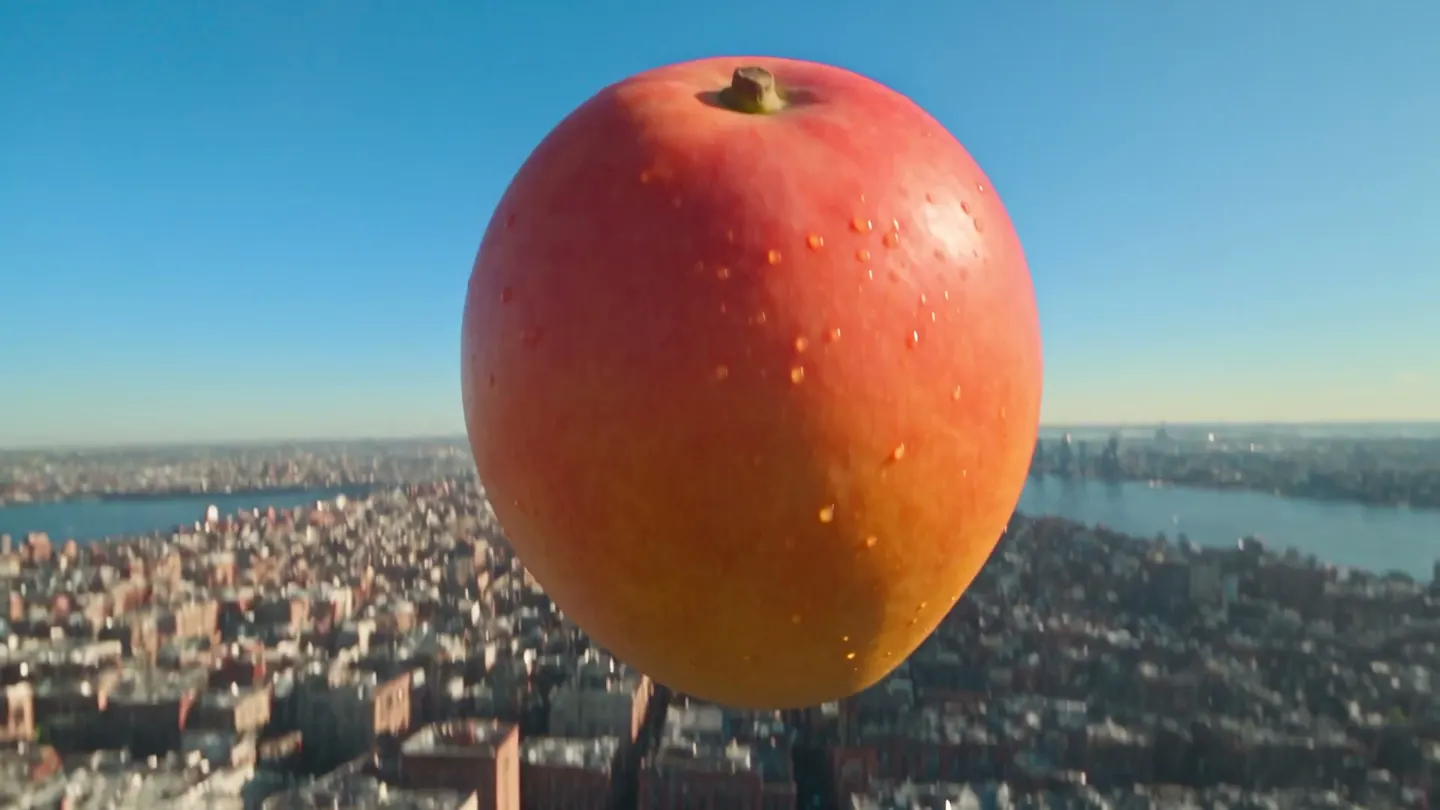
Ready to make your first 16-megapixel image?
Free to start, private by design. Have fun creating!
Open the MiniMax H3 Image generatorRelated generators & guides
Mage is for adults, 18+ only. Nothing illegal is allowed; any content involving minors or non-consensual depictions of real people is strictly prohibited.