
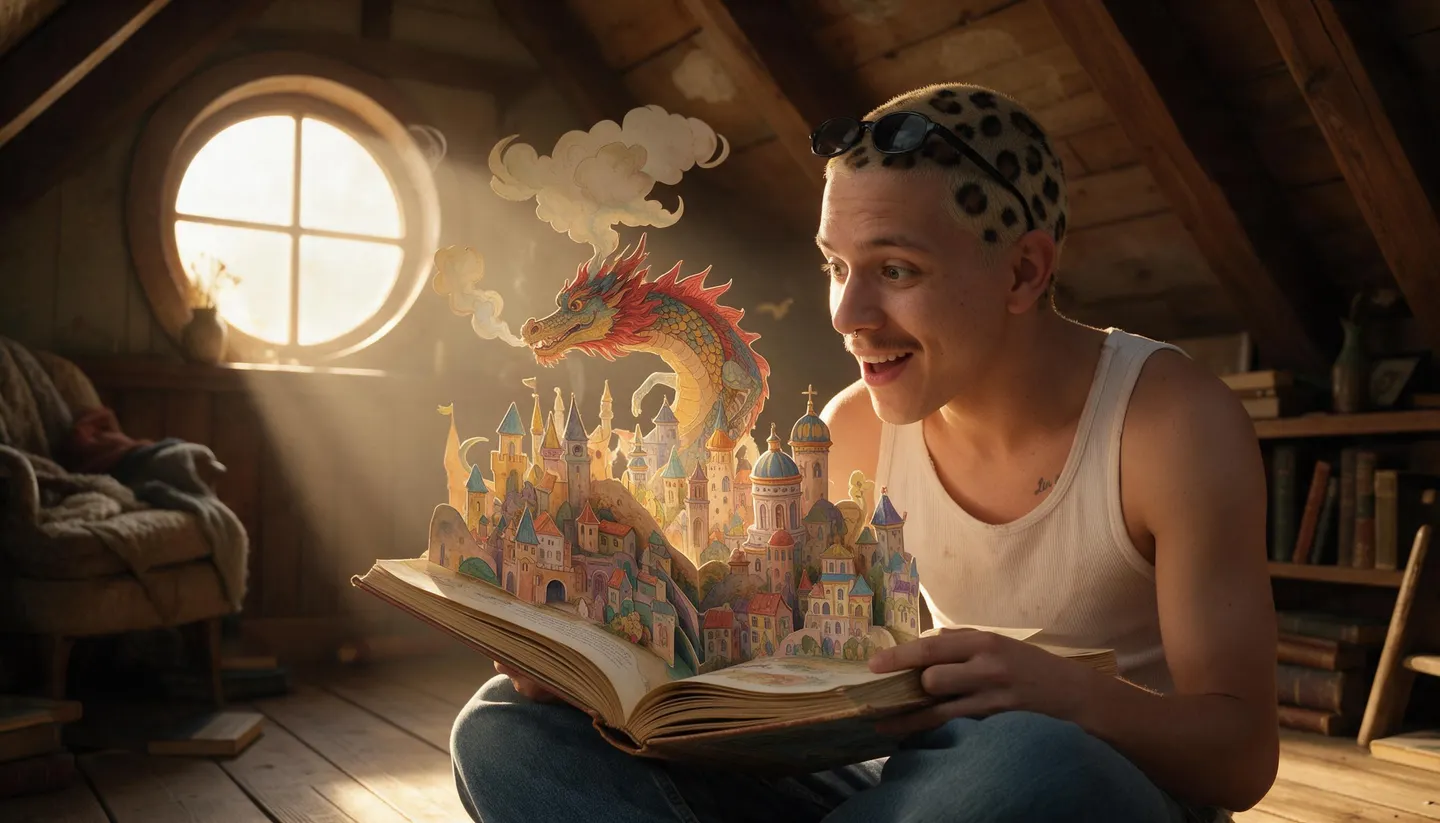
Free to start · One cast, every page
AI Story Generator
Bring an idea and a cast, and Mage turns it into a story you can see: illustrated pages in one consistent style, or a short video story filmed scene by scene. The same characters appear on every page.
No installation. No credit card. Private by default.
- Up to 10References on Mango 3
- 1 portraitTo save a character
- 5 to 20Scenes in a video story
- $0Free to start
The basics
What is a visual AI story generator?
Many AI story generators hand you paragraphs of text. A visual story generator hands you the story itself: a sequence of pictures, or of short videos, that tells it from beginning to end. Think picture books, bedtime stories, illustrated short fiction, a mascot’s adventure for social media, or the lore of a game world. The hard part is not one beautiful image. It is the same hero, in the same world and the same style, on every page.
On Mage, you save each character once from a single portrait and mention them by @handle, so the face, the outfit and the proportions carry from page to page. Mango 3 is built for that kind of consistency and combines up to 10 reference images, GPT Image 2.5 Flare and Nano Banana 2.1 can letter a title or a line of text on the page, and the Character Sheet and Angles apps give you more views of the same character and scene.
When the story should move, Story Studio turns one idea and a cast of up to three characters into 5 to 20 video scenes filmed in order. It sits between the comic generator, which is about panels and speech bubbles, the storyboard generator, which plans shots for a film, and the movie generator, which is about the film itself. This page is about the story: the pages, the pictures and the people in them.
A little more possibility
Why tell visual stories on Mage
A cast you save once
Save each character from one portrait and write @handle on every page instead of describing them again.
A world that stays put
Save the cottage, the dragon egg or the red scarf as references, so they look the same in every picture.
One style, start to finish
Repeat one style line on every page, or build a moodboard of 20+ images for Mango 2 and Nano Banana 2.1 to follow.
Words on the page
GPT Image 2.5 Flare and Nano Banana 2.1 render short titles and lines of text inside the illustration.
Pages that move
Animate between two pages with Lemon’s first and last frame, or film the whole story in Story Studio.
Private while you work
Every page is private by default, and nothing carries a watermark.
From idea to creation
How do you make an illustrated story with AI?
It takes three steps, and it is free to start.
Plan the pages
Write the story as 8 to 12 beats, one moment per page, with the short text each page will carry.
Save the characters
Create each character from one clear image in Characters, or turn one image into a full sheet with Character Sheet.
Illustrate page by page
Open Mango, pick Mango 3, and write each page with the @handles, the moment and the same style line.
Finish the story
Add text, narrate it, animate the key pages, or film the whole story in Story Studio.
Tips and techniques
Plan the story before the pictures
A picture story is a chain of moments, and each page shows exactly one. Before you generate anything, write the beats: who the hero is and what they want, what stands in the way (picture books often use three tries, each harder than the last), the lowest point, the turn, and the ending. Eight to twelve beats is a comfortable length for a short illustrated story.
Write the words for each page next to its beat, in a sentence or two. That text tells you what the picture must show and, just as important, what it should leave to the words. "Pip had never seen snow" needs a wide shot of a small fox at a window, not a close-up of snowflakes.
Pick the shape once: square or portrait for a book page, landscape for a slideshow or video, and keep it for the whole story. Changing the aspect ratio halfway through is as jarring as changing the art style.
- One moment per page.
- Write the page text before the prompt.
- Vary the camera: wide for places, close for feelings.
- Keep one aspect ratio for the whole story.
Tips and techniques
Keeping characters and the world consistent
Save every recurring character before the first page. A clear, evenly lit image with the full outfit visible works best. To get more angles from one design, the Character Sheet app turns one image into a sheet with a face close-up, front, side and back views and outfit details, which you can save as the character. The AI character generator guide covers creating a cast from scratch.
Save the things the story depends on as references: the hero’s home as a location, the magic lantern as an object, a costume as an outfit. Mention them by @handle like characters, and say what each is for: "@pip carries @brass-lantern into @old-mill". When you need the same scene from a new viewpoint, the Angles app regenerates an image from a different camera elevation and orientation.
Mango 3 combines up to 10 references in one image, so a page with two characters, a location and a prop still has room to spare. If a face drifts on one page, rerun that page rather than the whole story.
- Save each character before page one.
- Save key places and props as references.
- Say what each @handle is doing on the page.
- Rerun one page, not the whole set.
Tips and techniques
Choosing a look and keeping it
Write one style line and paste it, word for word, at the end of every page prompt: "soft gouache illustration, warm muted palette, visible paper texture, gentle rim light." Changing a single word between pages is the most common reason a story looks as if several illustrators drew it. Describe the technique, the palette and the texture rather than borrowing a living artist’s name.
For a style that is hard to put into words, build a moodboard: upload 20 or more images in one cohesive style, and Mango 2, Nano Banana 2 and Nano Banana 2.1 follow it. Watercolor, cut paper, colored pencil, 3D clay and flat vector all work well for picture stories.
Tips and techniques
Text on the page, and pages that move
For a title or one short line, ask GPT Image 2.5 Flare or Nano Banana 2.1 to letter it in the picture and put the exact words in quotation marks. For longer passages, ask for space instead, such as "leave the top third as plain sky", and add the text in your layout tool. Mage has no book-layout editor of its own.
To bring a page to life, send it to image to video. Lemon takes a first and a last frame, so two consecutive pages can become the start and the end of one clip, and the story animates from one to the next. Narrate the story with Eleven Speech, whose MP3 is exactly as long as the reading.
For a video story from the start, Story Studio takes the idea in up to 1,000 characters, a cast of one to three characters and up to five cast and references in all, and films 5 to 20 scenes in order. The AI movie generator guide covers it in detail.
The right model for the job
The best models for visual stories
Three for the pages, one for making them move.
Mango 3
Keeps the same character across a whole story, follows exact staging and combines up to 10 references. Unlimited on Pro at 1K and 2K.
GPT Image 2.5 Flare
Letters titles and short lines inside the illustration and follows precise prompts. OpenAI's safety filter applies.
Nano Banana 2.1
Readable text in the image, saved characters, and moodboards for a style you show rather than describe.
Lemon
Animates from a first frame to a last frame, so two pages become one moving clip, from 2 to 30 seconds with generated audio.
Try these prompts
Story page prompts to start from
Each is one page. Keep the style line the same on every page of a story.
Opening page
Wide shot: @pip, a small red fox in a green scarf, presses his nose to a frosted cottage window as the first snow falls over a pine forest at dusk. Leave the top third as plain sky. Soft gouache illustration, warm muted palette, visible paper texture.
The low point
Close-up: @pip sits alone on a snowy log, scarf drooping, his lantern gone dark, a single tear on his cheek, blue night light. Soft gouache illustration, warm muted palette, visible paper texture.
Title page with lettering
Book cover: @pip holds up a glowing brass lantern on a snowy hill under a starry sky. Hand-lettered title at the top: "Pip and the Winter Lantern". Soft gouache illustration, warm muted palette.
A mascot story for social
@bolt, a round orange robot mascot, waters a tiny plant on a rooftop garden at sunrise, the city skyline behind him, flat vector illustration, bold shapes, cheerful palette, square format.
Room to experiment
Text story generators vs a visual story generator
A text generator is useful when you need words. When the story has to be seen, the work is keeping a cast, a world and a style together across many pictures, and that is what Mage is set up for.
Text story generators
- Paragraphs, no pictures
- Illustrations from a separate tool
- Characters redescribed on every page
- No way to turn the story into video
Visual stories on Mage
- Illustrated pages or video scenes
- Saved characters and references on every page
- One style line or a moodboard for the look
- Story Studio and image to video for motion
Follow your imagination
What people make with an AI story generator
Picture books and bedtime stories
An animal hero or a friendly creature in a short illustrated tale, page by page.
Mascot and brand stories
A recurring mascot in a serialized story for social posts and newsletters.
Worlds and lore
Illustrated histories, legends and character moments for a game, a campaign or a novel.
Video stories
The same story filmed as 5 to 20 scenes in Story Studio, for vertical or widescreen.
Start small. Dream big.
Is the AI story generator free?
Mage is free to start with a one-time 300-Gem bonus and no watermark. Illustrated pages on Mango are unlimited from Pro, and Story Studio always runs on Gems.
Free
$0
One-time 300 Gems for new members. No watermark.
Pro
$30/mo
Unlimited Mango and Guava, unlimited character creation, and unlimited video on Melon, Lemon (3 s at 480p) and others. 1,500 monthly Gems.
Pro Plus
$60/mo
Adds Mango at 3K and 4K, Nano Banana 2.1 at 1K, a 10-generation queue and 3,500 monthly Gems.
A little more clarity
Frequently asked questions
Can AI generate a story with pictures?
How do I keep the same character on every page?
Does Mage write the story text?
Can the pages include text?
Can I turn the story into a video?
How is this different from the comic generator?
Is the AI story generator free?

Ready to tell your story in pictures?
Free to start, private by design. Have fun creating!
Illustrate a storyRelated generators & guides
Mage is for adults, 18+ only. Nothing illegal is allowed; any content involving minors or non-consensual depictions of real people is strictly prohibited.