
Face Swap · Photo face swap
Swap faces in any photo
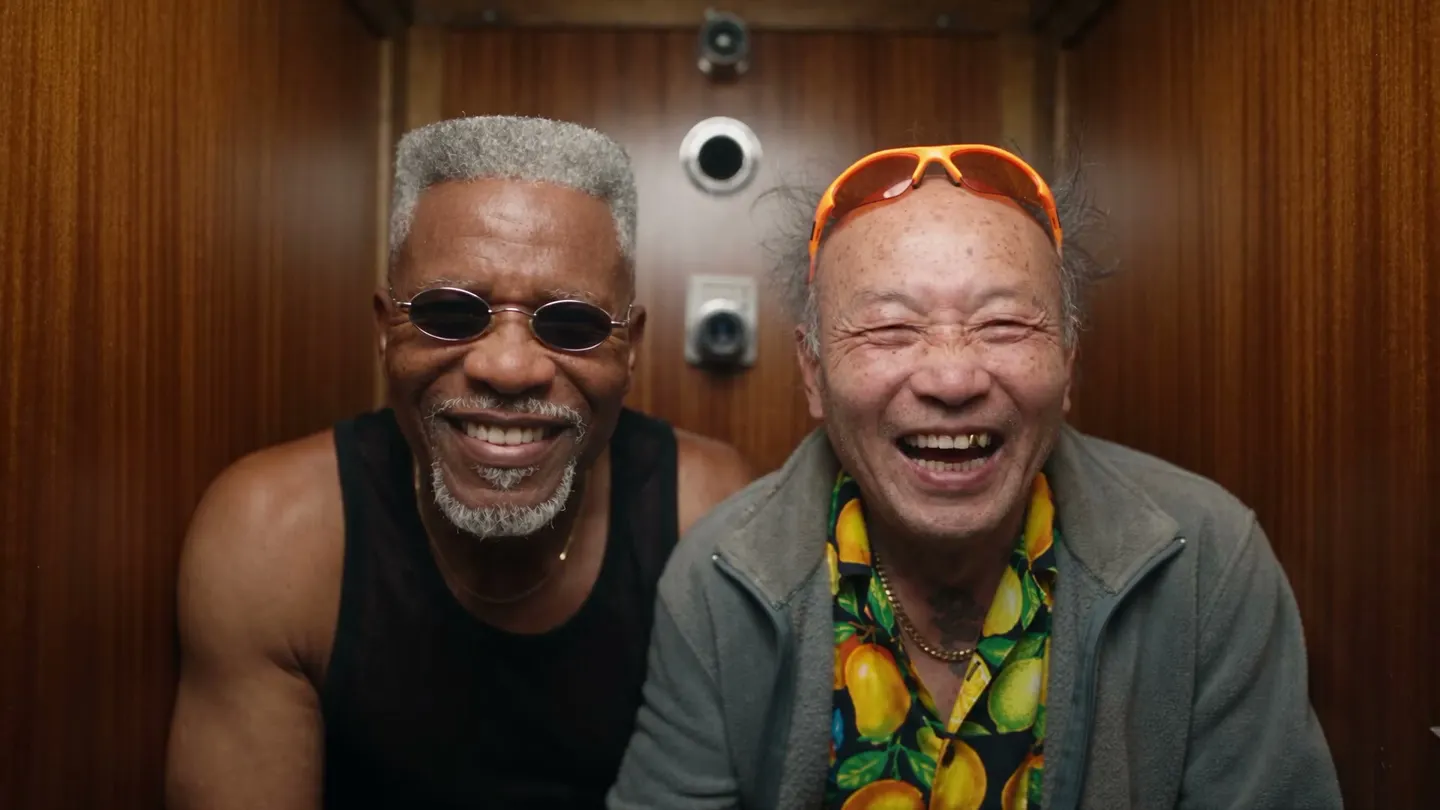
Add a photo and the face to put in it, and get the same shot with the new face and hair.
Add your own photo or start from an example. The price in Gems shows before you generate.
Before and after
See what Face Swap does
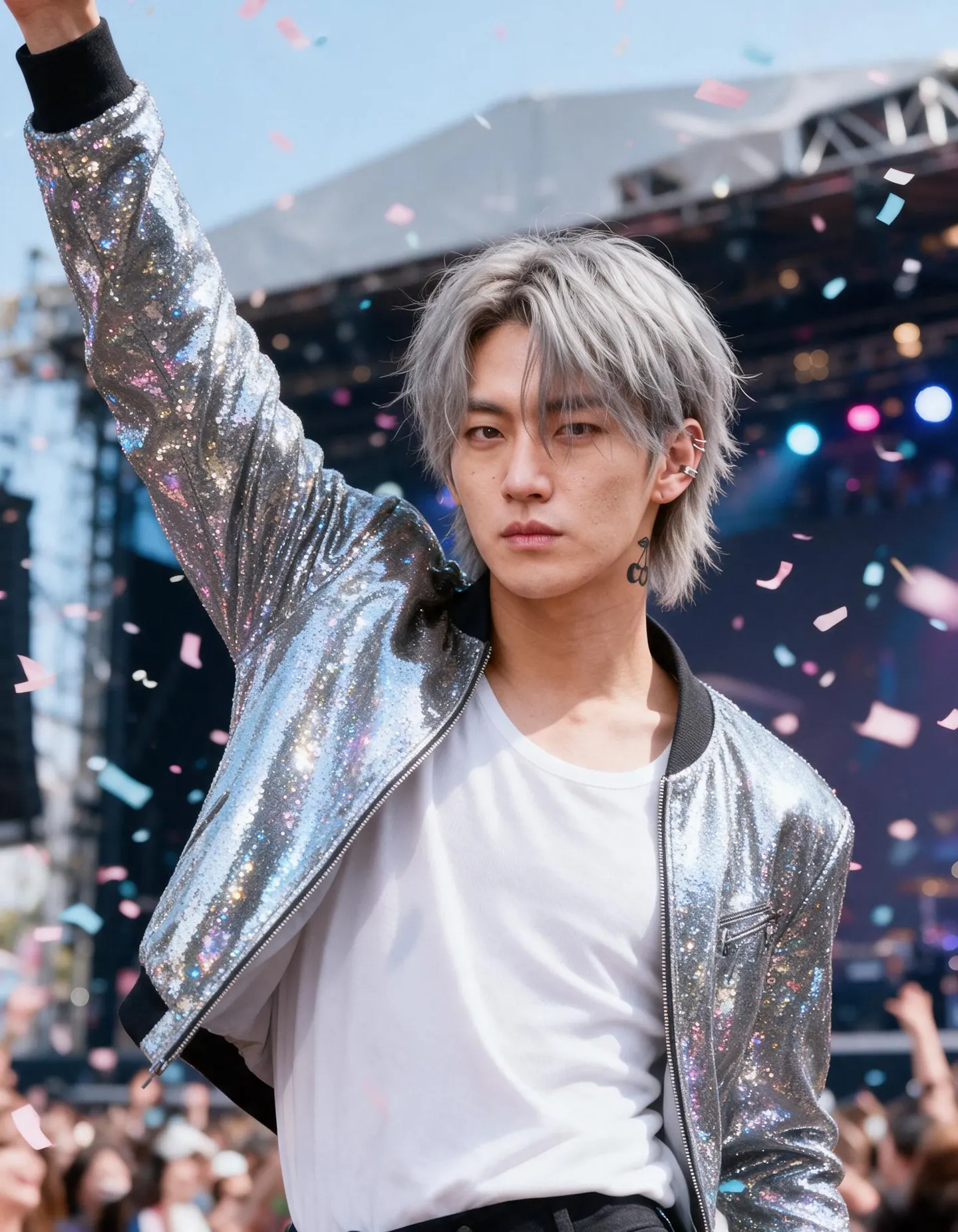
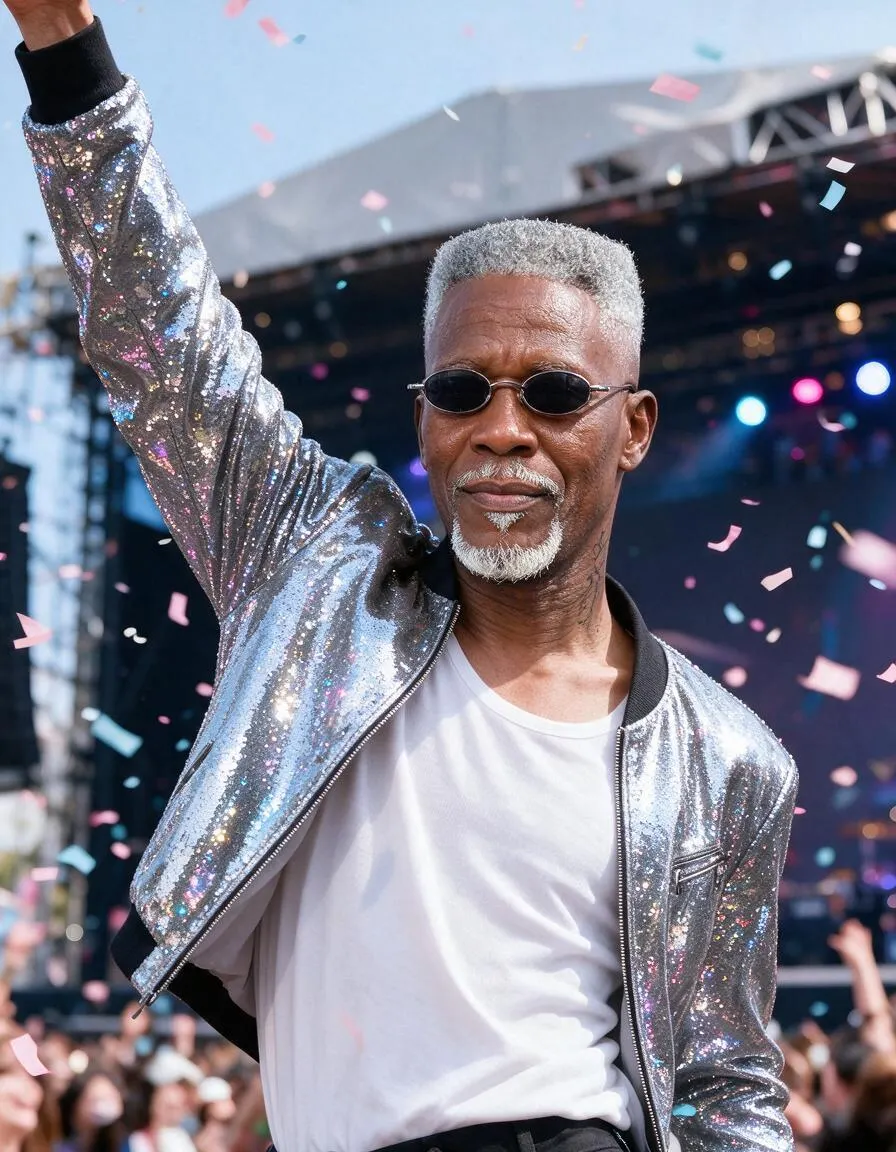
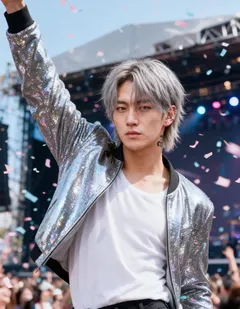
A 70-year-old grandpa takes the stage as a glittering K-pop idol. Drag the handle to compare the original with the result.
Mage examples
Made with Face Swap
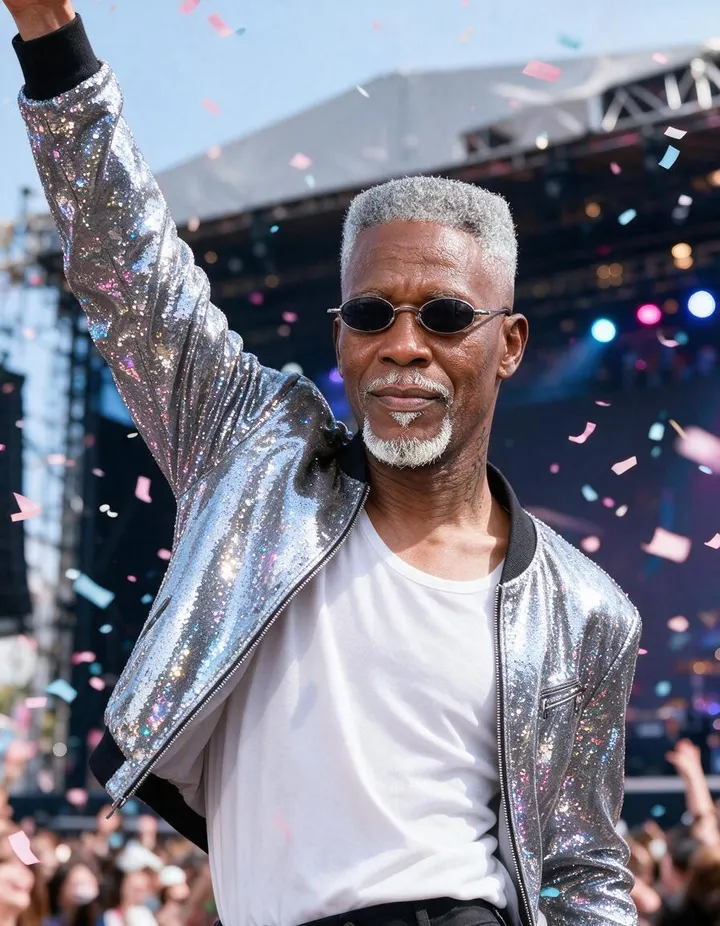
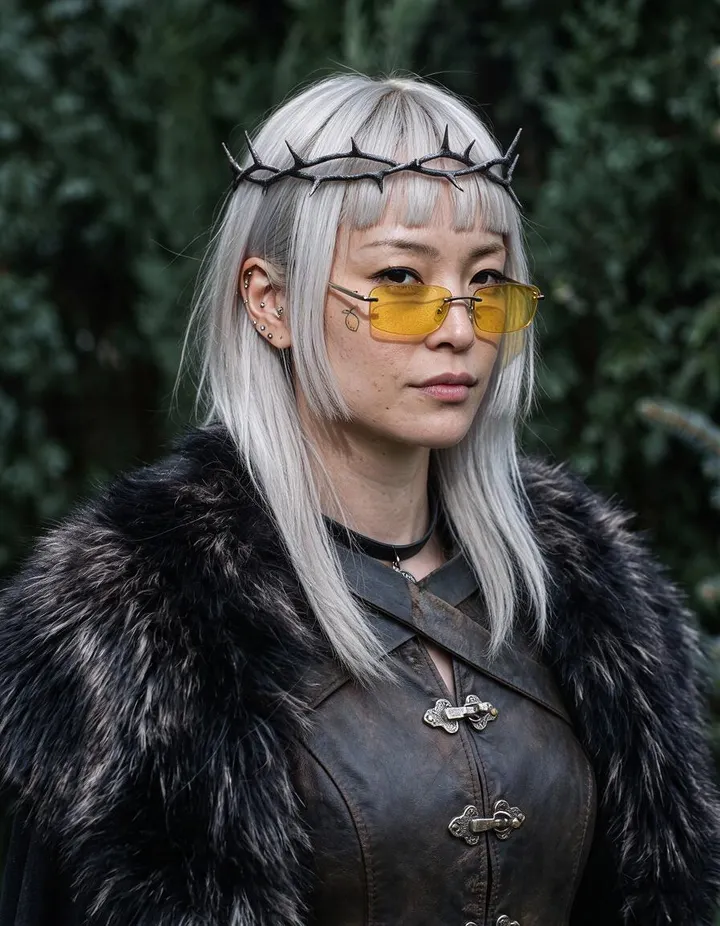
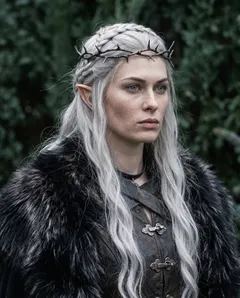
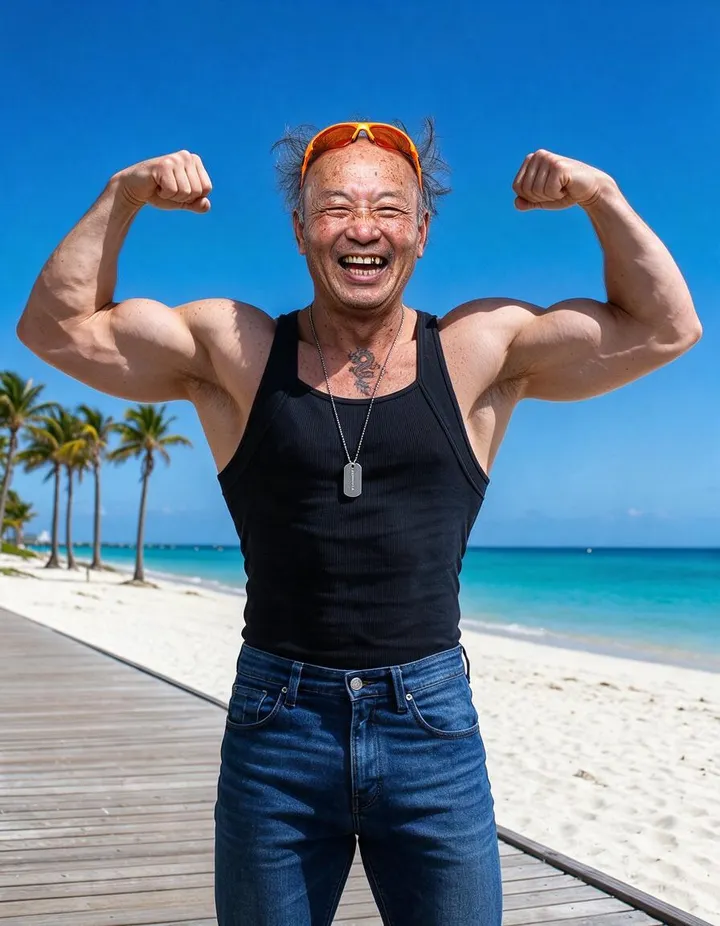
Real runs of Face Swap. Open one in the app, swap in your own photo, and generate.
How it works
How to use Face Swap
Add a photo and the face to put in it, and get the same shot with the new face and hair.
Add two images
In Original Face, add the photo to change. In Face to Swap, add the face to put in. Upload, pick a creation, or choose a saved character.
Pick a model
Mango 3 Turbo is the default. Change the model or resolution if you like; the price in Gems shows on the Swap button.
Swap
Check the permission notice and press Swap. The result lands in History, ready to download, save, share, or remix.
What you need
- The photo to change
- The face to swap in
For the best result
- Use a clear, front-facing photo for the face to swap in.
- Two photos with similar head angles and lighting blend most naturally.
- The hair comes from the face photo too, so pick one with the hairstyle you want.
Ideas
What people make with Face Swap
Cast your character
Put a saved character's face into a photo you like.
See yourself in a scene
Swap your own face into a setting, outfit, or style.
Keep one face
Use the same face across a set of generated images.
The basics
What is an AI face swap?
An AI face swap takes the face from one photo and puts it into another. Older face-swap apps cut a face out and pasted it on top, which left mismatched skin tones, wrong lighting and a visible seam. A model-based swap repaints the face into the scene instead, so it picks up the light, the angle and the grain of the photo it lands in.
Mage's Face Swap works from two photos you choose. The first, the Original Face slot, is the photo you want to change. The second, the Face to Swap slot, is the identity you want in it. Mage replaces the face and hair of the person in the first photo with the identity from the second, and keeps their pose, expression, camera angle, clothing and background.
The same idea works on moving pictures. Video Face Swap applies a face from one image to every frame of a clip, keeping the original motion, expressions and lip movement, and the original audio by default. Both tools ask you to confirm you have permission to use the people in them.
A little more possibility
Why creators swap faces on Mage
Bring both photos
No template gallery: you choose the scene and you choose the face, so the swap fits the picture you actually have.
The scene stays put
Pose, expression, camera angle, clothing and background carry over from the original photo untouched.
Your choice of model
Face Swap starts on Mango 3 Turbo and can switch to Mango 3, Nano Banana 2.1, GPT Image 2.5 Flare and more.
Photos and video
Video Face Swap applies the same face to every frame of a clip and keeps the original audio by default.
Private by default
Your photos and swaps stay private to your account. Nothing is shared unless you choose to post it.
Unlimited on Pro
Swaps on the Mango models are unlimited from Pro at $30 a month, and every model runs on Gems on any plan.
Tips and techniques
How to pick photos that swap well
The swap is only as good as the two photos you give it. The face photo carries the identity, so it should show the face clearly: sharp, well lit, not hidden by sunglasses, a hand or heavy shadow. A face seen from roughly the same angle as the face in the original gives the model the least to invent.
The original photo sets everything else. Its light, its camera angle and its expression are what the finished swap will have, so choose the original for the moment you want and the face photo for the person you want. Because the swap brings the hair from the face photo along with the face, pick a face photo whose hair suits the scene, or change it afterwards.
- A sharp, evenly lit face photo with nothing covering the face
- Similar head angles in both photos
- One clear person in the original photo
- Choose the original for the pose and expression you want
- Expect the hair to come from the face photo
Tips and techniques
Choosing a model for the swap
Face Swap starts on Mango 3 Turbo, which is quick and inexpensive, so it is the one to try first and to run a few times. When the likeness matters most, switch to Mango 3, which follows exact instructions and keeps the rest of the image in place. Nano Banana 2.1 and the GPT Image models are there too; their makers apply their own safety filters, which can refuse some photos.
Different models read the same face differently, so the fastest route to a good swap is to run it on two models and keep the better one. If you only want to change the hair, use the AI hairstyle changer instead; if you want to replace the whole person, face, outfit and body, use the AI character swap.
Tips and techniques
Consent, and what face swap is not for
Face Swap shows a permission checkbox before it generates. By leaving it checked you confirm that you have permission to use the content, including any likeness or voice it contains, and unchecking it stops the swap. Under it, Mage states plainly that harmful deepfakes are strictly forbidden.
Use your own face, the faces of people who have agreed, or characters you created. Do not use face swap to impersonate anyone, to deceive, or to put a real person into a picture they would not agree to. Nothing illegal is allowed on Mage, including any content involving minors and any non-consensual imagery of real people.
The right model for the job
The best models for face swap
Face Swap lets you pick the model that does the swap. Start fast, then reach for the flagship when the likeness has to be exact.
Mango 3 Turbo
The default in Face Swap: fast and inexpensive, good for trying several pairs of photos quickly.
Mango 3
Mage's flagship for edits that keep everything else in place. Use it for the final version of a swap.
Nano Banana 2.1
Google's edit model, with output up to 4K. Google's safety filter applies and can refuse some photos.
GPT Image 2.5 Flare
OpenAI's model, precise with detailed edits. OpenAI's safety filter applies and Mage cannot override it.
Room to experiment
Template face swap apps vs Mage
Many face-swap apps give you a gallery of template scenes to drop a face into. That is fun until the scene you want is your own photo. Mage swaps between the two photos you choose.
Template apps
- Swap into a fixed set of template scenes
- One model, one interpretation of the face
- Video is a separate app, if it exists
- Every retry spends another credit
Mage
- Your scene, your face
- Switch models and compare the results
- Photo and video face swap in one account
- Unlimited swaps on Pro with the Mango models
A little more clarity
Frequently asked questions
What is Face Swap?
What do I need to upload?
What size is the result?
Which models can I use?
How much does a face swap cost?
Can I swap a real person's face?
Is there a free AI face swap?
How do I swap faces in a photo?
Does the swap keep the expression and the background?
Can I swap a face in a video?
Why did the hair change too?
Can I swap anyone into a photo?
Are my photos private?

Make your own with Face Swap
Open the app, add your photo, and see the price before you generate. Everything you make stays in your History.
Open Face Swap